Sorted:

Rel12-13

Print Labels Without Installing CureMD Client Utility

This enhancement provides a fallback option for label printing when the Cure Client software is not installed or running. Users can now manually generate labels, ensuring that patient workflows continue without interruption.

PhysicalExamName

Physical Exam template names override “Physical Exam” subheading in provider notes

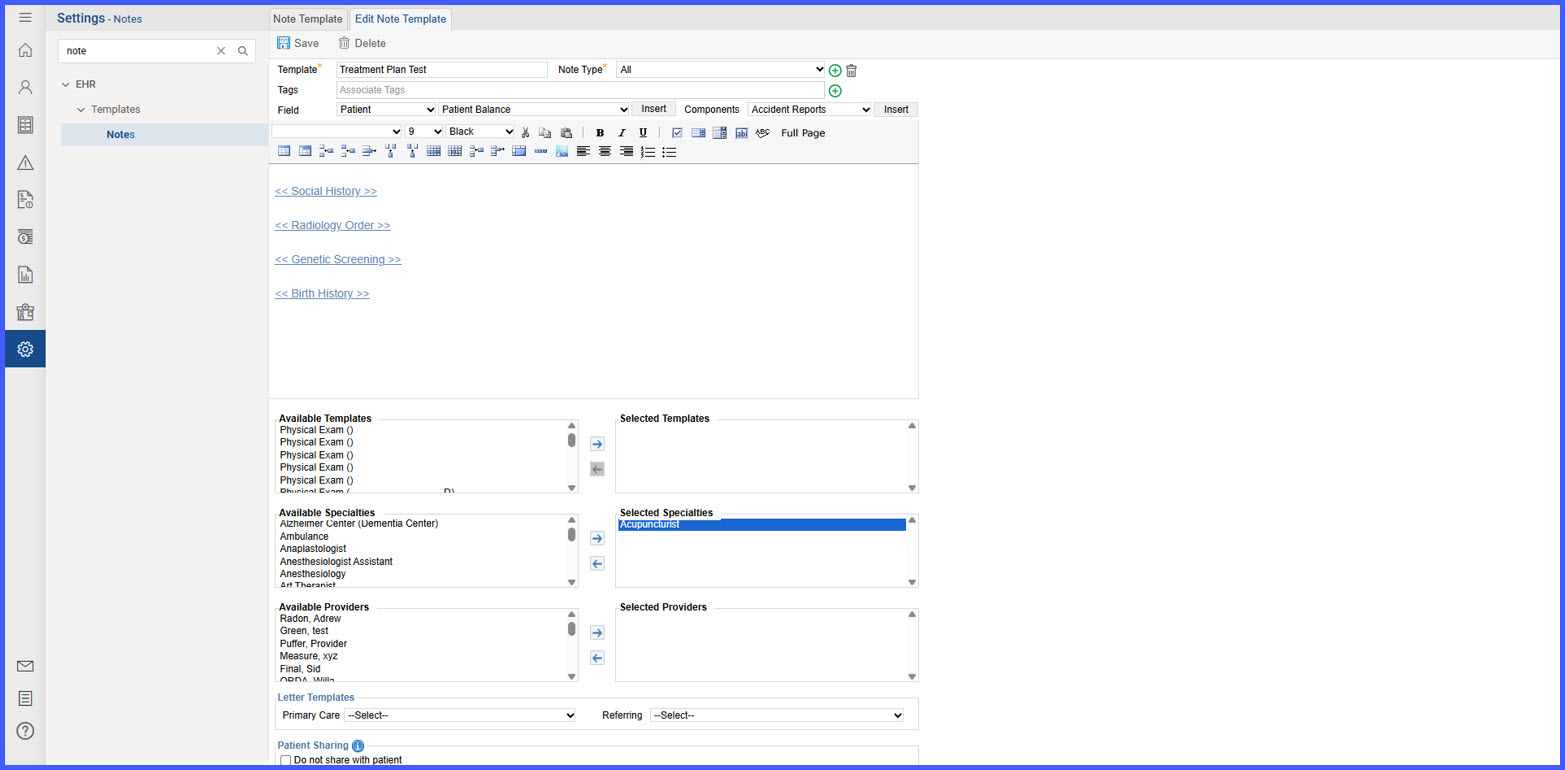
With this enhancement in the CureMD application, the user sees the Physical Exam template name displayed as the subheading in place of “Physical Exam” when a customized Physical Exam template is applied. This provides a more accurate reflection of the clinical content added to the note.

RN-1-1

Locations Now Sort Alphabetically in Vaccine Administration & Immunization Outbound Settings

We’ve standardized location lists to sort alphabetically (A–Z) by name in two key areas. This makes it faster to find the correct site, reduces selection errors, and keeps the experience consistent across immunization workflows.

RN-3

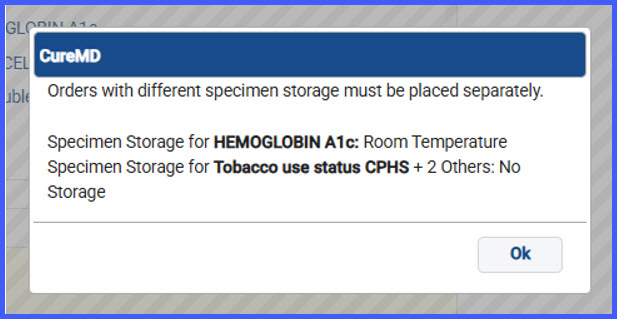
New Units Field to Map CPT Codes with Lab Codes

Users can now enter a Units value when mapping CPT codes to lab orders. This resolves a long-standing limitation where the same CPT code couldn’t be repeated, prompting users to create synonyms and workarounds. The update simplifies billing setup and aligns better with vendor requirements.

12

Structured Layout of Emergency Contacts and Responsible Party in Demographics Report

With this enhancement in the CureMD application, the patient demographics report displays available Responsible Party and Emergency Contact details using a structured layout that omits any missing fields. This ensures a clean and readable report format without blank labels or layout disruptions.

ImportNote2

Import Prior Note When Creating a New Note

With this enhancement in the CureMD application, providers can now import a prior note directly when creating a new note. This streamlines workflows across multiple entry points and ensures required fields and practice settings are consistently enforced.

AutoFillLab

Auto-Fill Lab Results in Provider Note Using Lab Result Flag

To streamline documentation and reduce manual entry, a new auto-population feature has been introduced for lab results within the provider note. When enabled, the system automatically populates the patient’s most recent lab results where the <<Lab Results>> flag is detected.

4

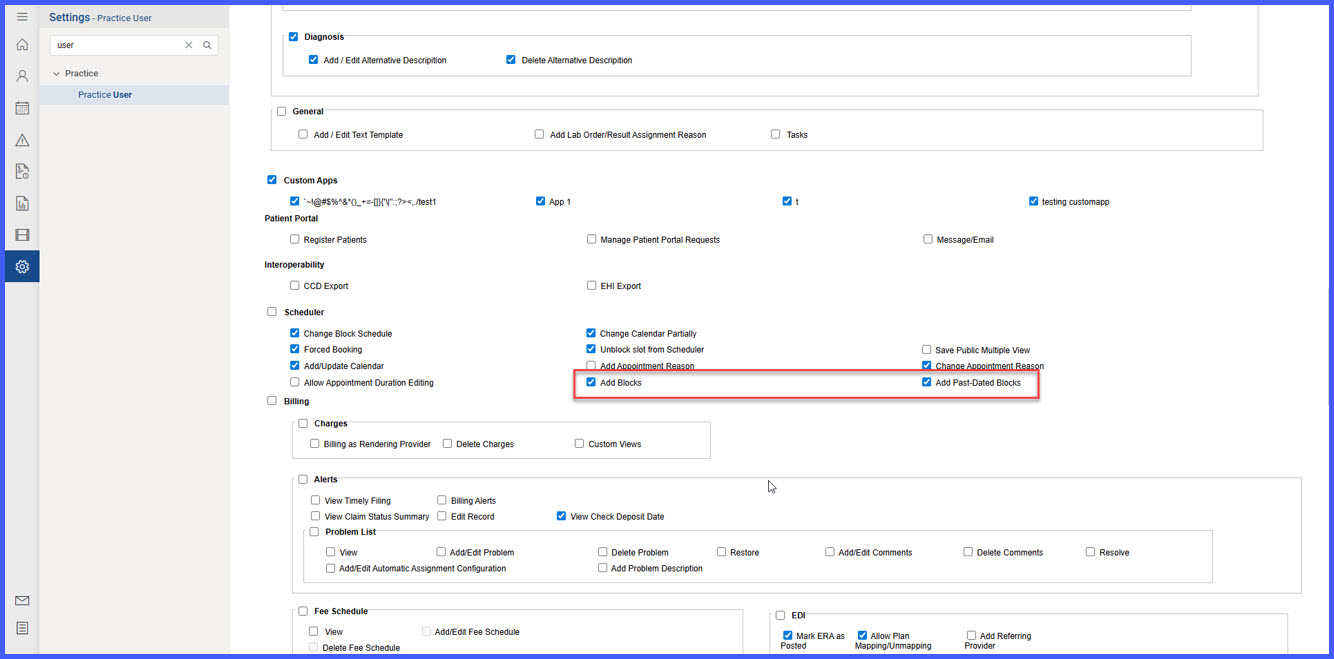
Restrict Appointment Duration Editing for Authorized Users

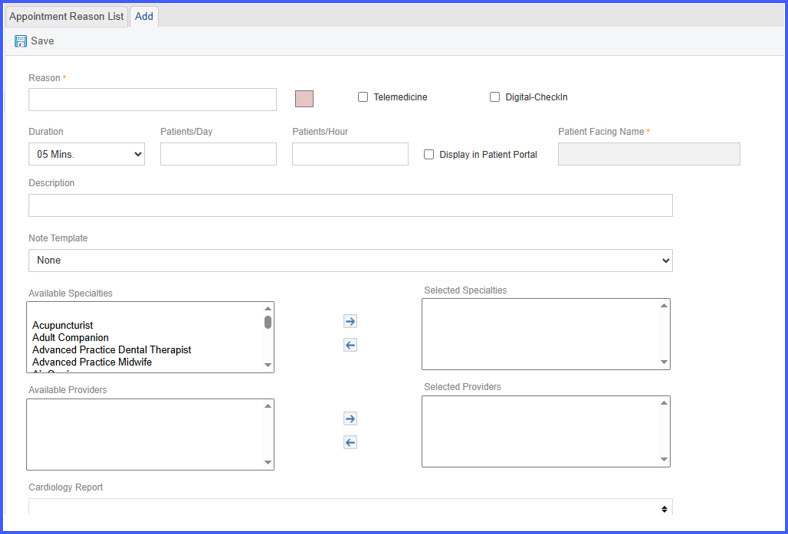
The system now enforces restrictions on appointment duration edits to ensure that only authorized users can modify appointment lengths. This enhancement prevents scheduling discrepancies and maintains consistency across clinical and financial workflows.

RN-5-1

Patient Balance Now Appears on Appointment Tooltip

The system now displays patient balance details within the appointment tooltip in the Scheduler, allowing users to quickly access financial information without altering or interpreting billing logic

14-2

TPL Code Integration for Medicaid Plans

CureMD now supports automatic Third-Party Liability (TPL) code integration for Medicaid insurance plans.

When enabled, the system retrieves TPL information from Medicaid eligibility and adds it directly to the Charge Page and EDI claim file — keeping claims compliant and reducing manual entry.