Sorted:

Auto‑Sort Medical, Surgical, and Family Histories on Save

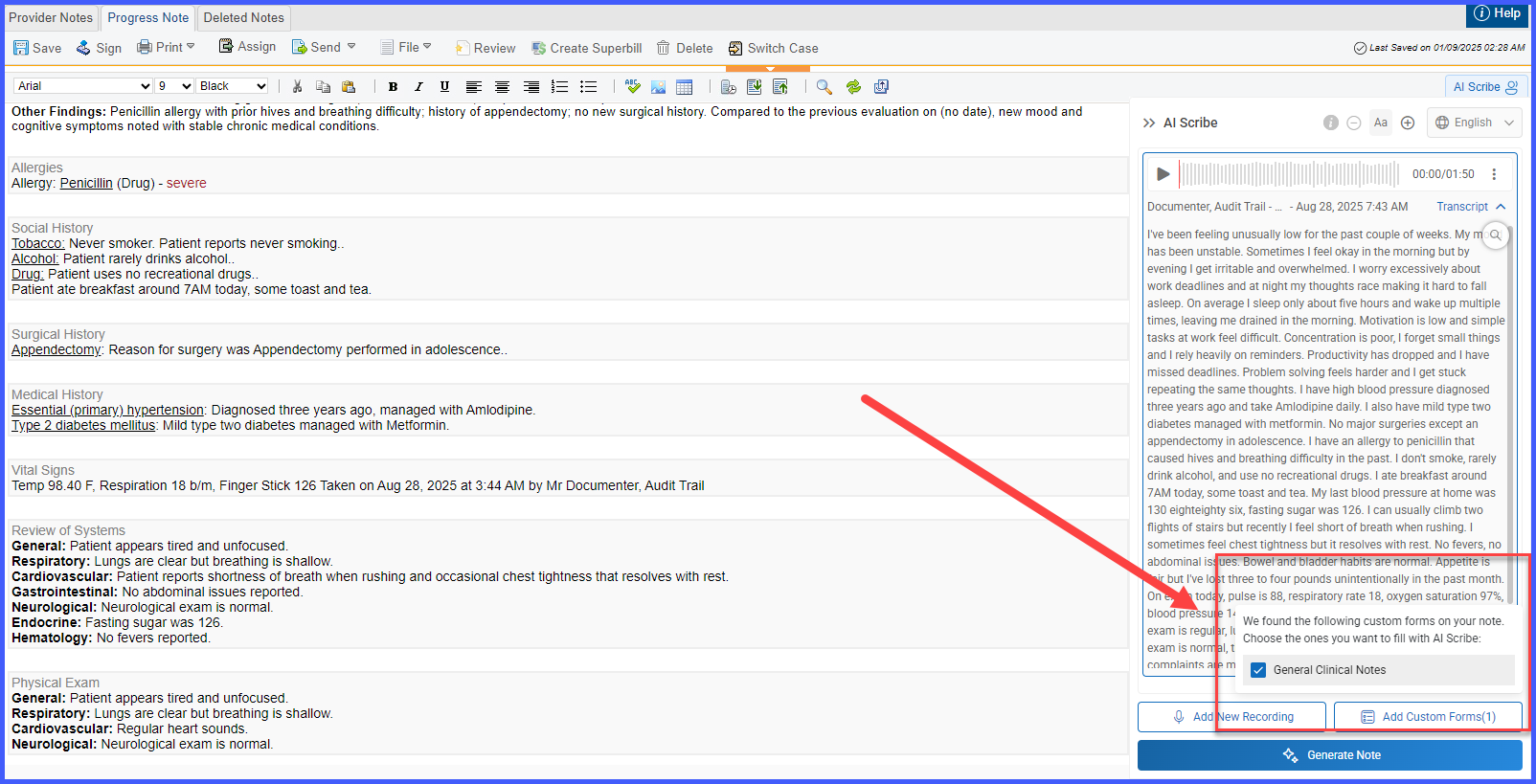
With this enhancement in the CureMD application, medical, surgical, and family histories are automatically sorted in A–Z order whenever users save changes in Clinical or the Provider Note. This will keep histories easy to scan and ensures the on‑screen display and SOAP output match the same alphabetical order.

PreferredPharmarcieSelection-2

Display of Preferred Pharmacies in Pharmacy Selection Dropdown on Prescription Pad

With this enhancement in the CureMD application, the pharmacy selection dropdown on the Prescription Pad displays patient preferred pharmacies at the top of the list with a ‘Preferred’ label. This helps the provider easily identify and select from the patient’s preferred options before searching for other pharmacies.

MandatoryEPCS

Mandatory Diagnosis Enforcement for Controlled Substance ePrescriptions

With this enhancement in the CureMD application, administrators have a checkbox within My Practice Settings › EHR › Prescription Section to enforce diagnosis selection when electronically prescribing Schedule I–V medications. This ensures users submit prescriptions for controlled substances with proper clinical context.

PatientBannerLanguage

Preferred Language in Patient Banner & Banner Tooltip

This enhancement improves visibility into patients’ communication preferences within the CureMD application. When enabled in EHR settings and preferred languages are recorded in the patient profile, the patient banner now displays a Preferred Languages chip and a tooltip line under the patient's name. These updates help support accurate, patient-centered care by making language preferences more immediately accessible.

PreferredLanguage4

Preferred Language List Customization in EHR

With this enhancement in the CureMD application, EHR settings include a Preferred Language list customization option that controls the languages presented in Defaults and the patient profile, along with a setting to display a Preferred Language indicator in the banner. This streamlines configuration, ensures consistent language options, and supports clear communication at the point of care.

PortalStatus

Ability to Distinguish Portal Status by Color

When the user navigates to patient's profile, the system will display the Inactive portal status with a red tag. If the portal account is active, the Portal status tag will be green. 

GovIDMulti

Upload Multiple Government ID Cards with Front and Back

With this enhancement in the CureMD application, the Driver’s License folder has been renamed to Government ID, allowing users to upload or scan multiple ID documents with both front and back sides. This will make it easier to manage different types of government-issued IDs in one place.

ConsentAptRsn2

Associate Consent Templates with Appointment Reasons & Auto-attach at Check-In

With this enhancement in the CureMD application, the practice users can now configure Consent letter templates to automatically add during Check-In for specific Appointment Reasons. This will ensure that all required consents are signed without having to navigate to patient profile.

RN6

Vitals Component Links and Reuses Prior Entries in Provider Notes

The Vitals component now lets the user identify and reuse prior vital sign entries when composing a provider note. This capability streamlines documentation by preventing duplicate records and ensuring each note references the correct clinical data.

EnterpriseToolTip

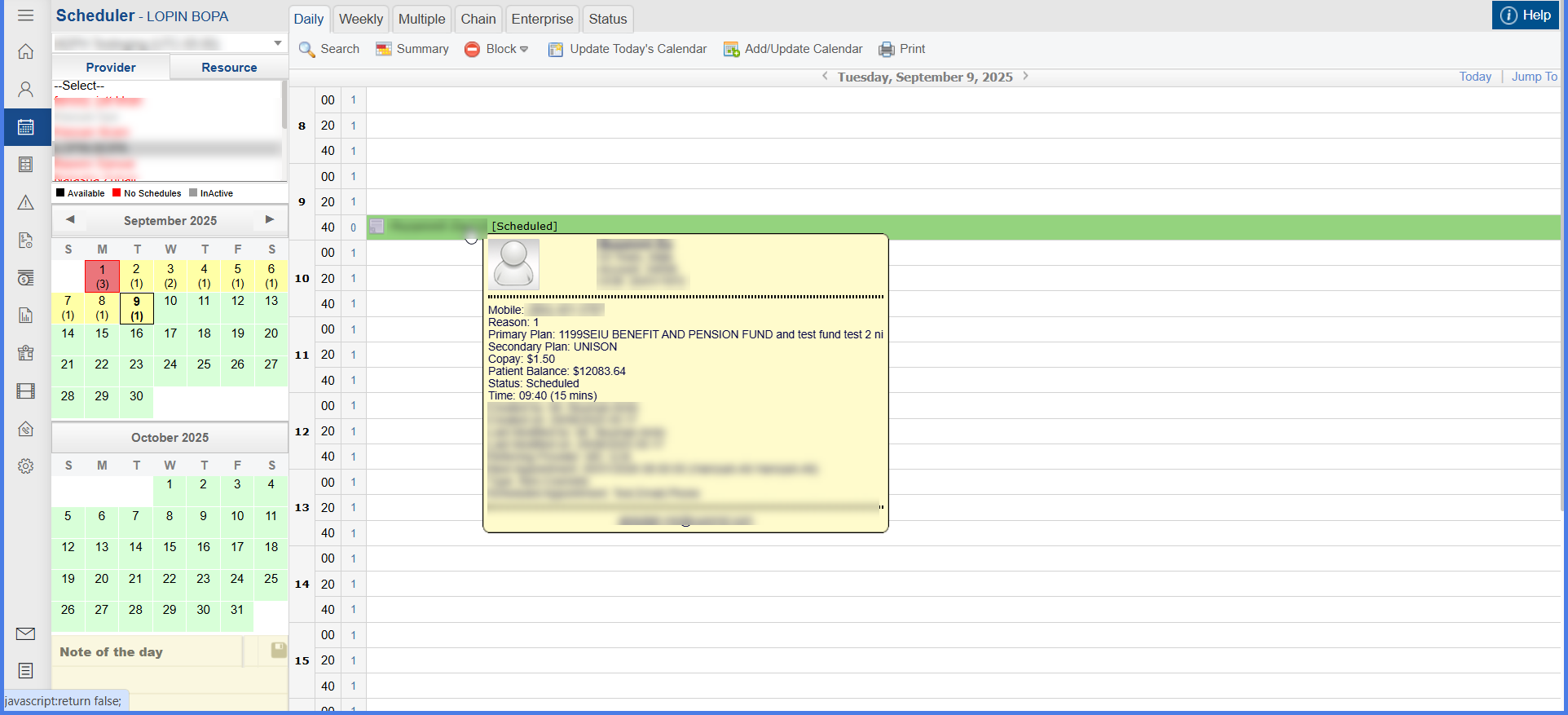
Accurate Appointment Tooltips and Actions in Enterprise Calendar View

With this enhancement in the CureMD application, the system displays precise appointment details on hover and accurate patient-specific menus upon clicking appointments within the Enterprise Calendar View. This enables users to reliably interact with multiple appointments and maintain correct patient context during calendar actions.