Sorted:

585436-1

Optional Question Responses on MMSE Form

With this enhancement in the CureMD application, the user has the option to answer as many questions on the MMSE form as required. This allows the provider to assess cognition or orientation by asking only the relevant questions.

643302-1

Enforce NPI Requirement for Referring Providers

With this enhancement in the CureMD application, users can implement the requirement of a National Provider Identifier (NPI) for referring providers. This ensures that all necessary information is complete and compliant with healthcare regulations.

651434-1

Enhanced 2FA Security with Multiple Verification Methods

With this enhancement in the CureMD application, the user selects an OTP delivery method via email or phone for an additional layer of security after logging in. This ensures the user's account remains secure from unauthorized access.

671522-1

Manage Permissions for Adding Referring Providers

With this enhancement in the CureMD application, users can control practice user permissions for adding new referring providers to the database. This regulates database changes according to user roles and enhances security.

696860-1

Classify Patient Portal User Accounts as Patients or Caregivers

With this enhancement in the CureMD application, the user classifies patient portal accounts as either patients or caregivers based on first name, last name, and date of birth. This ensures accurate management of user profiles.

683660-1

One-Time Popup Alert for Duplicate Plan Display Names

With this enhancement in the CureMD application, the user receives a one-time popup alert when opening a plan with a duplicate display name. This informs the user about the duplicate without repeating the alert every time the plan is accessed.

681803-1

Restrict Practice Users from Adding or Editing Alternative Descriptions

With this enhancement in the CureMD application, users can restrict practice users from adding or editing alternative descriptions for diagnosis codes. This helps minimize human errors and ensures that only authorized personnel can make such changes.

425965-1

View AOEs on Treatment Plan HTML Report

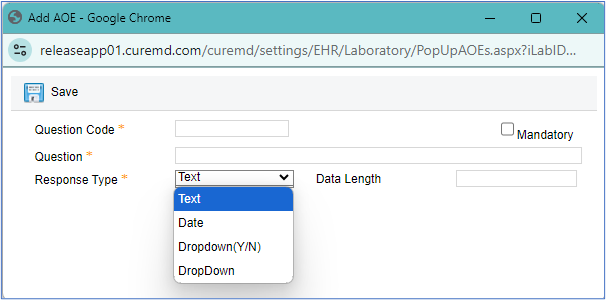
With this enhancement in the CureMD application, the user can view the Ask on Entry Questions (AOEs) attached to tests on the treatment plan HTML report. This provides complete and accurate information in the treatment plan documentation.

onc32-6

Missing Information Screen for ePrescriptions in Regimen Library

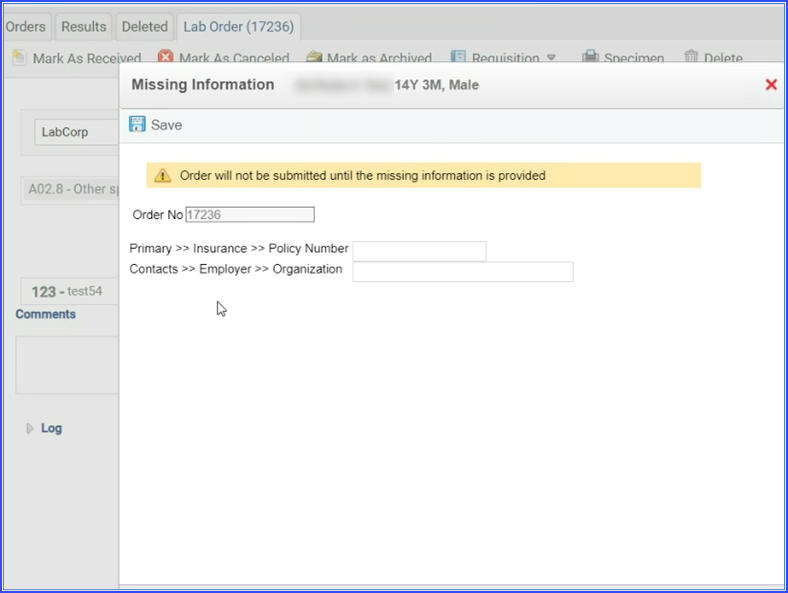
With this enhancement in the Chemotherapy Manager, the Regimen Library displays a 'Missing Treatment Details' screen to ensure complete and accurate order details for ePrescriptions. This prompts users to fill in any mandatory information before proceeding.

onc29-6-1

Display of Lab and Radiology Orders on Orders Screen

With this enhancement in the Chemotherapy Manager, the orders screen includes lab and radiology orders alongside other treatment orders, providing a complete view of all active orders for a patient. This helps reorganize the interface, making order management more efficient.