Sorted:

1-1

Enable Location Filtering Using 'Enable Location-Based Access for Scheduler and Today's Patients' under Settings -> Practice -> My Practice Setting -> Scheduler

This enhancement introduces refined functionality for the Scheduler Settings option 'Enable Location-Based Access for Scheduler and Today's Patients' under My Practice Settings, providing better control over location filtering in scheduling workflows. This setting now operates independently of the Security setting 'Enable Location-Based Access to Patient’s Record' in Security Settings when the security setting is disabled, allowing a more flexible approach to managing user-associated locations while maintaining existing security-driven access restrictions. 

image-11

Customize Diagnosis Requirements for Lab and Radiology Orders

With this enhancement in CureMD the user can set whether a diagnosis is required when saving or signing lab and radiology orders. This enhancement is designed to fit perfectly with your practice's workflow, giving you control over the documentation process. 

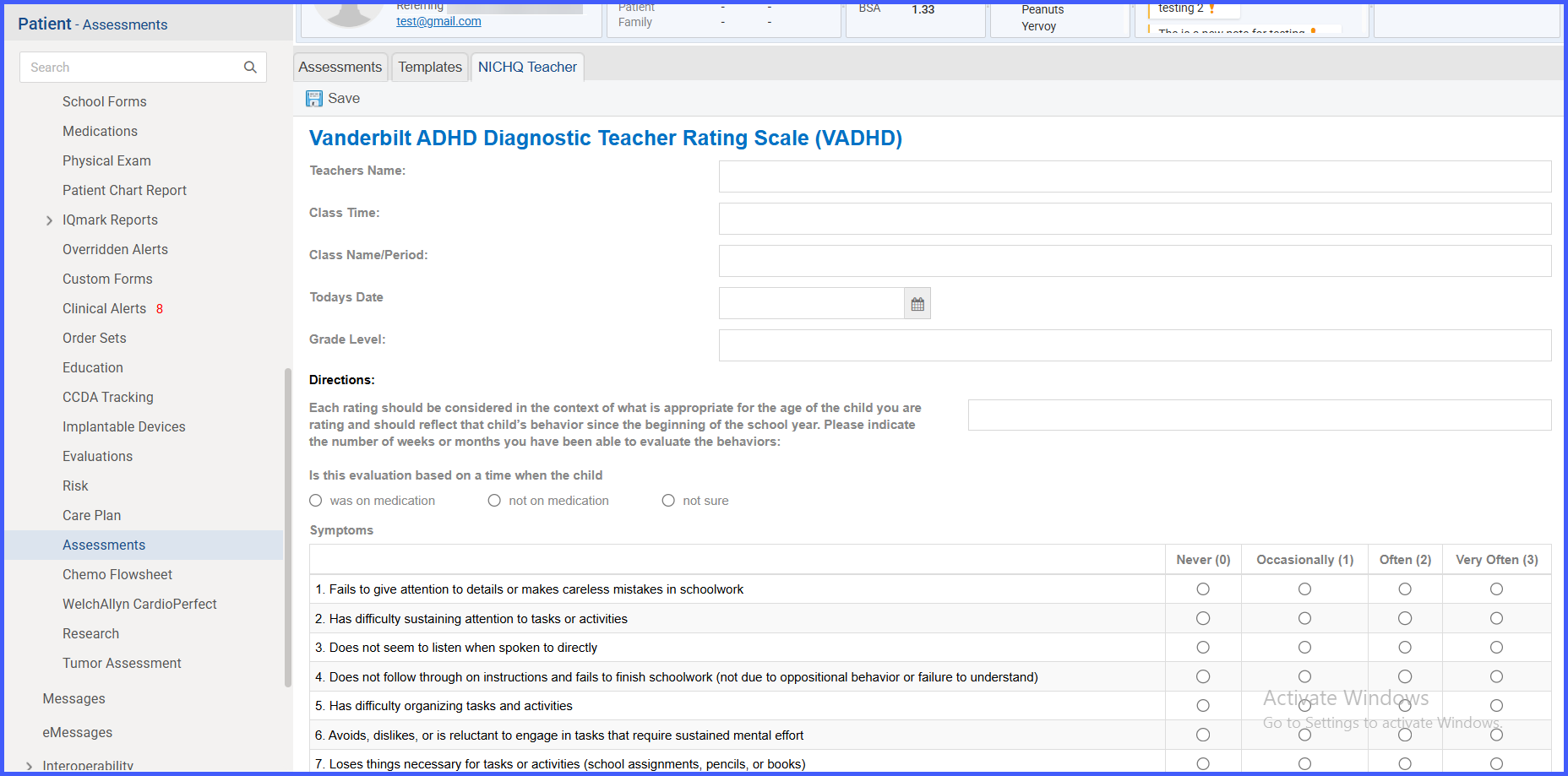
Addition of Vanderbilt Parent Scales Assessment

With this enhancement in the CureMD application, user can fill Vanderbilt Parent Scales Assessment to evaluate symptoms of ADHD (Attention-Deficit/Hyperactivity Disorder) in children. This assessment consists of two main components: the initial assessment and the follow-up assessment. These are designed to help clinicians understand the severity and nature of ADHD symptoms, and they are typically filled out by parents or caregivers. 

image-71-1-600x308-1

Practice User: Decision Maker & Business Role

The recent changes to Practice User requirements, including the addition of Business Role and Decision Marker (Mandatory Fields), aims to streamline communication between CureMD and client practice by identifying key stakeholders for targeted correspondence incase of issues or as needed.

schoolform1-1

Latest School Health Examination Form Added

With this enhancement, the user has the ability to fill in the latest version of the School Health Examination Form.

Automatic Conversion between Metric and English Systems for Vital Signs (Weight) in Provider Notes

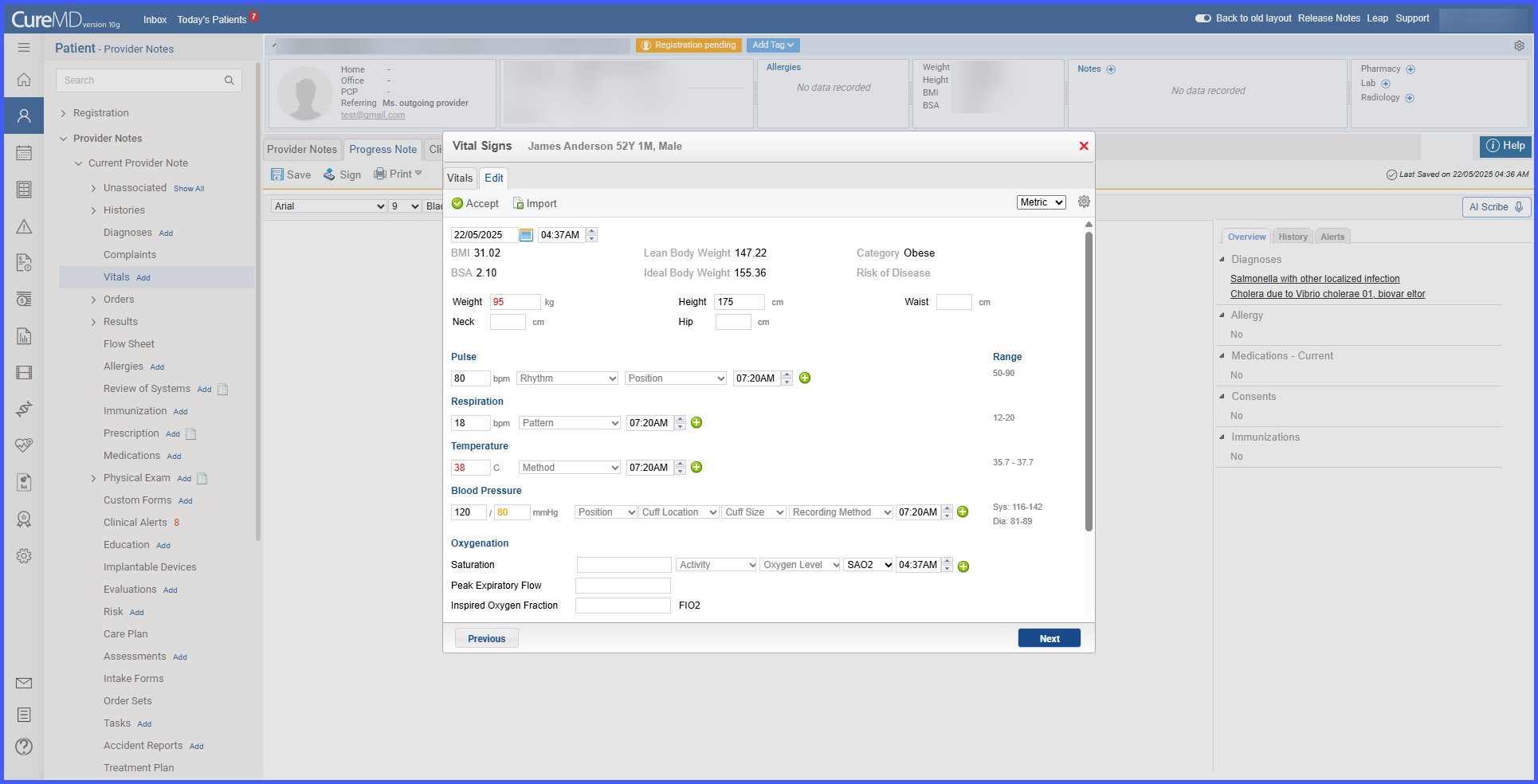
With this enhancement in the CureMD application, the user can enter weight in either Metric or English units and see the corresponding conversion in parentheses. This change supports a more streamlined workflow by providing both measurements without manual calculations. 

Ability to Add Expected Date in Procedures  

With this enhancement in the CureMD application, users can specify an "Expected Date" when adding a procedure in the Procedures component. This assists users to set either a current or future date, improving scheduling accuracy and documentation. 

Auto-Acknowledge Lab Results in Provider Note 

With this enhancement in the CureMD application, lab results can be auto-acknowledged upon import into a provider’s note, ensuring streamlined documentation. This feature allows only the ordering provider to auto-acknowledge lab results, promoting accuracy and clarity in lab result management. 

image-5

Toggle Between Imperial and Metric Units in Vitals Section 

With this enhancement in the CureMD application, users can toggle between Imperial and Metric units when viewing the growth chart's data table in the Vitals module. This allows users to present measurements in the unit system that is most familiar to their clients and patients. 

expfdb

Clinical Alerts Feedback Export Functionality

With this enhancement in the CureMD application, users can export a summary of actions performed against clinical alerts and associated user feedback (if any). This functionality enables users to download a CSV file containing details of their clinical interventions for review and analysis.