Sorted:

Reference-Provider-PF-Dropdown

Ability to View All Contact Information for Reference Providers

With this enhancement in the CureMD application, practice users can now view all contact numbers associated with a reference provider directly within the Reference Providers pop-up. This ensures that users have access to complete and accurate contact information for effective communication.

KioskTag2

Spanish Language Support for Kiosk Consents and Custom Forms

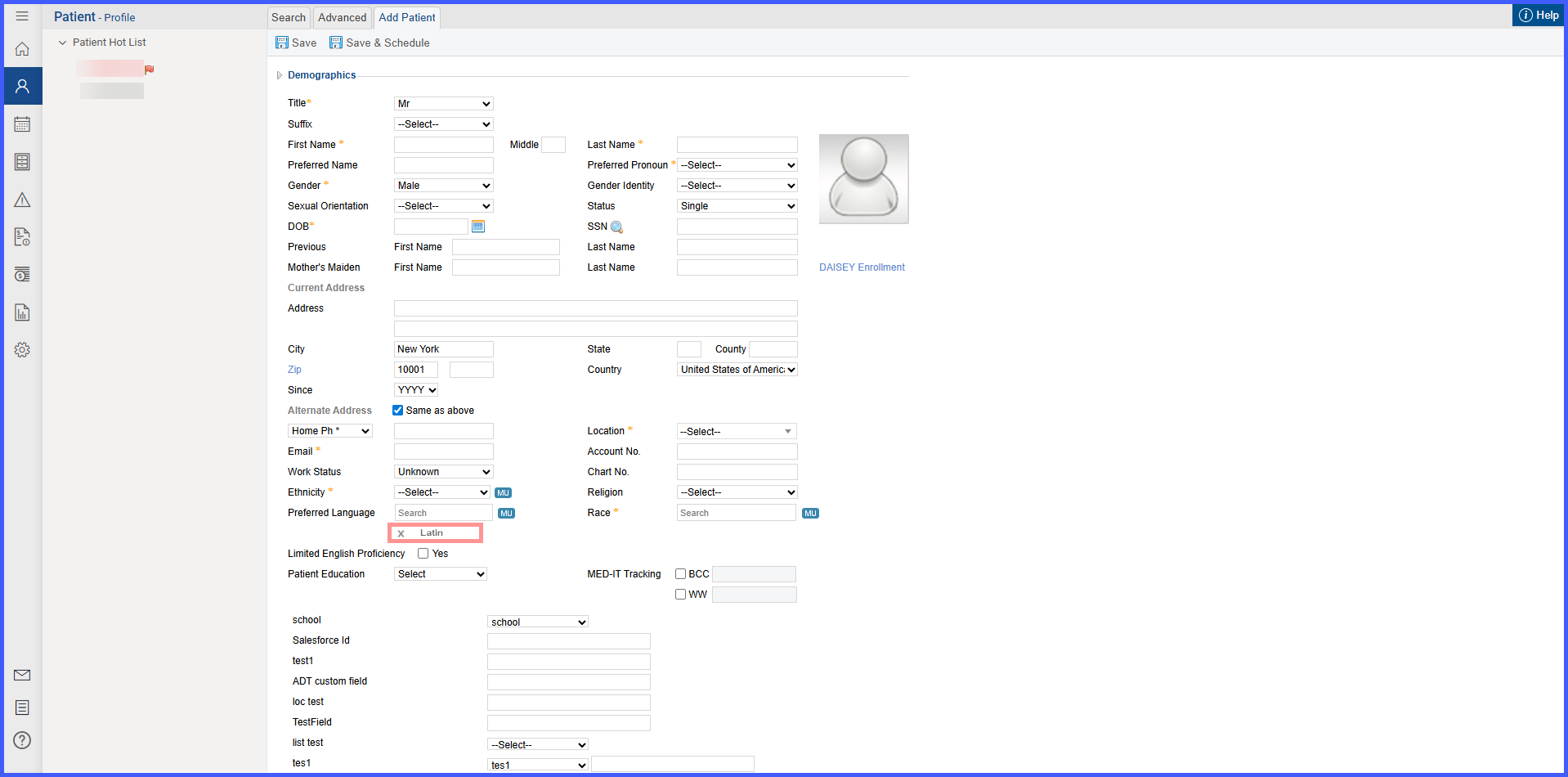
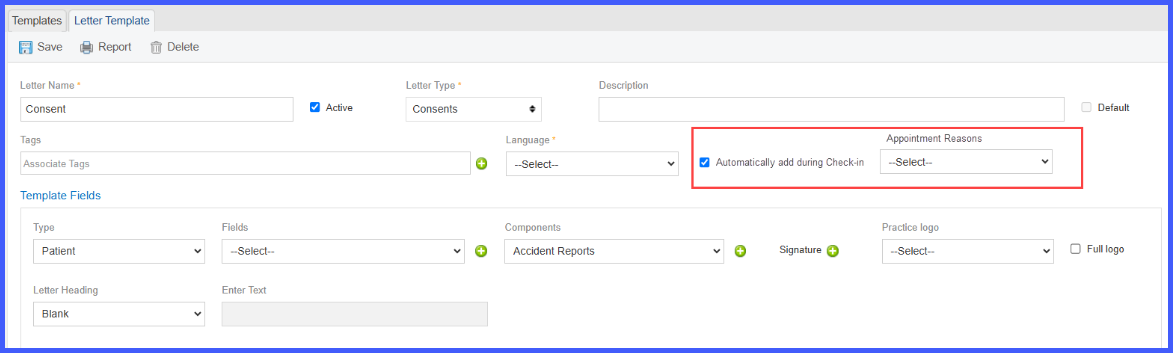
This update introduces Spanish language support for consents and custom forms within the Kiosk application. Patients can access and sign consents specifically aligned with their selected language i.e. English or Spanish, enhancing clarity and efficiency during check-in. Providers can manually assign language tags to consents, ensuring targeted and accurate communication. If consents aren't language-tagged, Kiosk will show all available consents by default. This enhancement significantly improves accessibility and provides a more personalized, professional experience for multilingual patient populations.

SuperbillImprovement

Optional Report Filters to Improve E‑Superbills Bulk Download Performance

This enhancement introduces a performance improvement to the E‑Superbills module, specifically addressing issues encountered by billing users when extracting data over larger signed date ranges.

Three optional filters have been added in the report generation screen. These filters allow users to selectively include or exclude additional data-heavy components, resulting in significantly faster report generation when not needed.

ROSDnD

Drag and Drop Enabled for Reordering Systems in ROS Templates

With this enhancement in the CureMD application, the user can reorder systems within ROS templates using drag-and-drop functionality instead of manually updating sequence numbers. This streamlines template organization by allowing quick repositioning of systems in the desired order.

RadioOrder

Modifier Field on Radiology Requisition

With this enhancement in the CureMD application, radiology requisitions now display a Modifier field alongside the Procedure. This allows imaging centers to receive the CPT modifier information directly on the requisition, supporting more accurate and streamlined billing processes.

DynamicDropClaim

Dynamic Document Type Dropdown in Claim Attachment Window on the Charge Page

With this enhancement in the CureMD application, the claim attachment window on the charge page features a dynamic document type dropdown that adjusts based on the stage of claim submission. This allows the user to accurately categorize attachments and streamline claims processing and resubmissions.

InsuranceFNLN

Editable “Name on Insurance Card” for Each Insurance Profile

With this update, we've made it easier to ensure accurate billing and claim submissions by allowing you to specify the exact name on the insurance card for each insurance entry.

Previously, the system only used the patient’s demographic name for billing—even if the insurance card had a slightly different name. This could lead to claim denials, eligibility errors, and extra admin work.

EffectivePeriodFeeSchedule

Effective Period Display in Fee Schedule Listing Under Billing Settings

With this enhancement in the CureMD application, the Fee Schedule listing in billing settings displays the effective period for each fee schedule as a read-only column. This helps the user easily view the validity range of each fee schedule without needing to open individual records.

Bulk Print eSuperbills by Signed Date

With this enhancement in the CureMD application, users can now filter and bulk print eSuperbills based on the Signed Date. This update simplifies workflows for practices that rely on signed documentation as the trigger for billing readiness. Previously limited to Encounter Date filtering, the new Signed Date option allows users to efficiently locate and print finalized superbills in bulk, reducing manual effort and minimizing errors.

LabPop2

Confirmation Pop-up for Sharing Results to Patient Portal

A confirmation window is now displayed when a provider or authorized user attempts to share a result with the patient portal. This ensures deliberate action, allowing users to review and confirm their decision, thereby reducing accidental disclosures of information.