Sorted:

PhysicalExamName

Physical Exam template names override “Physical Exam” subheading in provider notes

With this enhancement in the CureMD application, the user sees the Physical Exam template name displayed as the subheading in place of “Physical Exam” when a customized Physical Exam template is applied. This provides a more accurate reflection of the clinical content added to the note.

PlanSpecificRendering

Apply Plan-Specific Rendering Provider & Location Rules to Institutional EDI Claims

This enhancement updates the Institutional EDI claim generation process in CureMD to respect plan-specific rules for Rendering Provider and Location. Claims are now formatted according to payer requirements, reducing the risk of rejections and manual edits.

Rel12-13

Print Labels Without Installing CureMD Client Utility

This enhancement provides a fallback option for label printing when the Cure Client software is not installed or running. Users can now manually generate labels, ensuring that patient workflows continue without interruption.

SharedAccessCalendar

Calendar Access Permission for Linked Providers

This enhancement introduces a configurable Shared Calendar Access permission that refines control over provider calendar visibility in CureMD. Administrators can determine whether users can view all provider calendars across their assigned location(s) or only the providers explicitly linked in their user profile. These rules are applied consistently across all calendar views and related scheduling modules to ensure predictable and secure access.

UserCommentSchedule

Enhanced Scheduler Comments: View User and System Notes Inline

This enhancement allows practices to view both system-generated order summaries and user-entered comments directly within the appointment scheduler. By displaying key details inline, users can quickly review important information without opening additional screens, improving clinical efficiency and workflow visibility.

AdvancePaymentOptions

Advance & Custom Payment Options to Web Patient Payment Page

Patients can now prepay (Advance Payment) or pay a Custom Amount from the web payment link—making it easier to cover future services or pay partial/rounded amounts without staff intervention.

AutoFillLab

Auto-Fill Lab Results in Provider Note Using Lab Result Flag

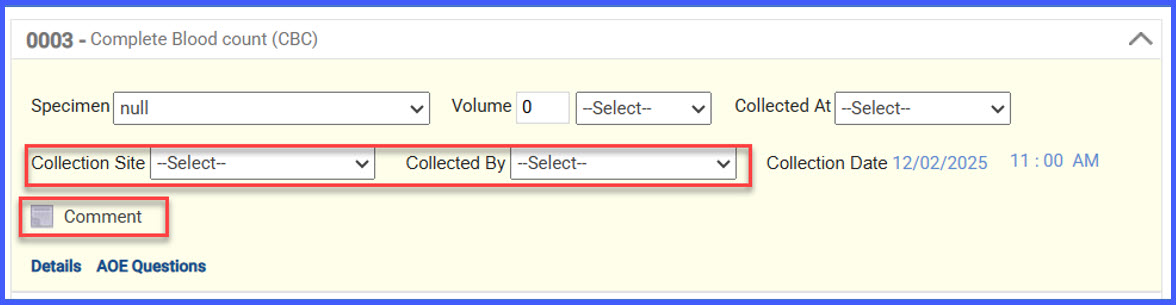
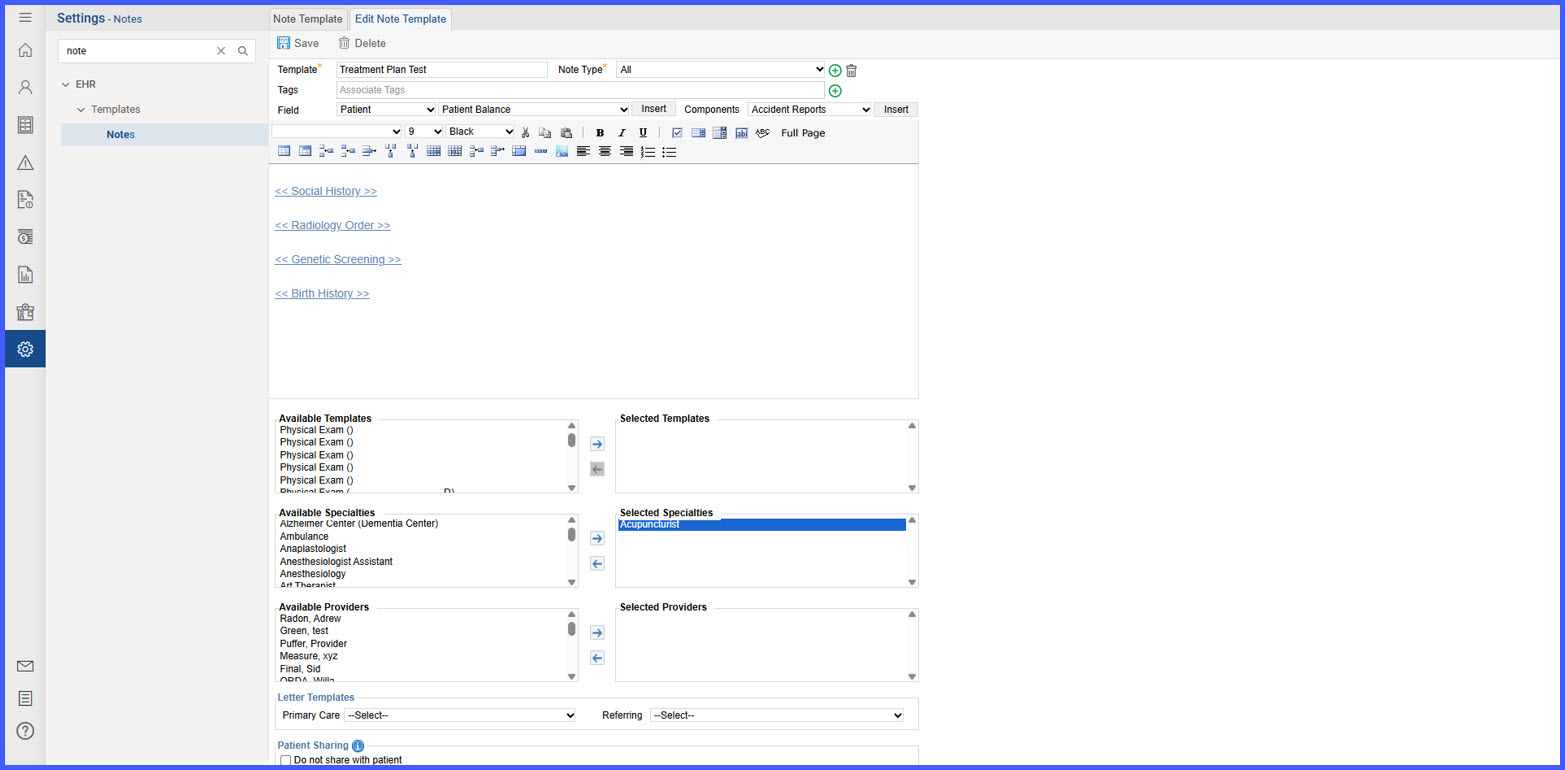
To streamline documentation and reduce manual entry, a new auto-population feature has been introduced for lab results within the provider note. When enabled, the system automatically populates the patient’s most recent lab results where the <<Lab Results>> flag is detected.

AptConReschTransfer

Automatic Copay Transfer on Novel Health Appointment Rescheduling & Cancellation

CureMD now manages paid online copays automatically when cancelling or rescheduling Novel Health appointments. On cancel, you’re prompted to move the copay to Patient Advance so funds aren’t lost. On reschedule, the copay moves automatically to the new appointment and you get a confirmation.

4

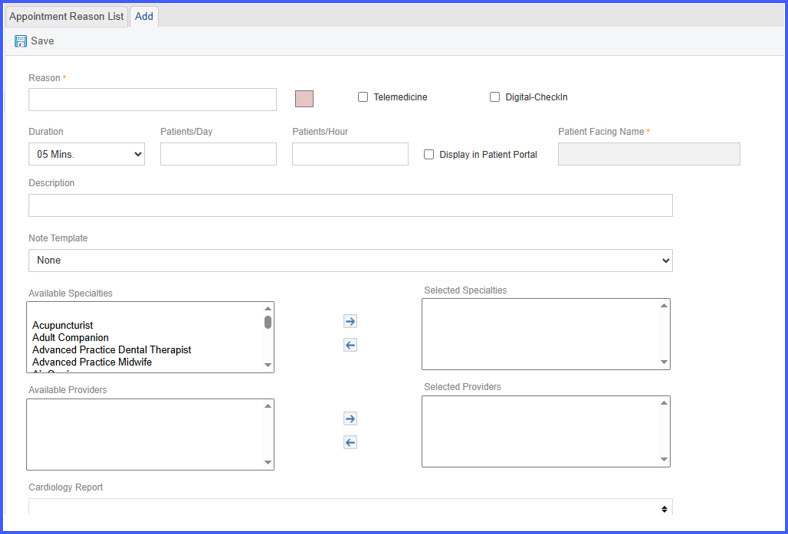
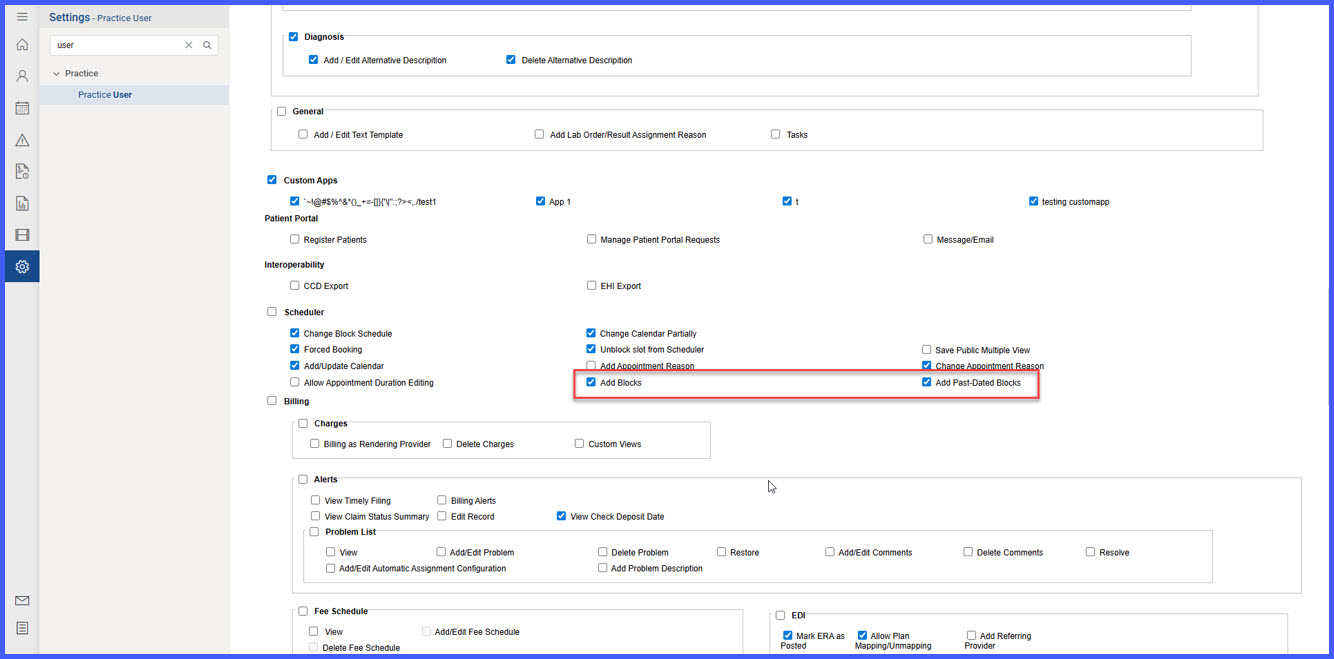
Restrict Appointment Duration Editing for Authorized Users

The system now enforces restrictions on appointment duration edits to ensure that only authorized users can modify appointment lengths. This enhancement prevents scheduling discrepancies and maintains consistency across clinical and financial workflows.

RN-1-1

Locations Now Sort Alphabetically in Vaccine Administration & Immunization Outbound Settings

We’ve standardized location lists to sort alphabetically (A–Z) by name in two key areas. This makes it faster to find the correct site, reduces selection errors, and keeps the experience consistent across immunization workflows.