Sorted:

patient2

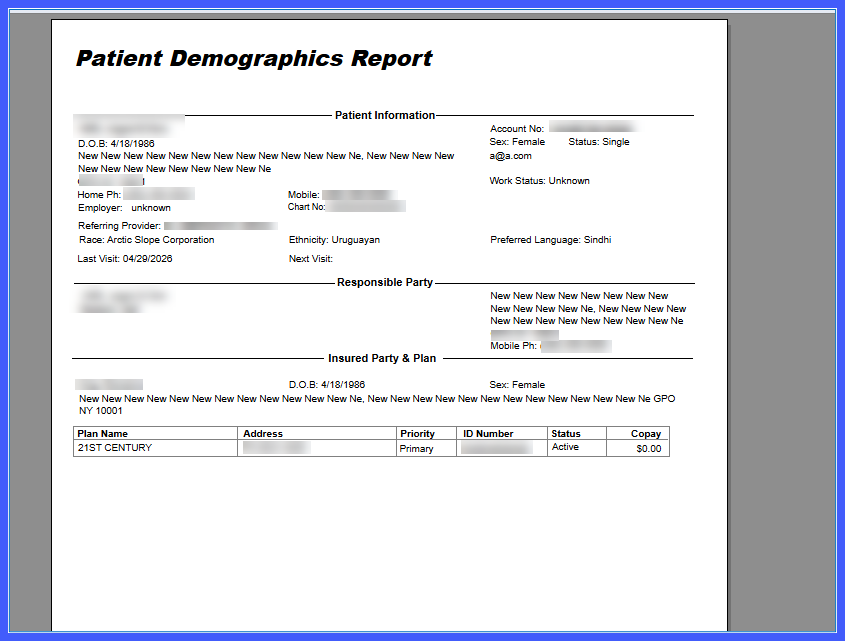
Additional Demographic Fields in Patient Demographics Summary Reports

This enhancement adds Race, Ethnicity, and Preferred Language as selectable demographic fields in Patient Demographics Summary Reports. Users can now include these additional data elements in report outputs for more comprehensive demographic reporting while maintaining consistent report formatting.

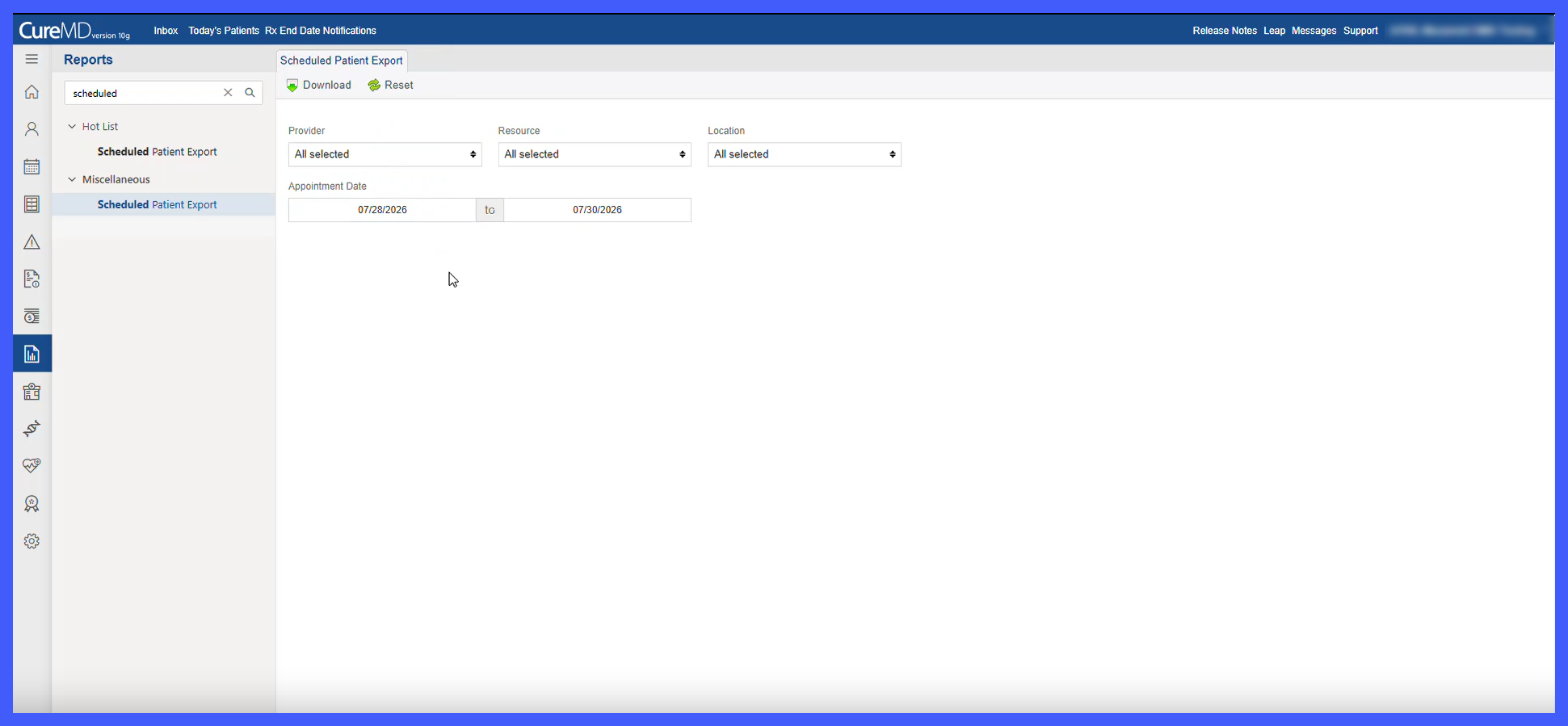
New Report to View Payments Posted Through Collection Agencies

This enhancement introduces a new report that provides visibility into payments recovered through third-party collection agencies. It is intended for billing and financial users who need a clear, system-based view of post-collection payments, addressing the absence of a dedicated report for tracking recovery amounts and agency performance.

Image-21

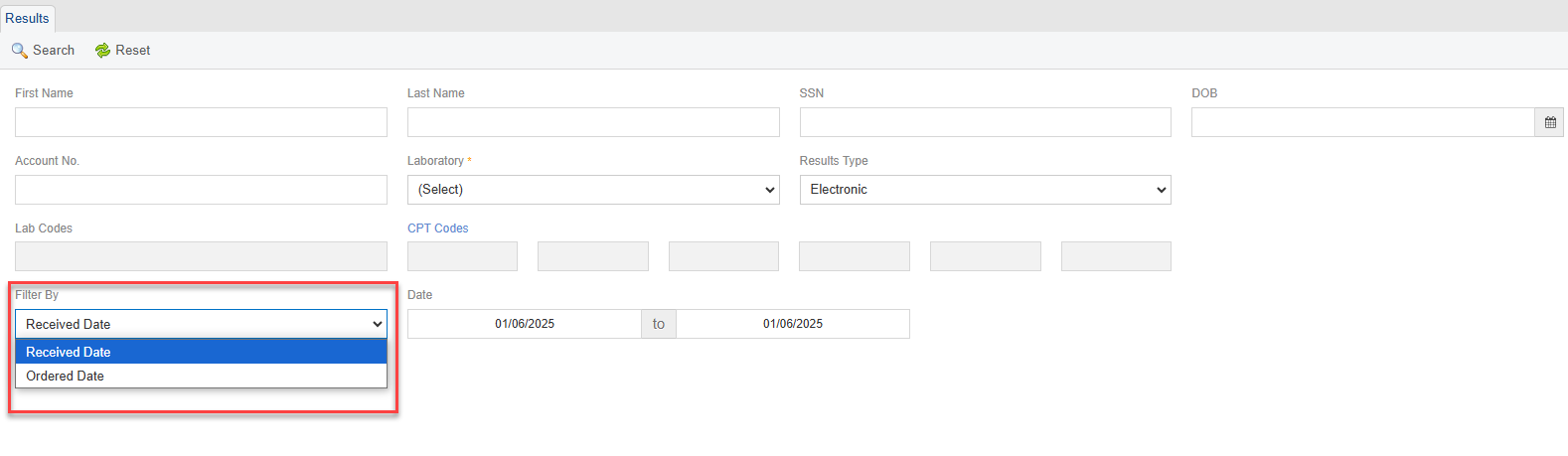
Enhanced Search Filters on Results Reports Page 

With the new enhancement in Result Report page, you can now filter results by both "Received Date" and "Ordered Date." You can choose your preferred date type from the new "Filter By" dropdown and specify the date range. This allows for quicker and more precise searches, making it easier to access the reports you need when you need them. The default setting is "Received Date," ensuring immediate relevance for most users.

Enhanced Accuracy in Accounts Receivable KPI Reporting

With this enhancement in the CureMD application, the Accounts Receivable KPI reflects the data from Financial Overview in the Billing Module. This ensures that the KPI aligns with the most current and comprehensive financial data.

Patient's Registered Location Details on Insurance Report

With this enhancement in the CureMD application, the Insurance Report displays the patient's registered location, including phone and fax numbers, providing comprehensive patient-related details. This enhances usability by offering more specific information directly within the Insurance Report.

Hide Patient’s Social Security Number in Reports being Printed

With this enhancement in the CureMD application, the patient’s Social Security Number is hidden in the reports which are being printed. This ensures patient’s SSN information is not exposed.

Patient Clinical Data Report in Clinical Quality Performance Reports

With this enhancement, a component level eCQM report has been introduced in Clinical Quality Performance Reports. This report can help users see why a particular patient has qualified for a measure.

Option to Use Chrome and IE for Label Printing

With this enhancement in the CureMD application, users can use both Chrome and IE browsers for label printing. They are no longer restricted to using only one of the above browsers.

Transaction Date Filter in G0 Charge Search

With this enhancement in the CureMD application, G0 charges can be filtered based on the transaction date. This helps practices keep track of the provider’s performance.

Protect Patient Information Reporting for MU3 Measure

With this change in the CureMD application, the user can correctly populate data under the MU3 report if the required settings are enabled. This enhances the MU3 report workflow.