Sorted:

discontinued1

Patient-Reported Medication Changes Now Require Provider Review

This enhancement introduces a structured review workflow for medications that patients mark as discontinued through LEAP or Digital Check-In. Flagged medications are clearly identified in the Current Medications list, a banner displays the total count of patient-marked discontinued medications, and a Review action opens a dedicated popup for provider reconciliation. This ensures efficient medication review while maintaining a clear and auditable record of patient-reported changes.

assessment1

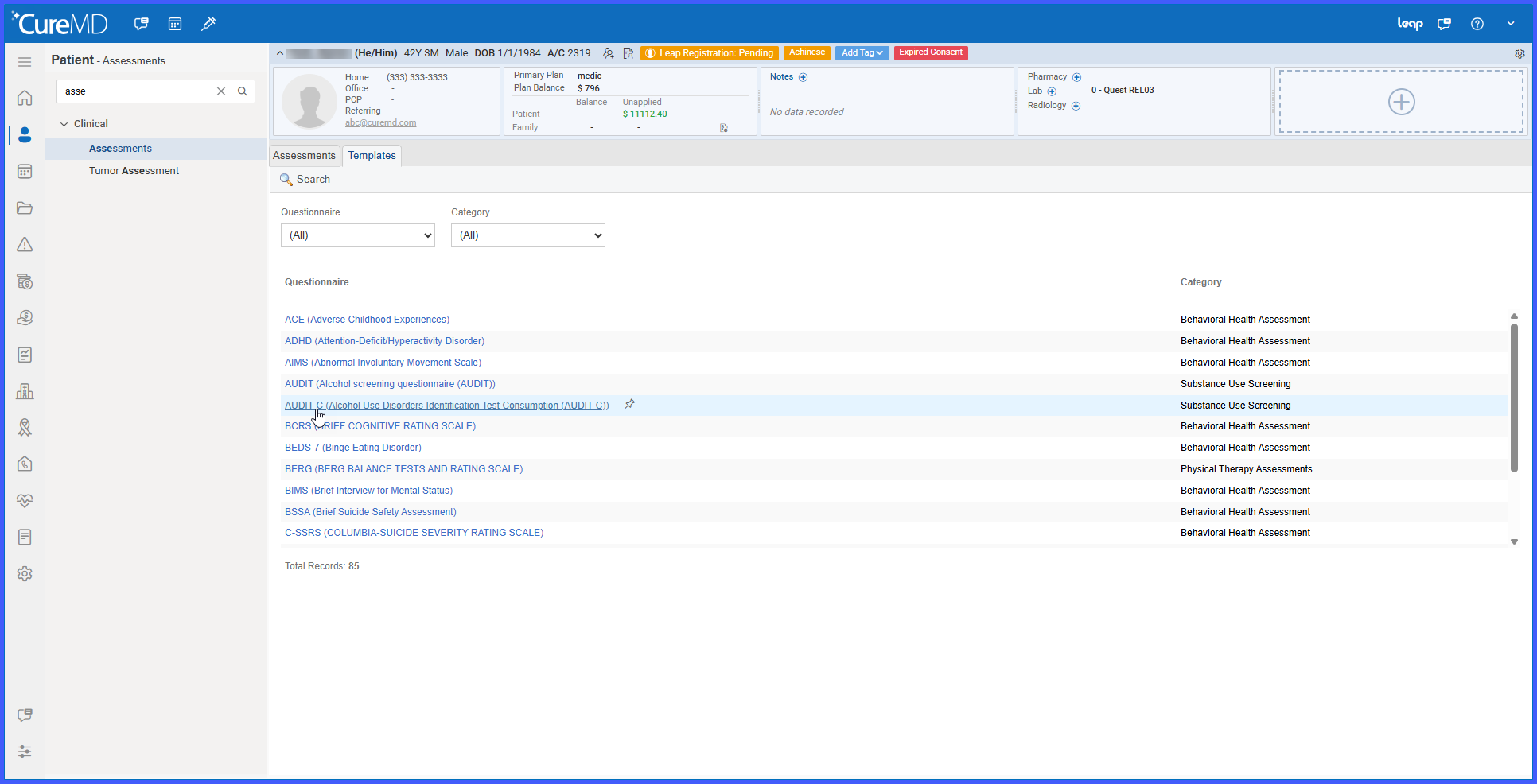
PCL-5 Behavioral Health Assessment Available in Assessments

This enhancement introduces the PCL-5 (PTSD Checklist for DSM-5) assessment under the Behavioral Health Assessment category in CureMD. The assessment includes 20 required questions with standardized coded answer options and automatically calculates a total score, supporting consistent PTSD symptom documentation and structured clinical reporting.

Allow Closing Enrollment Requests When Payer ID Changes

This enhancement improves flexibility in Enrollment Management by allowing users to close enrollment requests even if the associated plan’s Payer ID has changed after the enrollment was created.

Previously, such enrollments could not be closed due to validation errors, requiring temporary payer mapping reversions. This update removes that operational bottleneck while maintaining system validation controls and audit integrity.

Rel3-07

Signature Renewal Configuration, Expiry Management, and Expired Consent Banner Indicator

This enhancement introduces comprehensive signature renewal configuration, automated expiration handling, and a visual expired consent indicator within the patient profile. Consent templates now support configurable renewal intervals, patient consents automatically manage end dates and expiration status based on those settings, and expired consents are clearly flagged in the patient banner. Together, these updates ensure accurate consent lifecycle management, prevent duplicate active consents, and improve visibility of outdated forms.

Updated-pic-for-rel

Enhanced Handling of Ineffective CPTs in Order Searches

This enhancement introduces a user-level preference that controls whether ineffective CPT codes appear in order search results. It allows users to optionally include CPTs that are not effective on the selected Order Date, while clearly distinguishing their status in search results and enforcing appropriate validation rules.

Rel03-3

Multi-Selection Option Added for AOE Dropdown Reason Type

This enhancement introduces a multi-selection capability for AOE (Ask at Order Entry) fields configured with a Dropdown reason type. It provides greater flexibility during order entry by allowing multiple applicable responses to be selected when needed.

Rel3-05

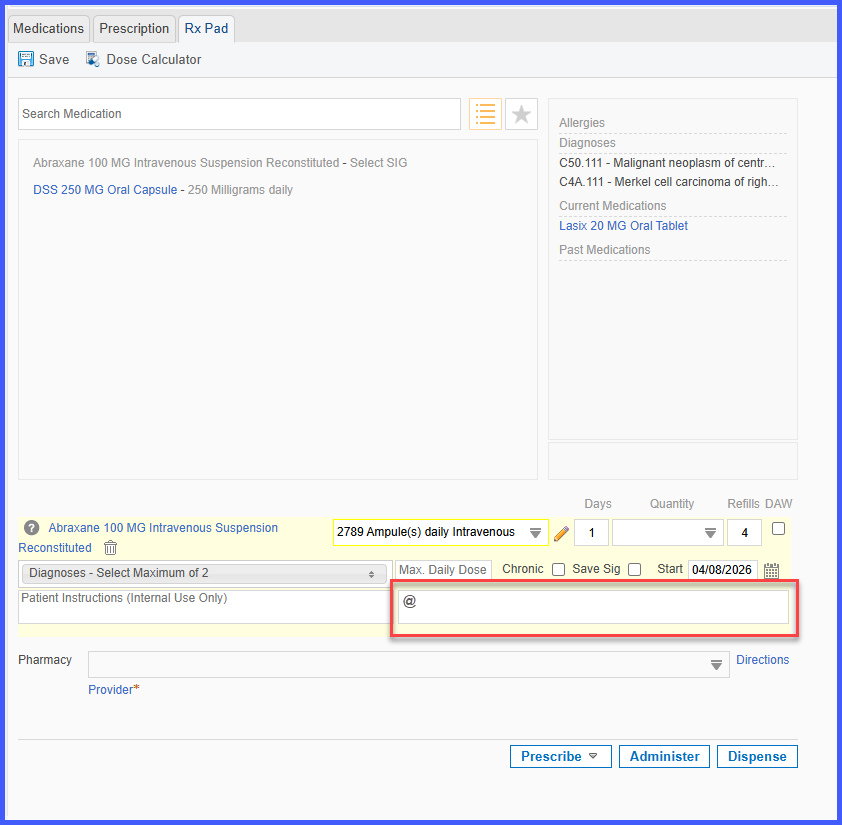
Automatic Capture of Rx Number from Barcode in Prescription Pad

This enhancement enables automatic capture and display of the Rx Number when scanning a supported barcode in the Prescription pad. When available within the barcode data, the Rx Number is populated alongside medication details, eliminating the need for manual entry during prescription documentation.

Rel3-08

Sort Histories Alphabetically Preference in General Settings

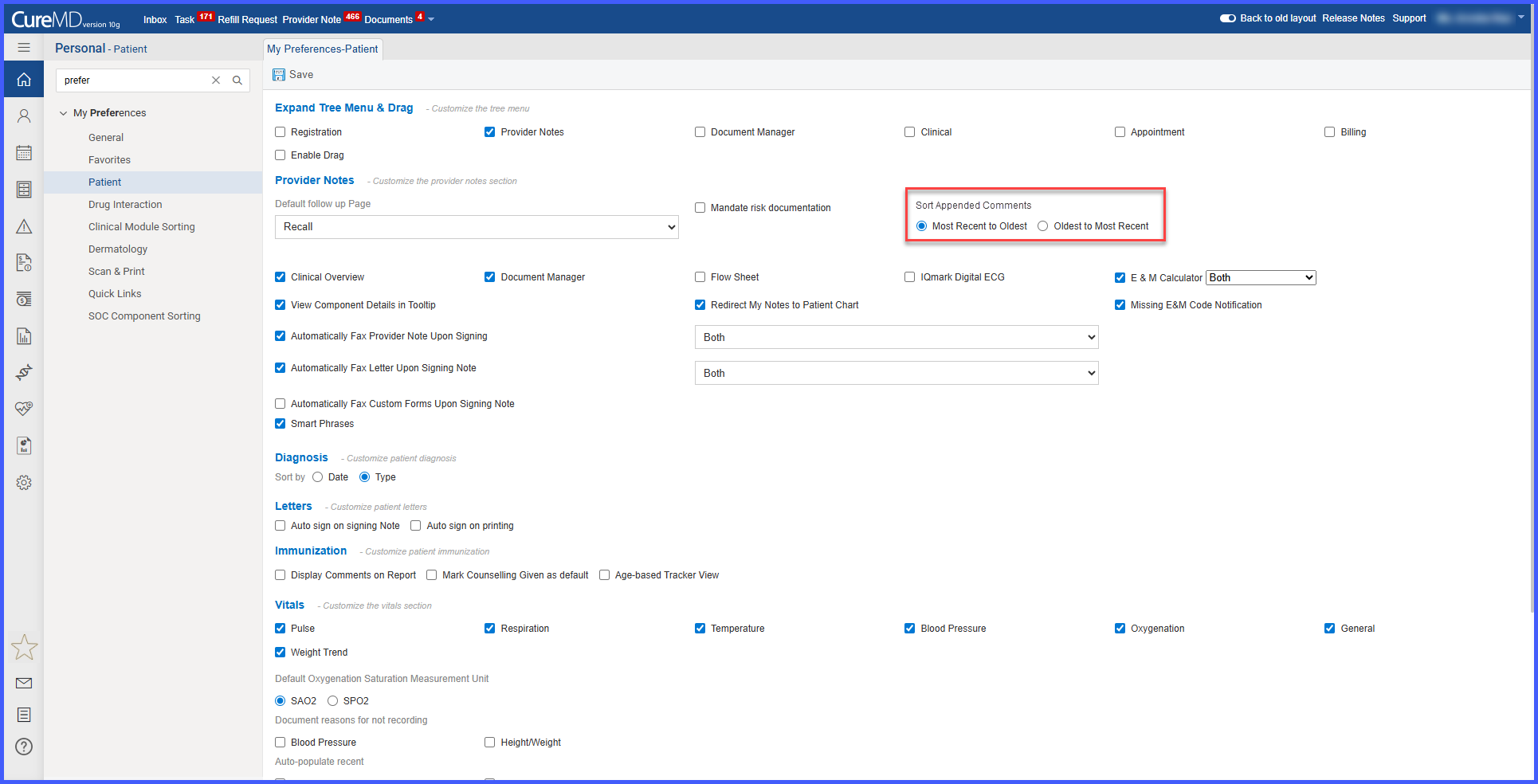
This enhancement introduces a user-level preference that allows histories to be displayed in alphabetical order across the application. By enabling the “Sort Histories Alphabetically” setting, users can control how history records are listed, improving consistency and ease of navigation.

collect2

Account and DOS-Based Collection Controls

This enhancement introduces flexible configuration options for determining which patient balances qualify for transfer to collection agencies. Billing administrators can now evaluate eligibility at the Account Level, Date of Service (DOS) Level, or both simultaneously. This allows practices to tailor their collection workflows according to their financial policies while maintaining backward compatibility.

Rel3-09

Consolidated Appointment Reminder Setting with Audit Logging

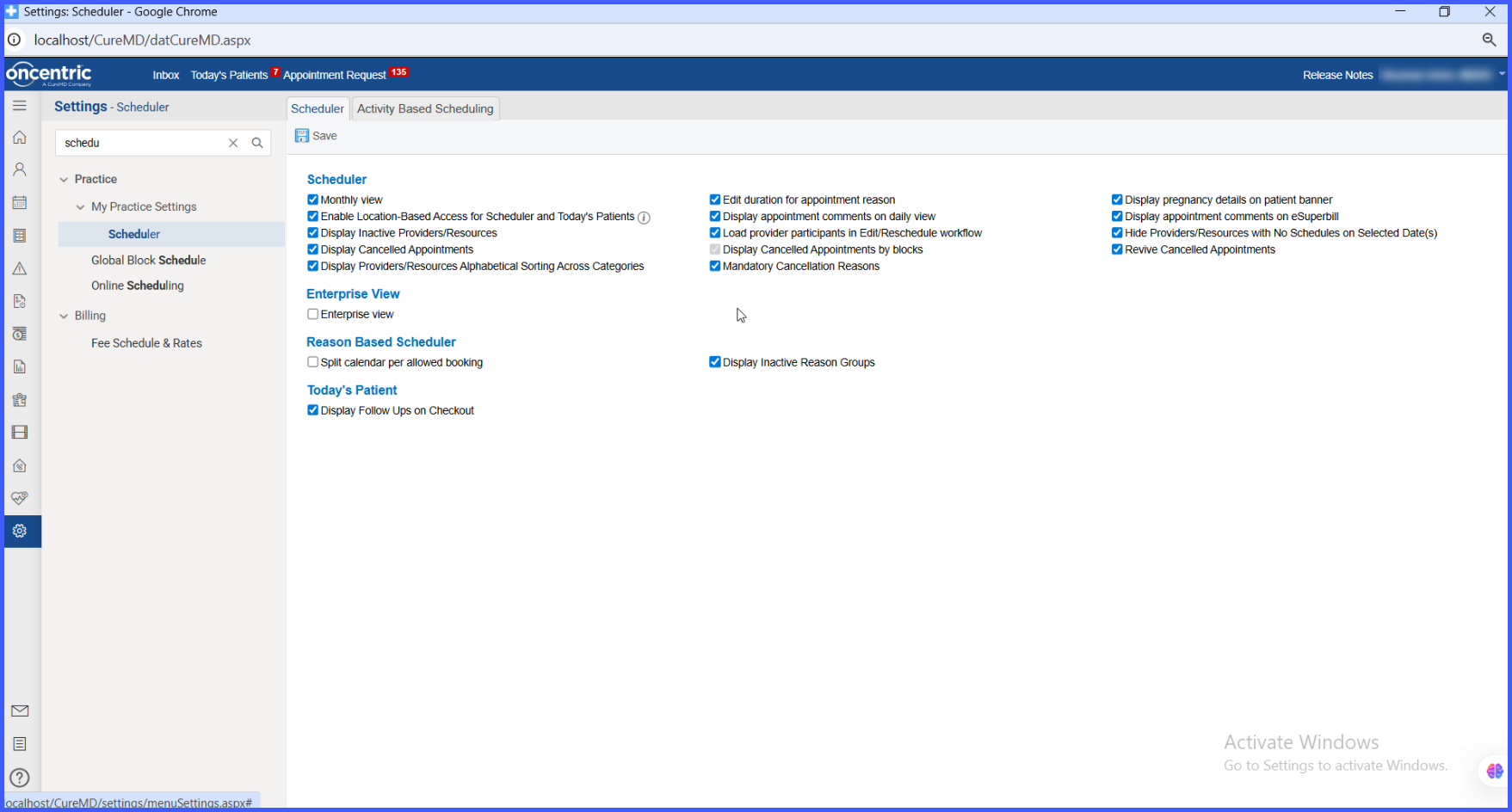
This enhancement introduces a scheduler-level setting that allows practices to send a single consolidated reminder for all same-day appointments instead of multiple individual reminders. Reminders can be sent via configured channels (email, SMS, or both). Additionally, audit logging has been implemented to track all changes made to this setting, ensuring visibility, accountability, and compliance.