Sorted:

2019-04-11_3-11-33-600x308-1
[caption id="attachment_14229" align="aligncenter" width="600"]Education2-1-600x260 Multiple Favorite List[/caption]

Support Multiple Favorite Lists

To increase usability and help users in organizing favorites list of different components and view them interchangeably.
e4-1024x450-1

[caption id="attachment_14180" align="aligncenter" width="600"]Reshcedule-1-600x474 Reschedule or Cancel Request[/caption]

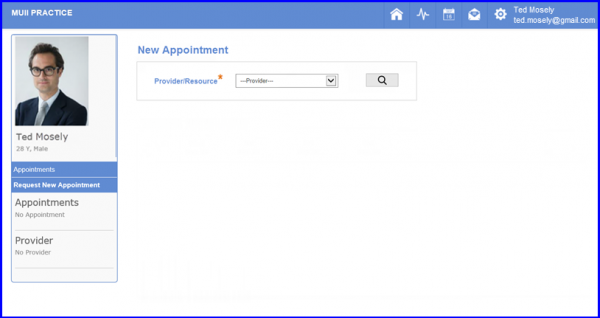
Reschedule or Cancel Appointment Requests via Patient Portal

With this enhancement in scheduler module, patient portal users can reschedule or cancel appointment through patient portal.
22-4-1

[caption id="attachment_16218" align="aligncenter" width="600"]Inactive-Providers-Resources-Checkbox1-600x300 Inactive Providers Resources Checkbox[/caption]

Inactive Providers/Resources

Users have the option to choose whether or not display inactive providers and resources in the daily and weekly scheduler views by enabling its checkbox in settings.
Acknowledgement-tooltip2-1
Drug-NDC-view-screen-1-e1523264210996

Restrict NDC selection on Medication Pop up

The updated Administered Drugs section features an updated dashboard and the functionality to document start/end date and time for continuous infusions.
[caption id="attachment_16372" align="aligncenter" width="435"]Error-Message-Wrong-Credentials-e1523263500998 Error Message - Wrong Credentials[/caption]

Restricting Login Attempts

The chemo therapy manager provides a nifty feature that allows practice managers to keep track of the practice’s drug requirements.
PWR-1
[caption id="attachment_16397" align="aligncenter" width="600"]Drug-Forecast-600x318 Drug Forecast[/caption]

Drug Forecasting Enhancement

The chemo therapy manager provides a nifty feature that allows practice managers to keep track of the practice’s drug requirements.
[caption id="attachment_16390" align="aligncenter" width="600"]Administer-Pre-Mixed-Drug-checkbox-2-600x447 Administer Drugs[/caption]

Restrict NDC selection on Medication Pop up

User won't be able to select any NDC from the NDC list, if the dosage value is not provided. In order to enable the selection checkbox, user has to provide dosage values so that system can calculate the total dose.

Enhancements to Vitals

A column to view the Head Circumference of infants has been added upfront. So that the users can view and compare them in a single glance. For further information, please click on this button.

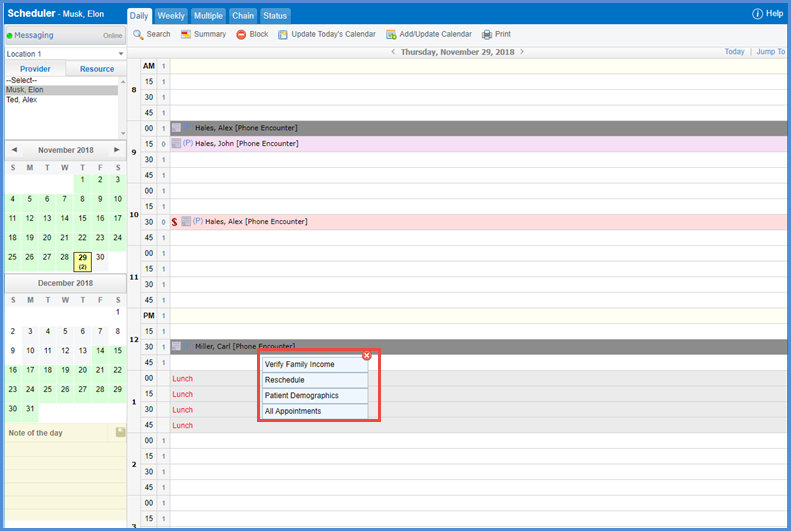
Household Assessment Due Alert

This feature is intended to alert the user if an income assessment/reassessment is due.
2018-12-31_1-32-54-600x413-1

Updates to HIS Batch Layouts

CureMD has incorporated several new layouts for the HIS batch interface.