How to Enable Referring Provider Signature?
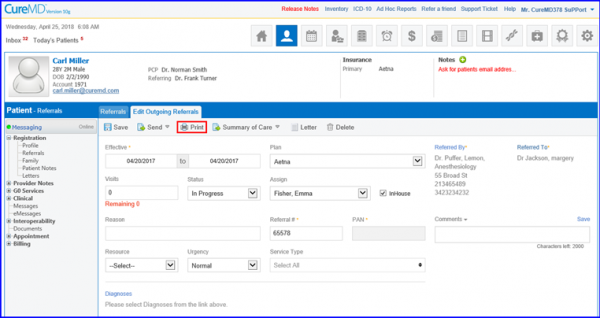
This option enables users to display the electronic signature of a referring provider on outgoing referrals. Once users land on the outgoing referrals screen, click ‘Print’ button to generate the referral report.”
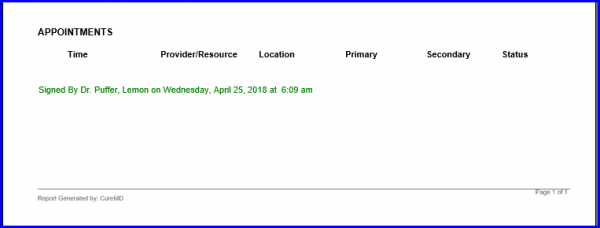
The Referring Provider’s Signature can be seen at the bottom of this report.
Additionally, this electronic stamp can also be generated through Cases, and Provider Notes, as well as the modules ‘Patient module’, ‘Personal module’ and ‘Scheduler module’.
