Sorted:

IMG_0202-600x452-1

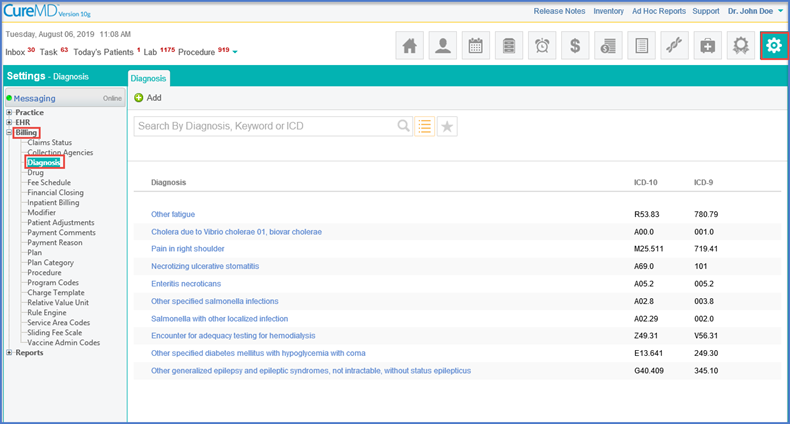
[caption id="attachment_14487" align="aligncenter" width="600"]Diagnosis-Report-600x316 Diagnosis - Report[/caption]

Reports - Diagnosis - EHR

Generate report for the all associated diagnosis with/to a patient.

[caption id="attachment_14475" align="aligncenter" width="600"]Printing-Tasks-600x280 Printing Tasks[/caption]

Assigned By Column Addition in Tasks Report

Use task report to filter out results on the basis of user who assigned the task.
Review information the below

Updated Grouping on Charges

Users can now group Charges via Program search filter on the CureMD application.
programs base search screen

Enhancements in Search Filter

With this enhancement, users can run a Program based search on all claim screens.  
Onhold search eligibility

Inquire Eligibility for On-hold Claims

Use Eligibility Status filter from the Search By dropdown on the Onhold claims page to search eligibility statuses.
Follow-up-in-Todays-Patient-3-600x333-1

[caption id="attachment_14408" align="aligncenter" width="600"]Make-a-new-Custom-View-600x255 Make a new Custom View[/caption]

Charges Custom Views

CureMD application now allows its users to define define criteria for custom views as per requirements and use them as they see fit.
30-600x365-1

[caption id="attachment_14378" align="aligncenter" width="600"]Searching-Referral-Providers-screen-600x297 Searching Referral Providers screen[/caption]

Add Referring Providers via Referral

Add a referring provider from Provider Notes by selecting one from the existing list or making a new provider.
2-8-600x354-1
[caption id="attachment_14353" align="aligncenter" width="600"]Scanning-Process-Page-Size-1-600x366 Scanning Process - Page Size[/caption]

Enhancement in Scanning - Document Manager

While uploading a document, user can select the page size that is compatible to their scanning device. This helps the user to upload and scan file using different scanning devices.
4-4-600x233-1

[caption id="attachment_14332" align="aligncenter" width="600"]Opening-Quick-Charge-600x324 Opening Quick Charge[/caption]

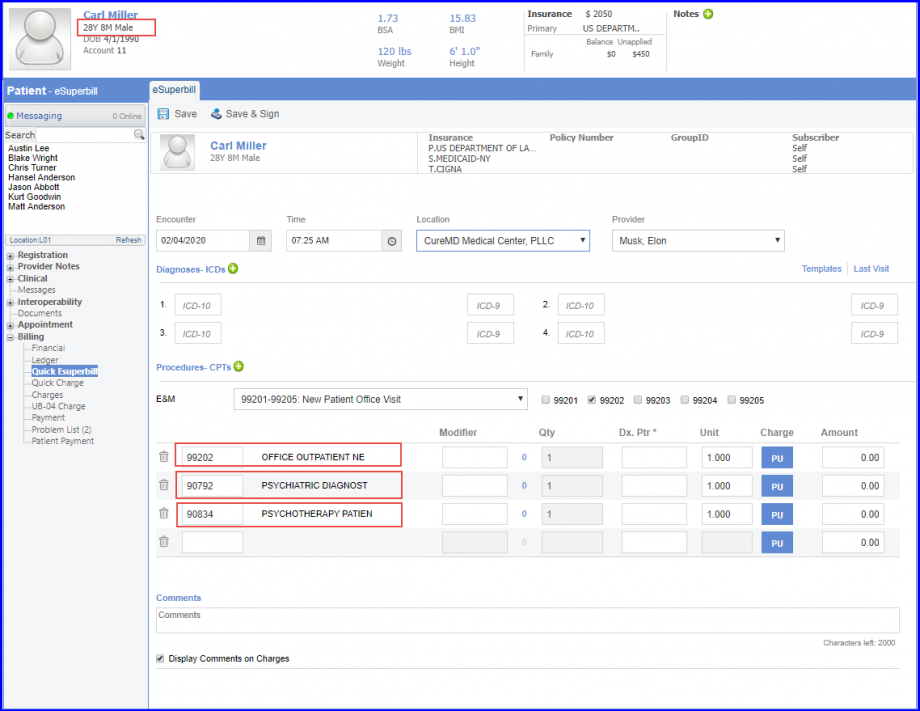
Changes for PAN on Quick Charge

Intended to address PAN selection issues on quick charges, this feature can be summed up in two points:
  • Auto-population of PAN field on the charge when a PAN is selected.
  • Rights to delete a PAN while editing Procedure details.

[caption id="attachment_14310" align="aligncenter" width="320"]Reports-320x161 Debt Set off[/caption]

Debt Set off Report

The debt setoff report is used to enlist patients whose balance is due along with aging. This report is sent to the government or any other third party through which a debtor obtains money so that the amount due is paid to the practice in case the patient refuses to pay his/her dues and/or doesn't respond to any dunning messages sent from the practice.