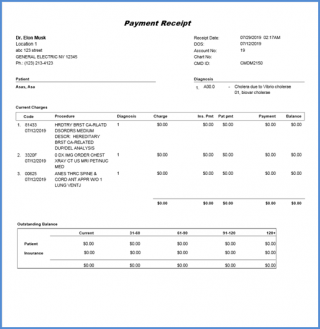
How to Generate the Payment Receipt Report?
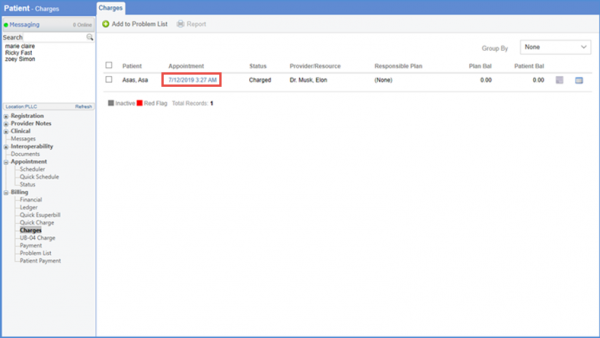
Follow the workflow and click on the ‘Appointment’ to open up the charge screen.
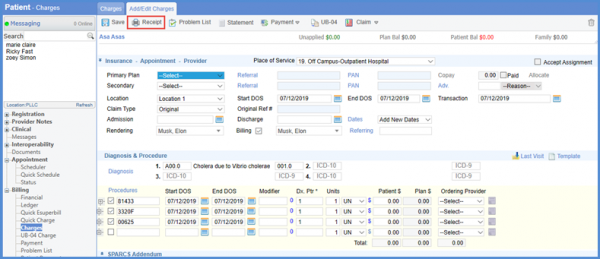
The payment receipt report can be generated by clicking on the ‘Receipt’ button.
Users can view additional details of provider i.e. Providers License #, NPI and DEA in the Payment Receipt header.
In order to configure the settings to view these details, click here.