Sorted:

2019-08-01_12-50-14-1

[caption id="attachment_15068" align="aligncenter" width="600"]EM-Codes-for-ophthalmology-600x311 E&M Codes for ophthalmology[/caption]
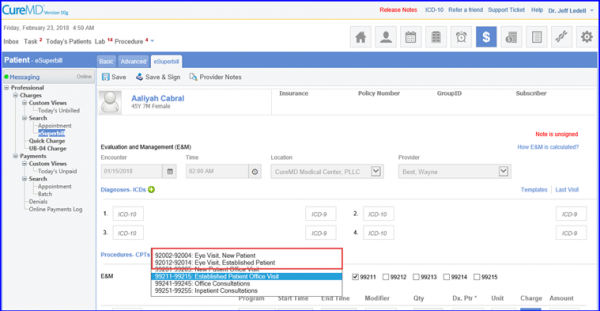
E&M codes for Ophthalmology in eSuperbill

The E&M codes for Ophthalmology in the CureMD application enables its users to select and use them in an eSuperbill.
IMG_0162-1

[caption id="attachment_14872" align="aligncenter" width="600"]Dos-1-600x295 Date of Service on Patient Notes[/caption]
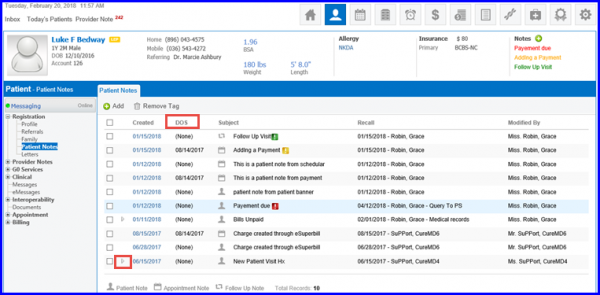
DOS Column Display for Appointment Notes

On the Appointment Notes tab, the user can view the history of all the appointment notes. To keep a better track progression of a particular appointment, users can view the DOS while reviewing all the notes associated with the patient.
Review information the below

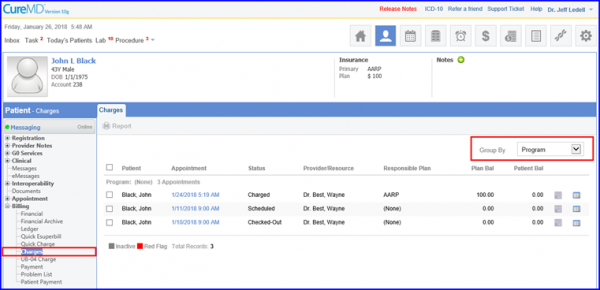
Updated Grouping on Charges

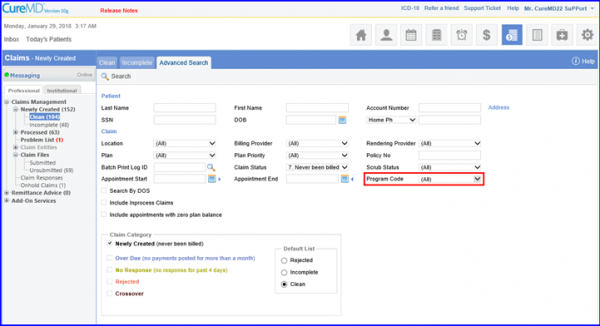
Users can now group Charges via Program search filter on the CureMD application.
programs base search screen

Enhancements in Search Filter

With this enhancement, users can run a Program based search on all claim screens.  
Onhold search eligibility

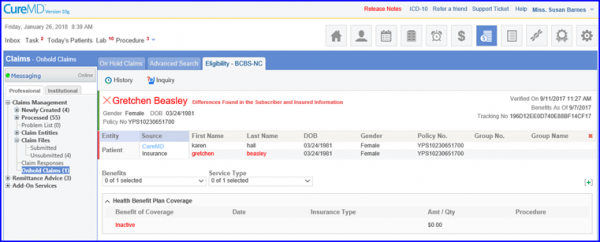
Inquire Eligibility for On-hold Claims

Use Eligibility Status filter from the Search By dropdown on the Onhold claims page to search eligibility statuses.
Follow-up-in-Todays-Patient-3-600x333-1

[caption id="attachment_14408" align="aligncenter" width="600"]Make-a-new-Custom-View-600x255 Make a new Custom View[/caption]
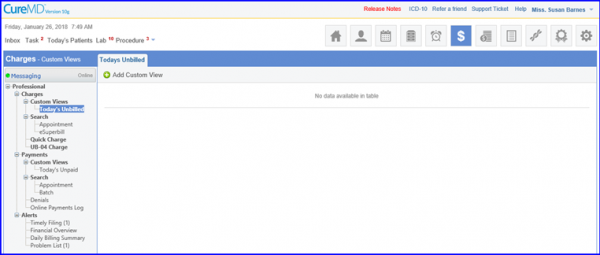
Charges Custom Views

CureMD application now allows its users to define define criteria for custom views as per requirements and use them as they see fit.
a9-600x284-1

[caption id="attachment_14303" align="aligncenter" width="600"]Reason-Codes-600x320 Reason Codes[/caption]
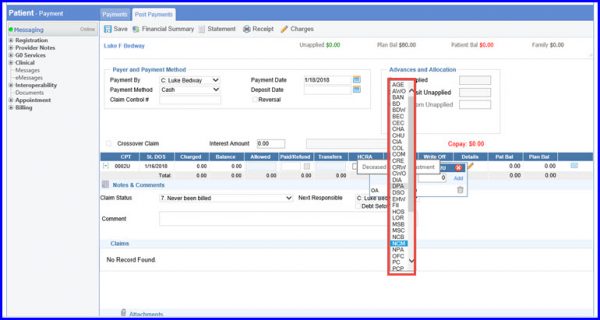
Sort Claim Adjustment Reason Codes

User can find alphabetically sorted Adjustment codes from the Adjustment details drop-down.

[caption id="attachment_14296" align="aligncenter" width="600"]Add-Edit-Charges-600x309 Add-Edit Charges[/caption]
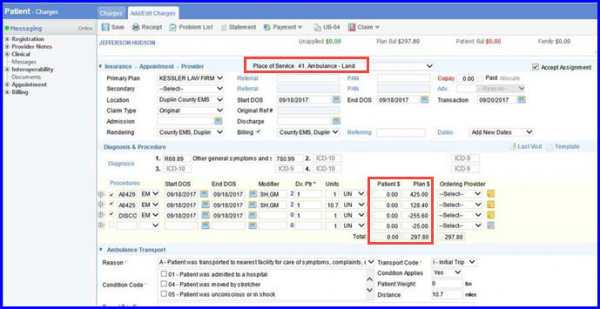
Negative Charge Amounts with Ambulance Transport POS codes

To provide discounts to multiple patients who are availing ambulance service simultaneously, the ambulatory charge is split amongst them hence resulting in less charge.
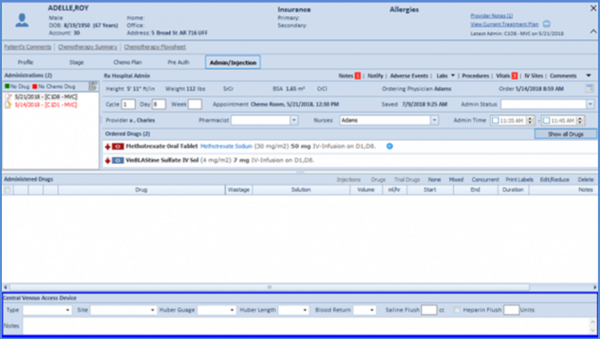
chemo-admin-1-600x339-1

Validation of Fee Schedule File on Import to CureMD

While uploading a CSV file, user is informed about the skipped CPTs in the Fee Schedule file after they have been imported into the application.
BP-percentile-600x330-1

Disable Rendering Provider on Institutional Charges

To avoid the issue of missing appointments, CureMD has introduced a new check in settings which restricts the user from editing the Rendering Provider on the charge page.