Sorted:

E2-BB

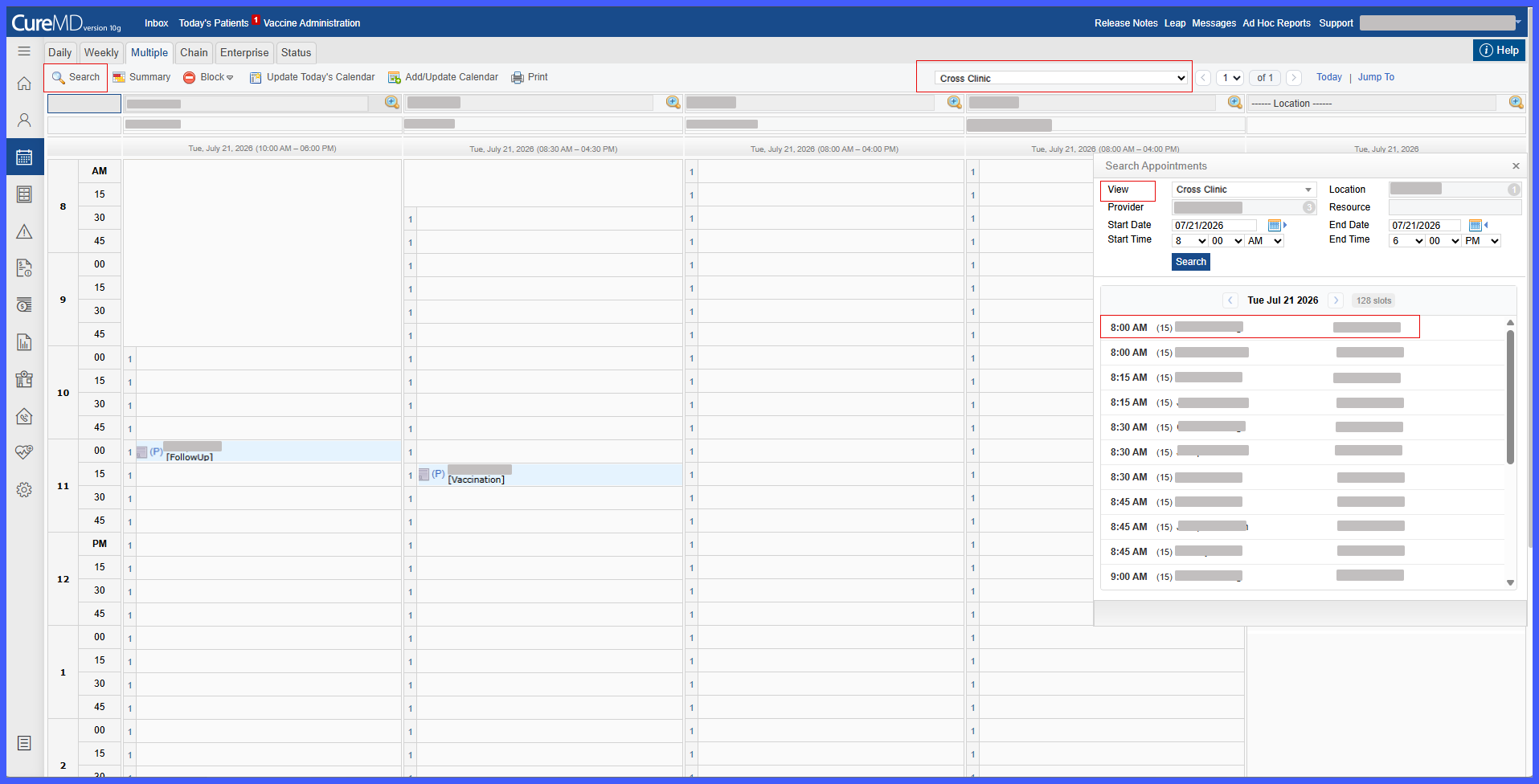
Search Available Appointments in Extended Multiple View

This enhancement introduces Search Appointments within the Extended Multiple View Scheduler, allowing front desk staff to quickly locate available appointment slots across multiple providers, resources, and locations. The search uses the selected Saved View to automatically populate scheduling criteria and presents available slots in an organized view while continuing to follow existing scheduling and availability rules.

schd1

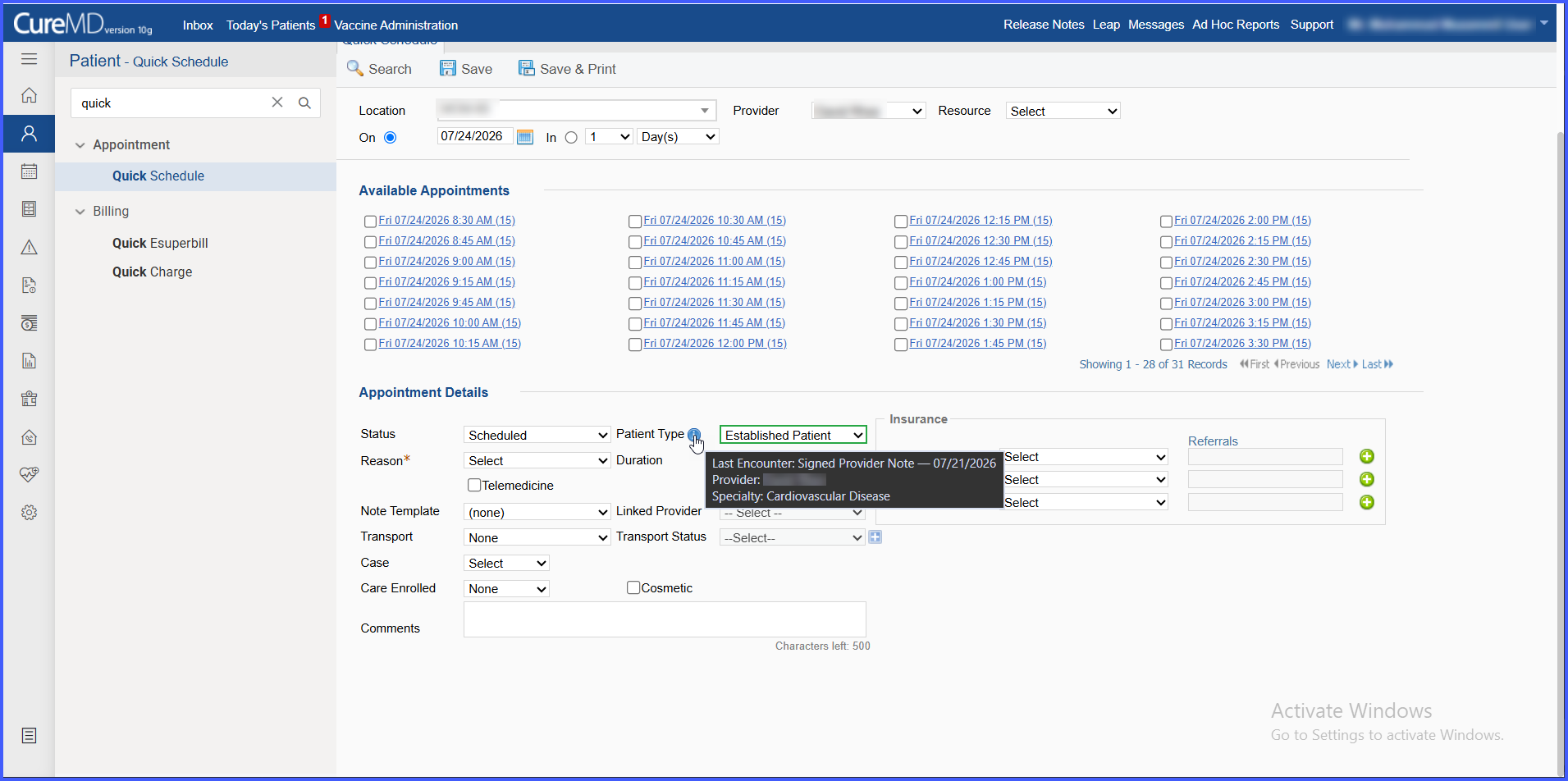
Automated New vs. Established Patient Type Suggestions in Scheduling

This enhancement introduces a Patient Type field across scheduling workflows that automatically suggests whether a patient should be classified as New Patient or Established Patient based on qualifying encounter history and provider specialty. The suggested classification is clearly identified while allowing schedulers to manually override it at any time.

E4-BB

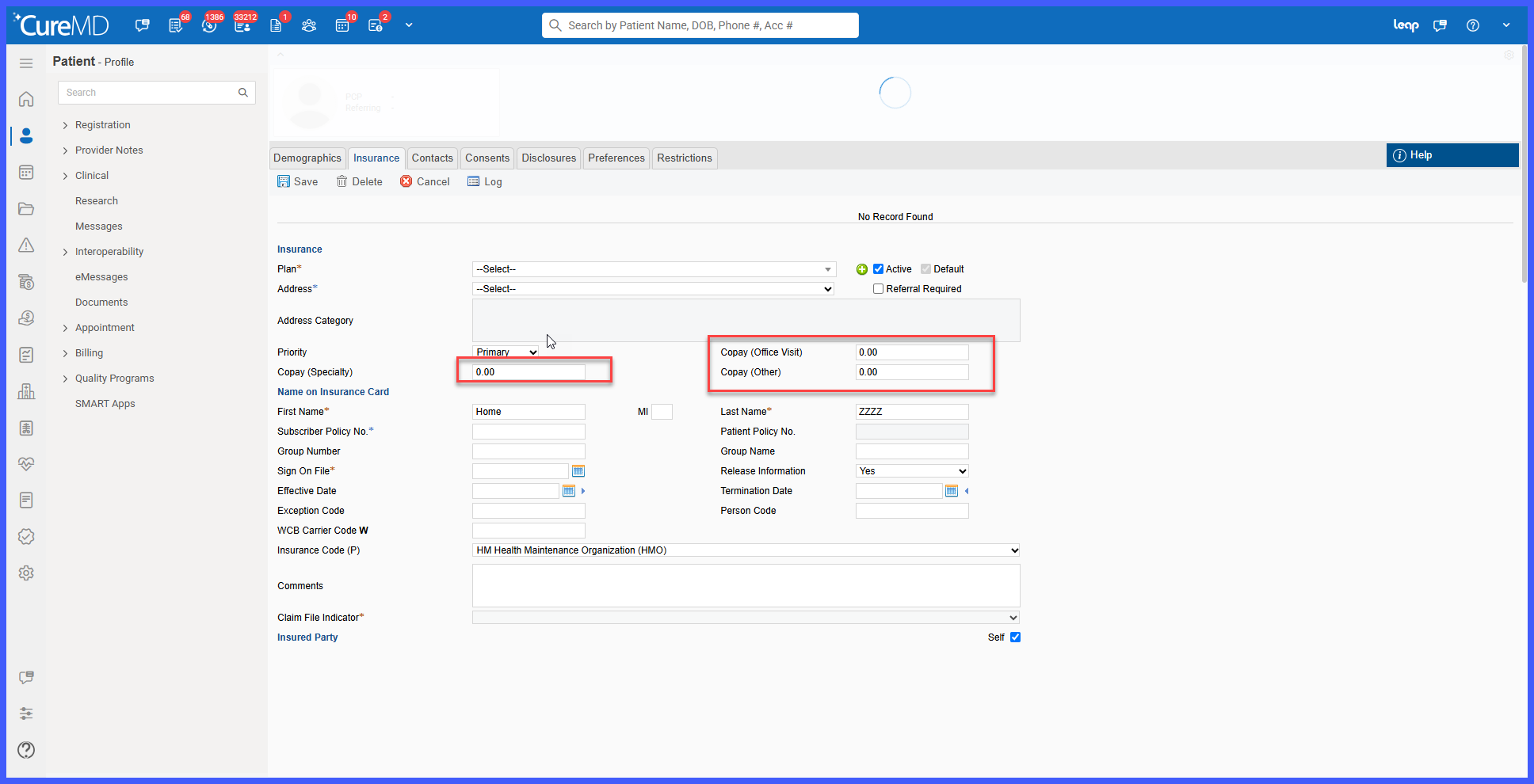
Enhanced Copay Validation for Specialty and Other Copay Fields

This enhancement improves validation for the Copay (Speciality) and Copay (Other) fields within the Insurance module. The system now validates copay entries to ensure that only valid numeric amounts are saved, while preventing unsupported characters and excessively large values.

copay1

Copay Handling Enhancements for Appointment Status Changes & Recurring Appointments

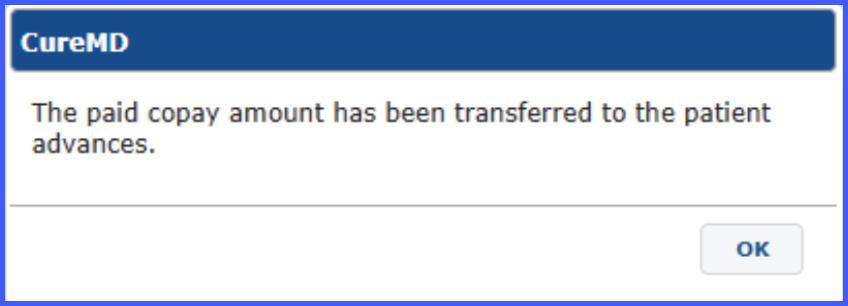
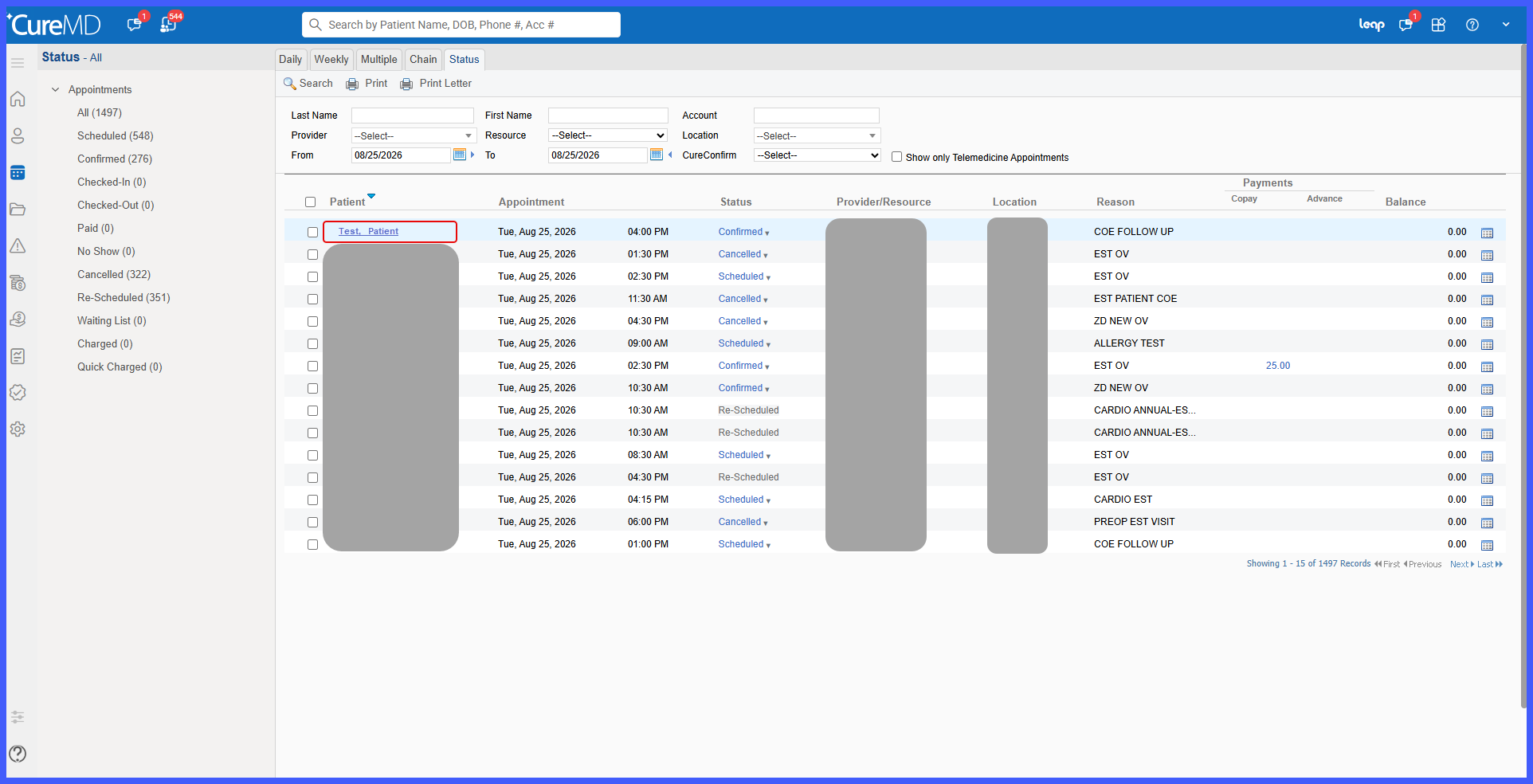
This enhancement standardizes backend handling of paid copays when appointments are canceled, rescheduled, or marked as No Show, including recurring and chain view appointments. It ensures consistent transfer of copay amounts to either Patient Advances or newly scheduled appointments without introducing any changes to the user interface.

Set Tooltip Hover Time in Scheduler

This enhancement in CureMD application allows the user to adjust the hover time of appointment tool-tip. This helps the user to easily navigate between appointment menu and appointment tool-tip without any disturbance.

Patient's Pregnancy Status on Scheduler

With this enhancement in the CureMD application, users can view patient pregnancy details while scheduling an appointment. This makes it easier to select the visit reason for a patient.

Enhancements in the Appointment Log

With this enhancement in the CureMD application, users can see which appointments have been booked via the Patient Web App. This helps users differentiate between Patient Web App appointments and regular ones.

Group Assignment Review for Provider Notes and Documents

With this enhancement in CureMD application, user can assign a provider note or document as a group review. This improves usability by allowing any one of the user in group to mark a document as reviewed.

Splitting Add/Change Appointment Reason Permission

With this enhancement in CureMD application, user is facilitated by splitting of appointment reason permissions. This allows authorized users to grant or revoke the permission of adding an appointment reason and changing the appointment reason separately.

Disallow Users to Edit Listed Reason Groups

With this enhancement in CureMD application, functionality to edit reason groups is disallowed, they can be added or deleted as required. This prevents the user from changing reason groups already applied to a different one which improves data integrity.