DAST Form Available for Substance Use Assessment
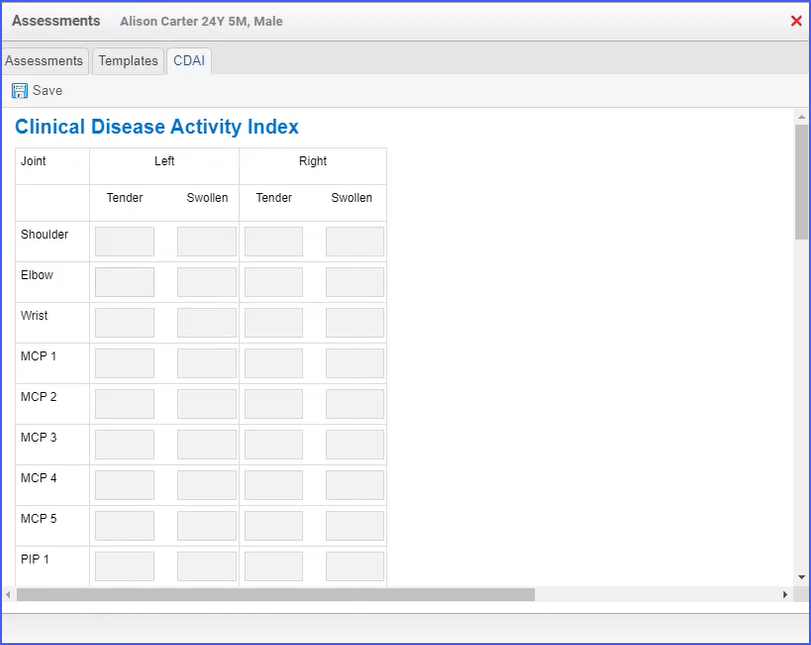
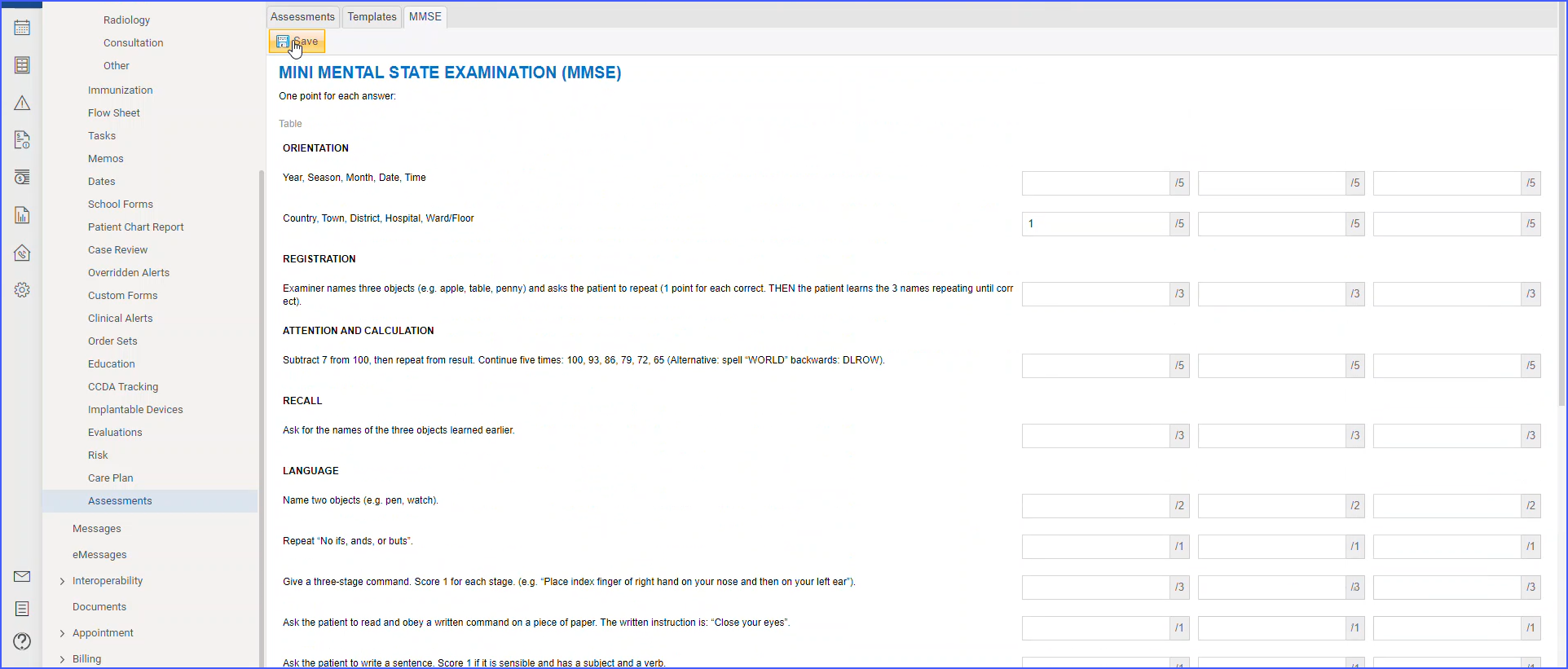
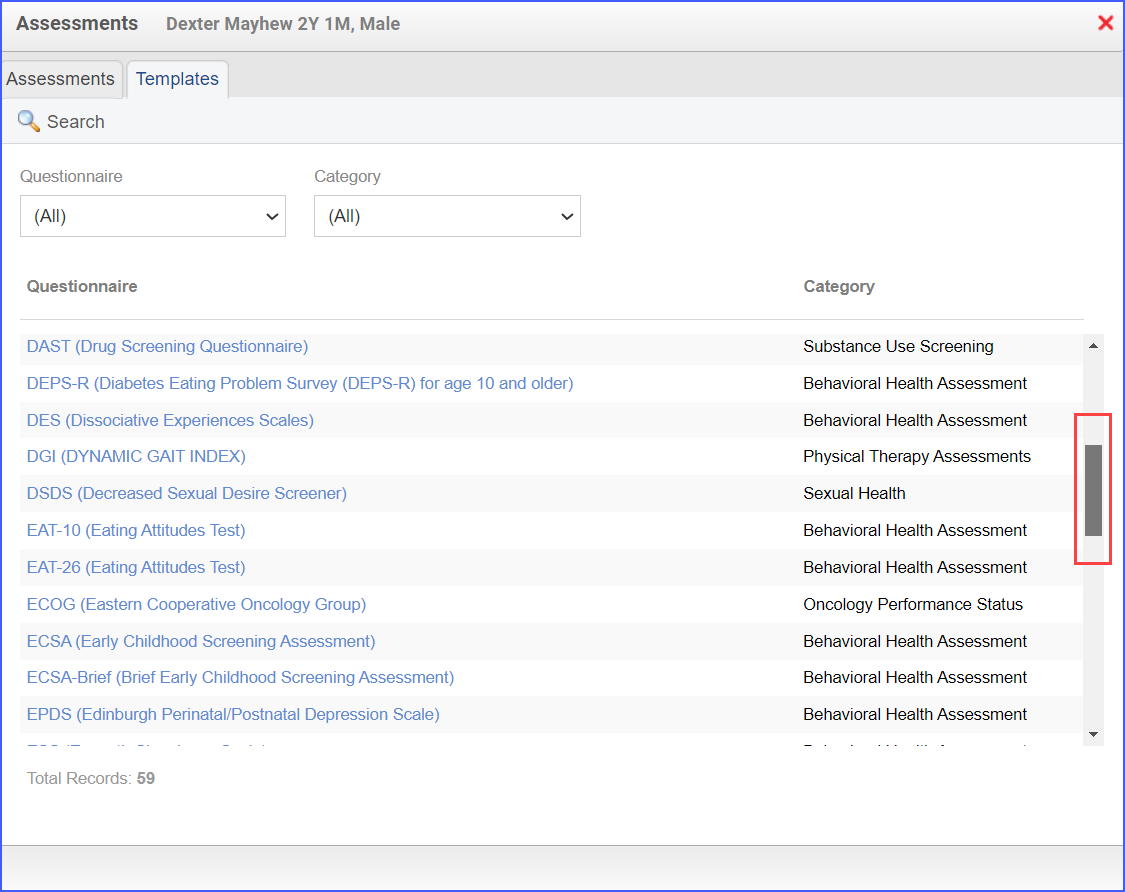
With this enhancement in the CureMD application, providers can fill the DAST form for patients. This ensures timely assessment of patients for substance abuse.
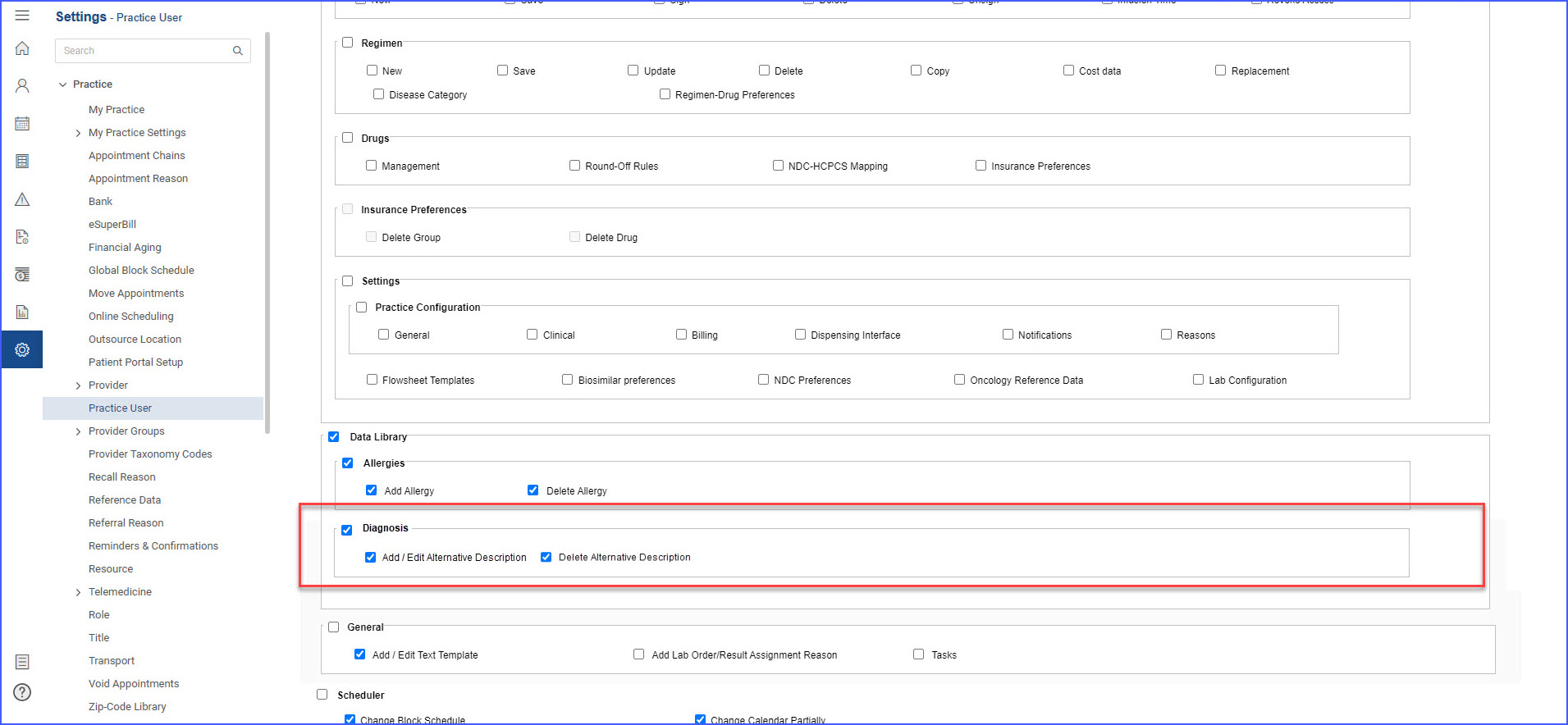
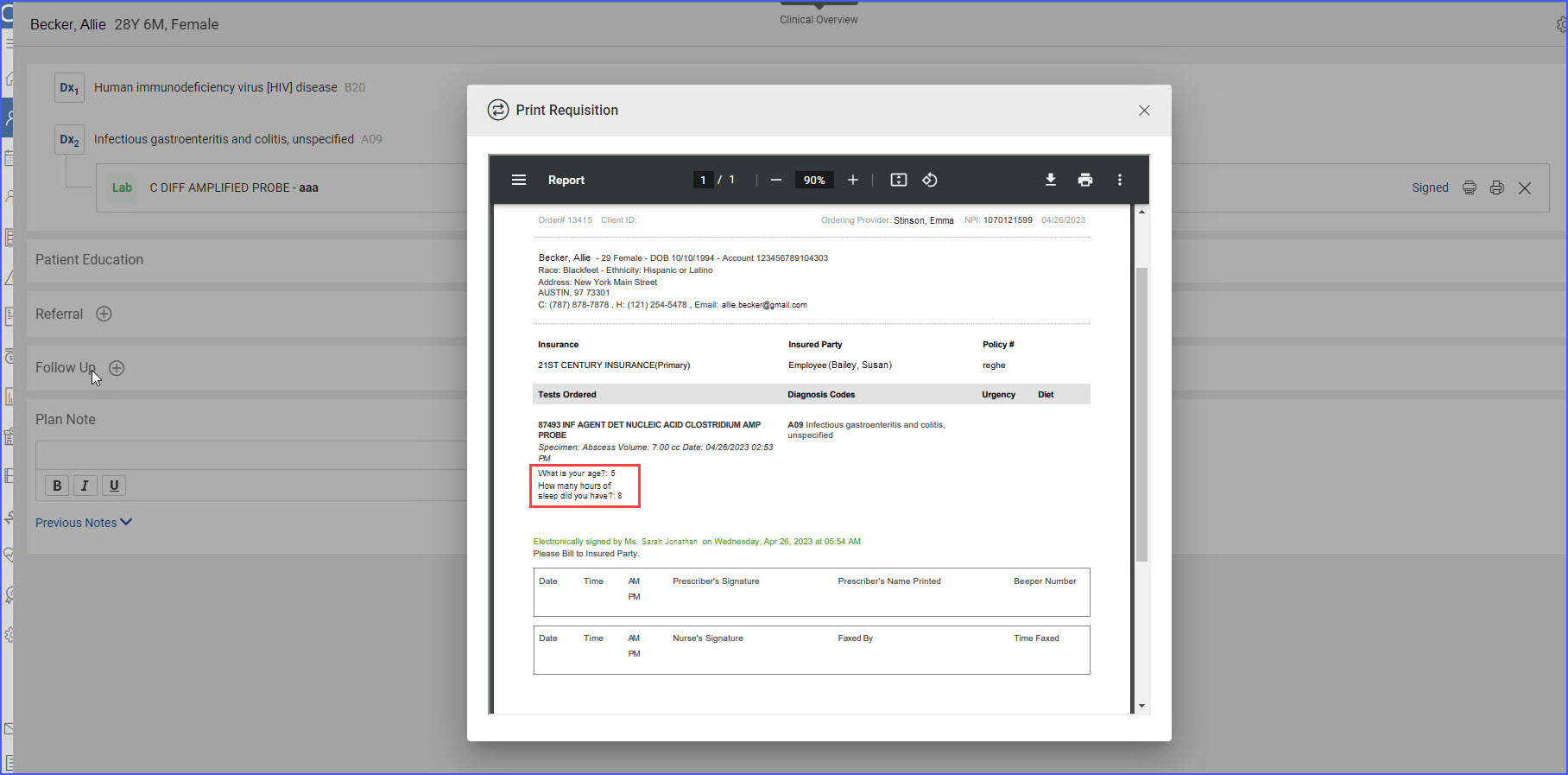
With this enhancement in the CureMD application, users can mandate the inclusion of diagnoses when submitting procedure orders. This ensures that ICD-10 codes are provided when sending procedure orders to external facilities or practices.
With this enhancement in the CureMD application, users can create specimen labels that include the order number with the barcode. This facilitates easier processing of specimen labels.
Multi-Select Option for Fee Schedule Setup
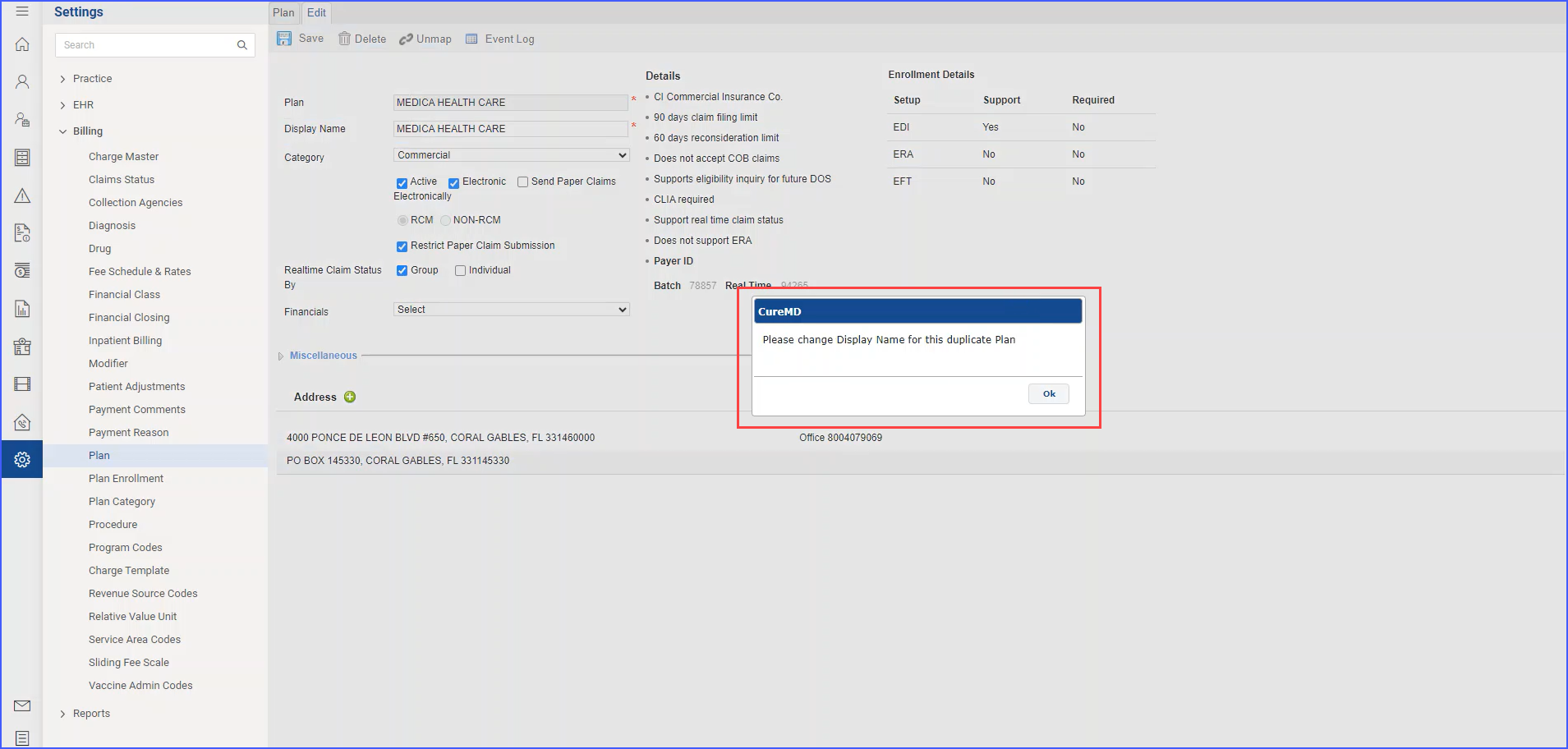
With this enhancement in the CureMD application, users can create a single fee schedule applicable to multiple locations, plans, or providers. This flexibility streamlines the fee schedule setup process and prevents duplication.
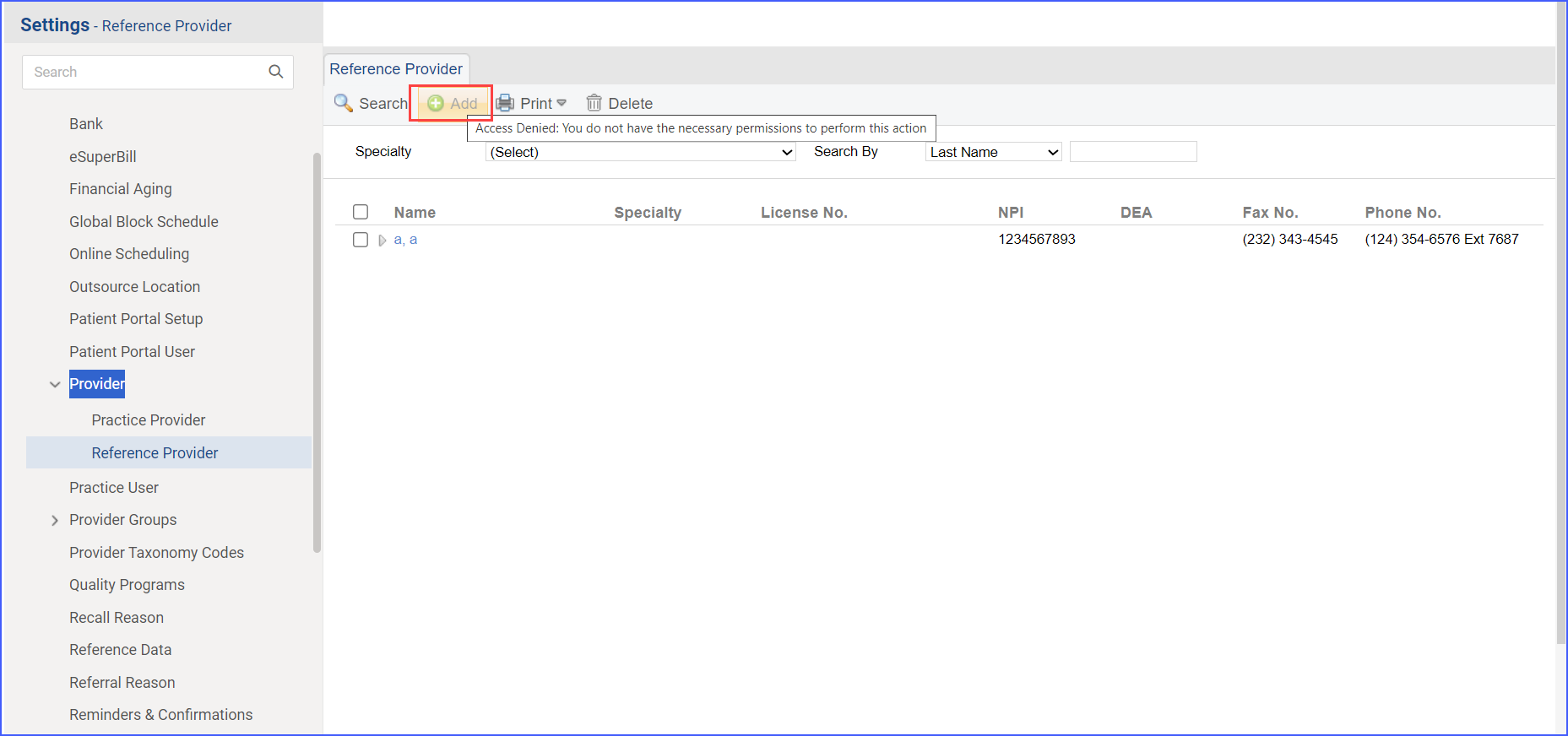
With this enhancement in the CureMD application, inactive providers are included in the Provider Search dropdown for referrals. This ensures referral coordinators are aware of inactive providers.
With this enhancement in the CureMD application, the selected "Bill To" option is displayed on the requisition when adding a radiology order. This ensures accurate billing information is applied to the order.
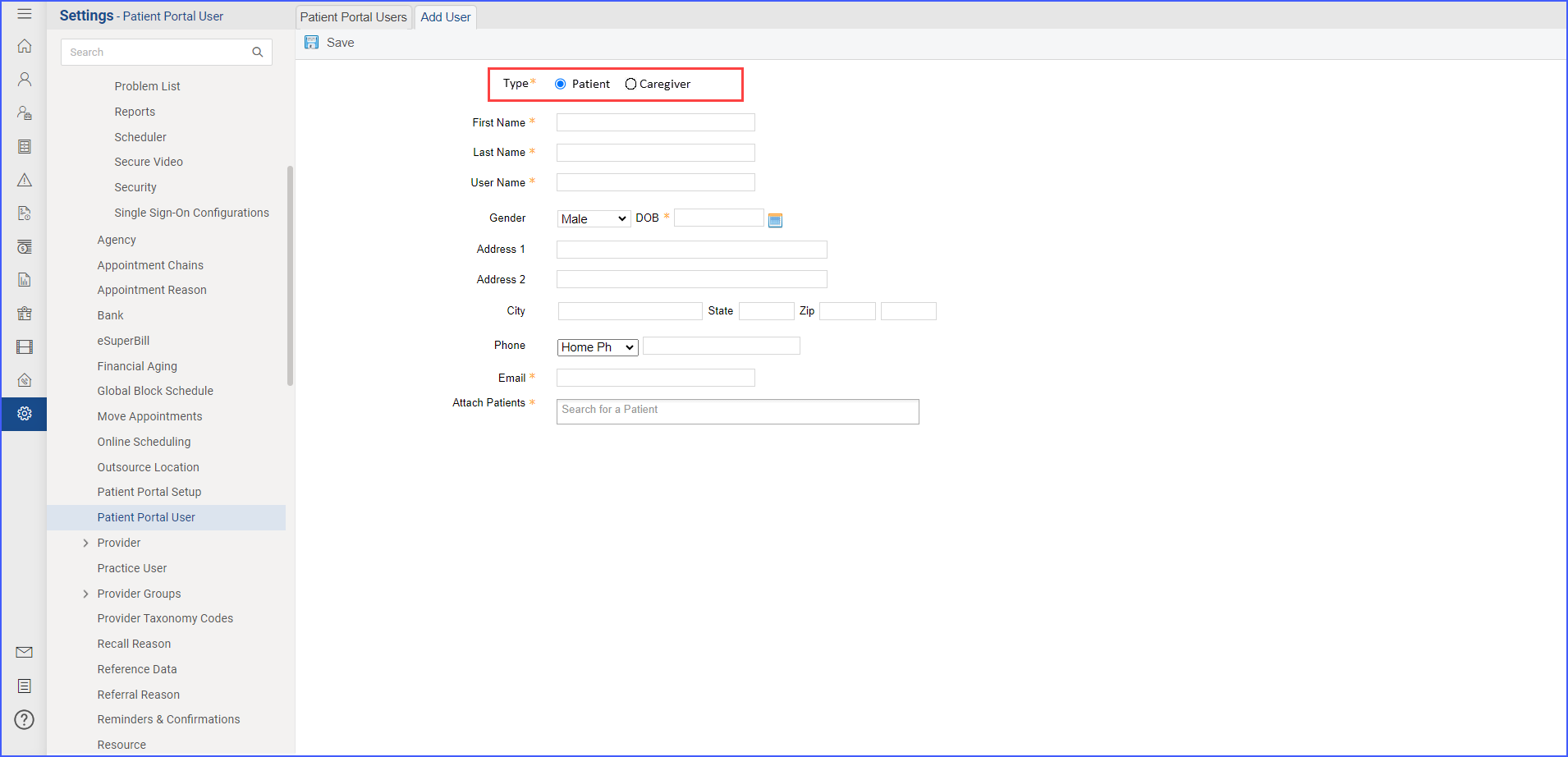
With this enhancement in the CureMD application, new 10g layout is enabled by default for all newly created users. Users can experience the enhanced 10g interface with customization options from the beginning.
With this enhancement in the CureMD application, the Clinical Research section facilitates thorough monitoring and management of clinical trial events, guiding outcomes based on real-time patient data. Available for Oncology Clients, this feature streamlines the entire workflow from data importation to trial archiving.
With this enhancement in the CureMD application, users can search for a denial by its reason code or description directly in the payment page adjustment details window. This streamlines the process of posting denials by allowing the selection of the most relevant denial reason code from comprehensive search results.
With this enhancement in the CureMD application, the Accounts Receivable KPI reflects the data from Financial Overview in the Billing Module. This ensures that the KPI aligns with the most current and comprehensive financial data.