How to Edit an Existing Plan?
Follow the above mentioned workflow to land on the Plan page.
From the displayed list of plans, user can select a plan to make edits to.
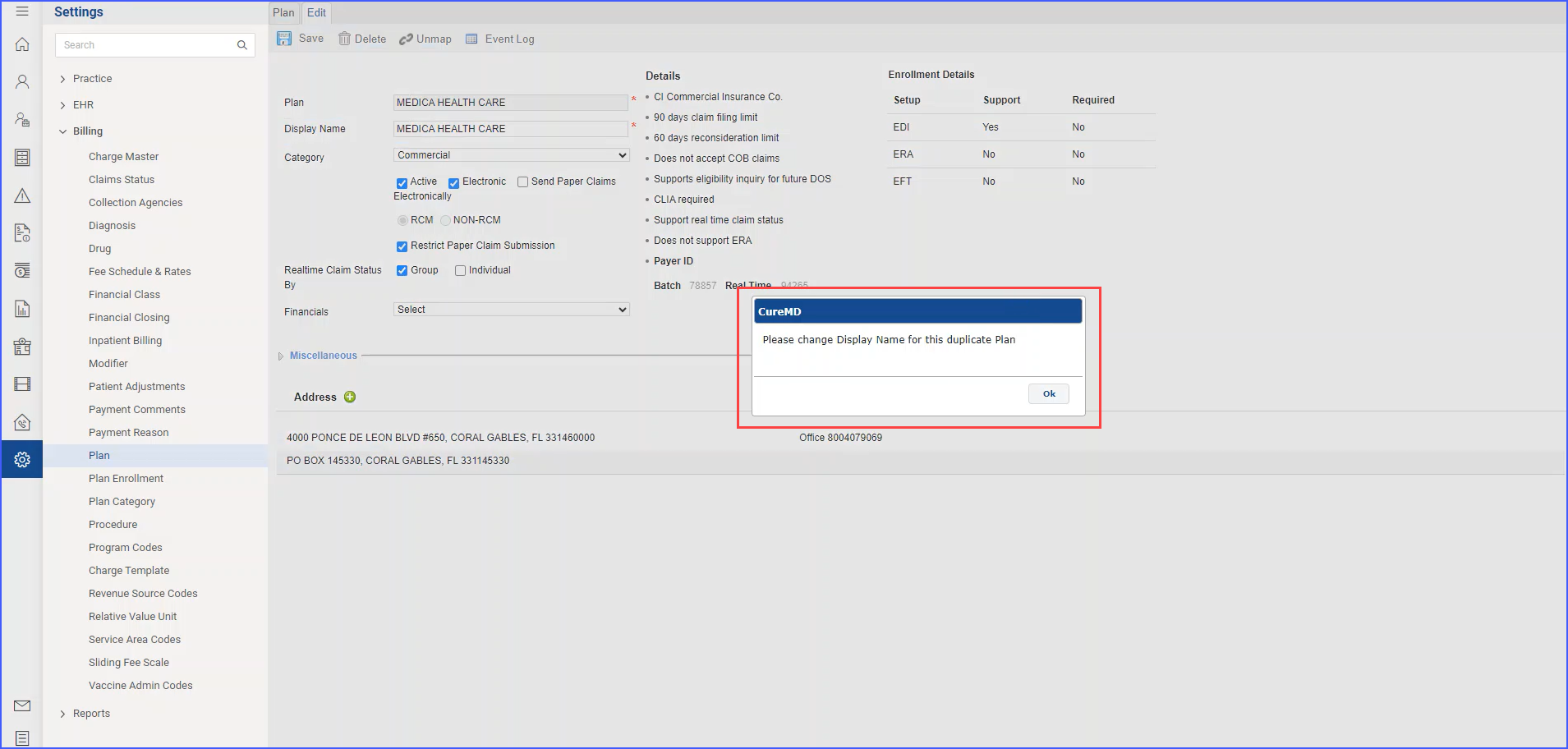
When a user opens a plan with a duplicate display name for the first time, a popup alert appears with the message “Please change Display Name for this duplicate Plan.” 
The user must acknowledge this alert by clicking “OK,” after which the popup does not appear again for this specific plan.
If the user has already acknowledged the alert for a particular plan, the system does not display the duplicate display name popup alert when the plan is reopened or edited. This one-time alert ensures users are informed about duplicate display names while avoiding repetitive notifications.
