How to Compose eMessage?
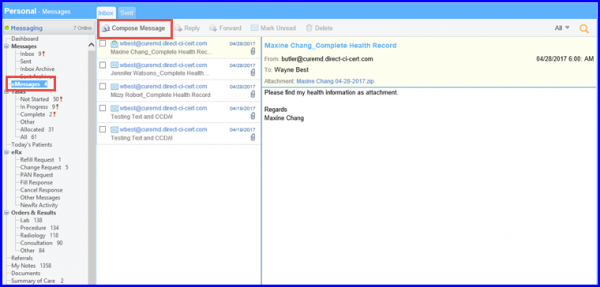
Follow the workflow mentioned above t land on the ‘eMessages’ screen.
Click on ‘Compose Message’ button.
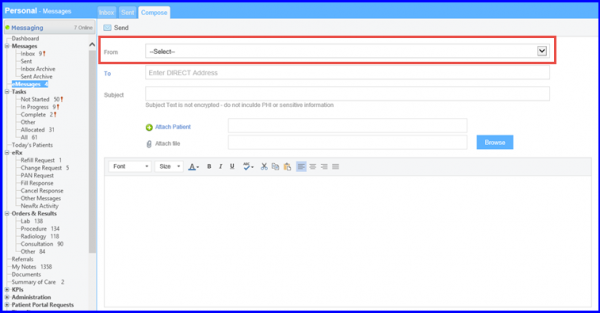
The ‘Compose’ screen will be displayed.
Users other than the providers can also send and receive messages.
The ‘From’ drop-down allows users to select ‘Direct Address’ of any provider, that is associated to the user. To view how to associate providers to a user, click here.