How to Record Feedback for Labs?
Follow the above mentioned workflow to land on the Lab page. 
Users can provide feedback about their experience of ‘Lab’ section. This helps CureMD improve lab’s user experience.
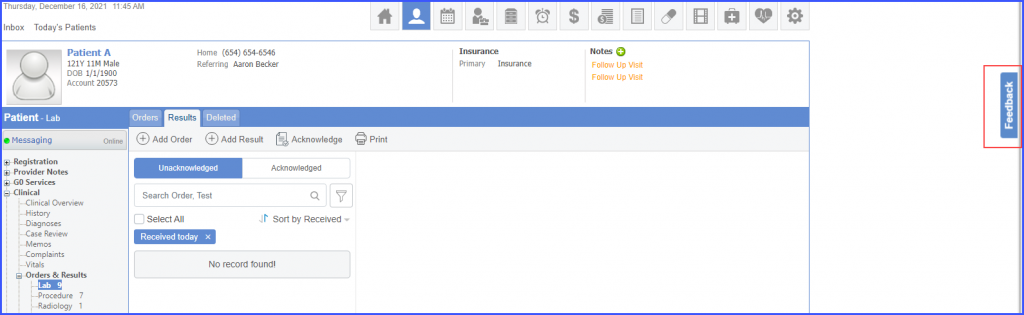
To provide feedback, click on the ‘Feedback’ button.
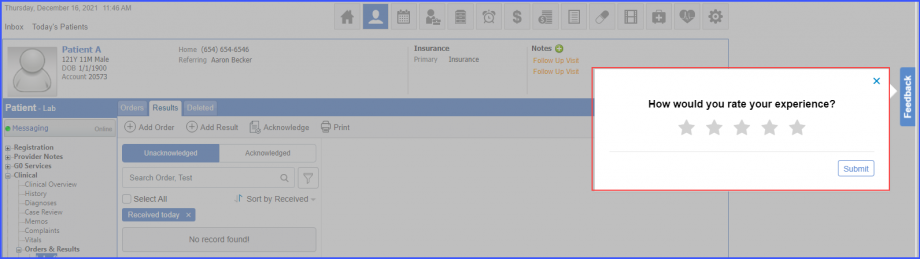
Once the ‘Feedback’ button is clicked, a feedback overlay is displayed. Users can rate their experience by clicking on the desired star.
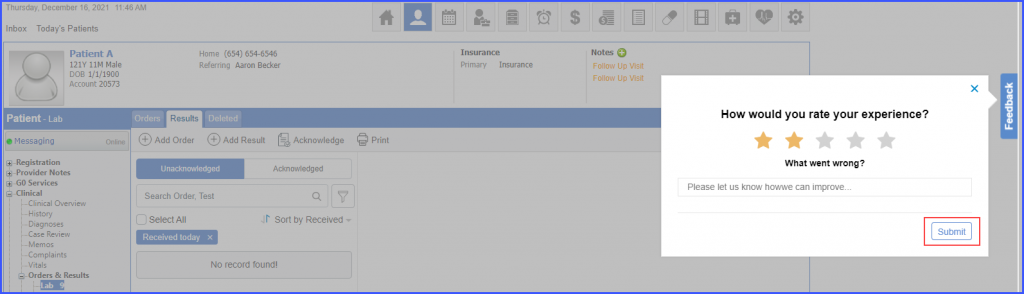
After a star is clicked, further feedback options appear. Click ‘Submit’ to submit the feedback.
Similar enhancement has been made on the ‘Immunization’ page. Click here, to view the change.
