What is the Process of Documenting Workers Compensation Case?
Users have the option to document the severity of worker’s compensation case by documenting ‘Disability Percentage.’
Follow the workflow mentioned above to land on the ‘Cases’ screen.
Click ‘+Add’ icon to display the ‘Add’ screen.
Input the required information and select ‘Type’ as ‘Worker’s Compensation’.
Select ‘Yes’ for disability.
Select severity of percentage from the ‘Percentage’ dropdown.
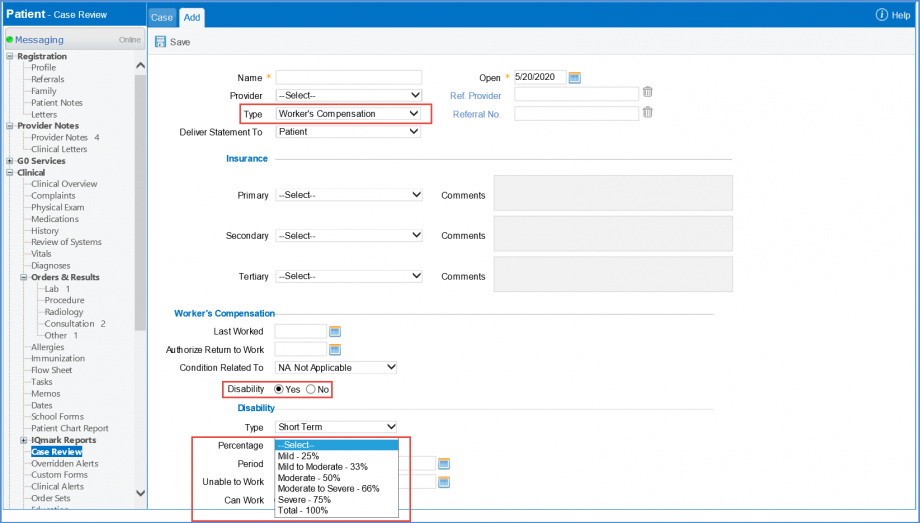
Click on the ‘Save’ button to save changes.
It is mandatory for users to add the accident date for ‘Auto’ and ‘Other’ accident Cases.
This ensures that claims do not get rejected by insurance on basis of missing case information.
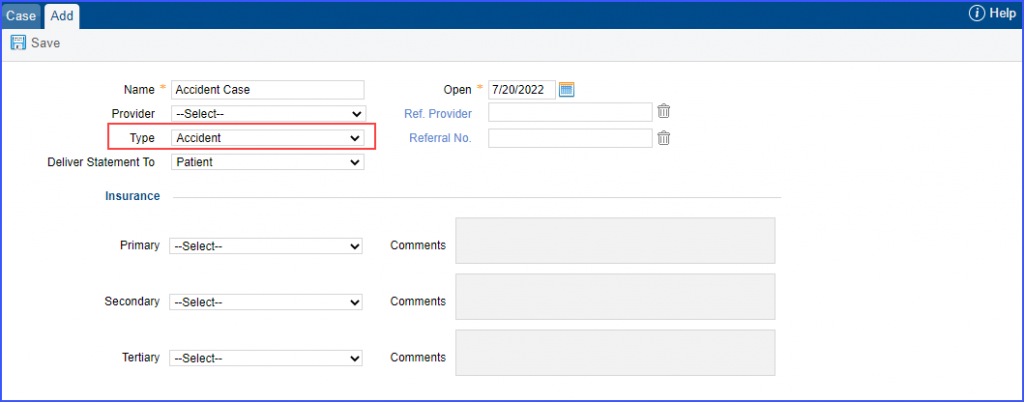
Users create a case and selects type as ‘Accident’.
Users select “Other Accident” or “Auto Accident” in the ‘Condition Related To’ dropdown.
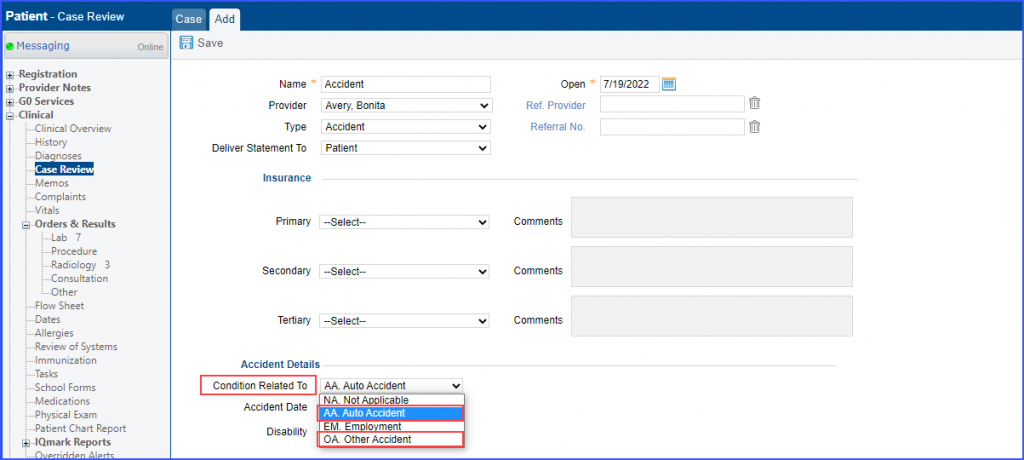
It is mandatory for the users to fill in the accident date for the case.
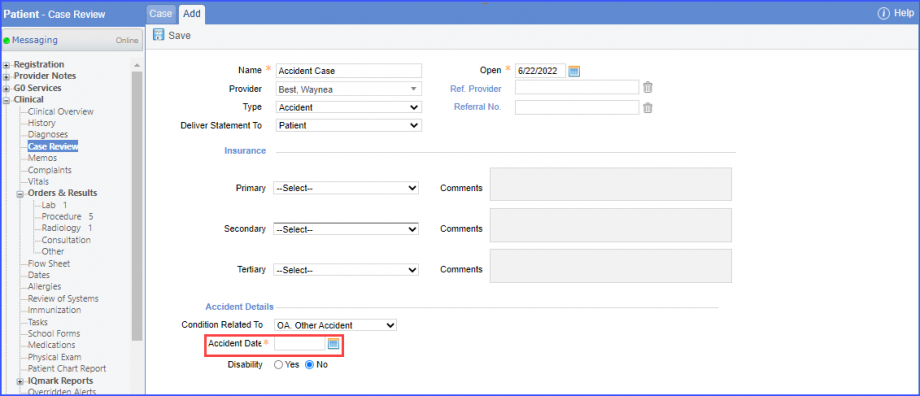
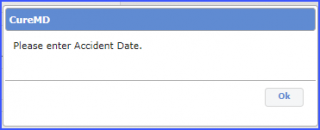
If the ‘Accident Date’ is not populated and case is saved, the system displays an error prompt stating:
‘Please enter Accident Date.’