How to Add Smoking Status?
Follow the workflow above to land on the ‘Tobacco’ tab in history tab.
Here users can document the tobacco intake of a user.
Click on the ‘Smoking Status’ dropdown to select the appropriate option.
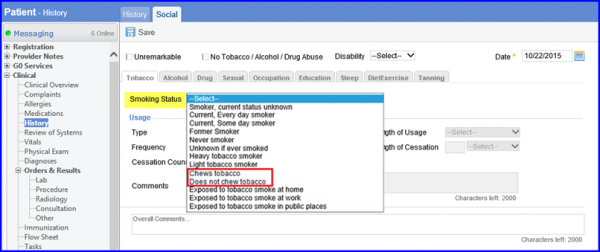

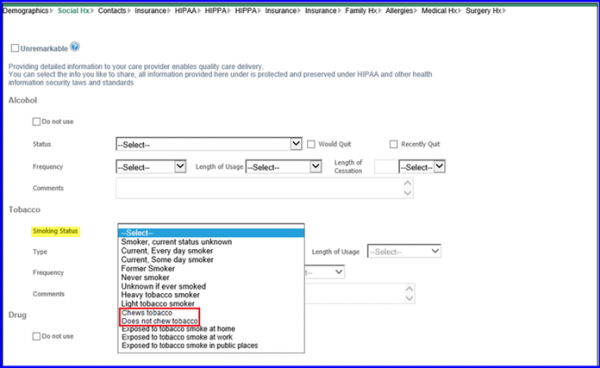
Users can select multiple smoking types and methods a patient uses for their tobacco intake. 
The following are the options given in the list:
- Cigarette
- Electronic Cigarette
- Cigars
- Chewing Tobacco
- Snuff
- Pipe
The user starts by selecting a smoking status from the drop-down menu and then selecting the relevant smoking types from a scrollable menu by checking the boxes alongside each option.
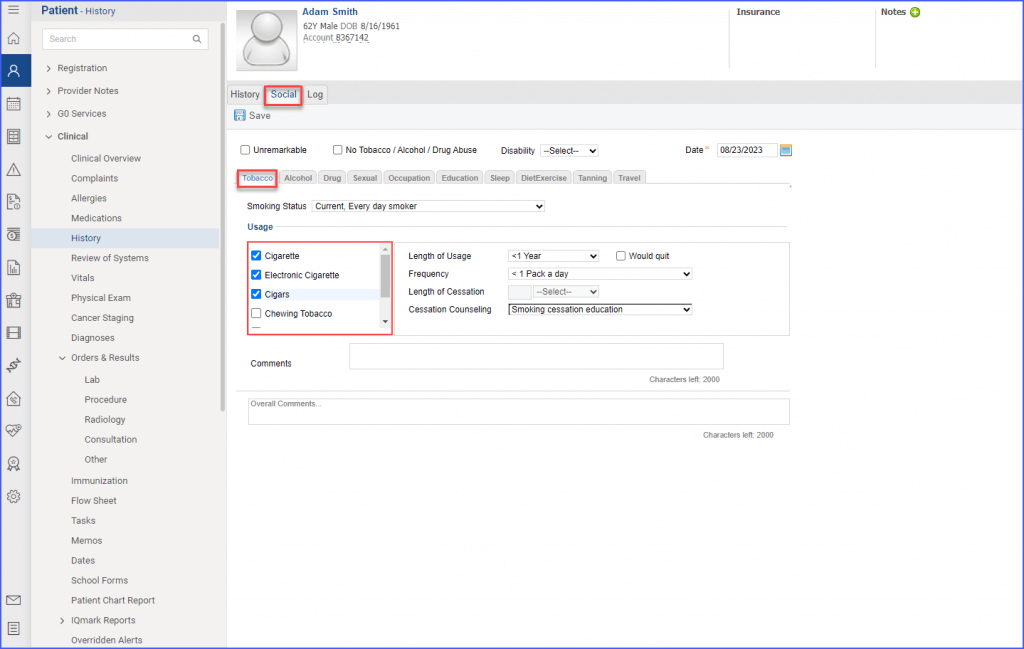
Once selected, details for each individual method can be specified by filling out the usage information.
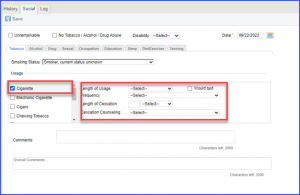
Once all relevant information has been filled out, user clicks the ‘Save’ button.
