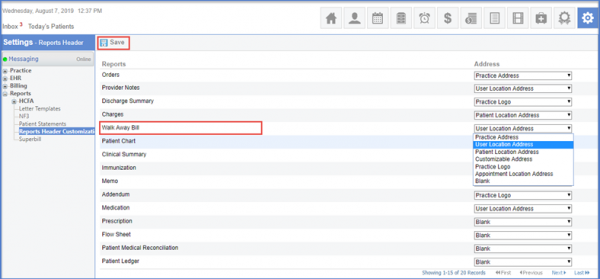
How to Change Walk Away Bill Information from Reports Header Customization?
This enhancement enables users to specify a Patient’s Location Address on Payment Receipt. So that, in case a patient has any queries they can get back to the relevant practice using contact information mentioned on their Receipt.
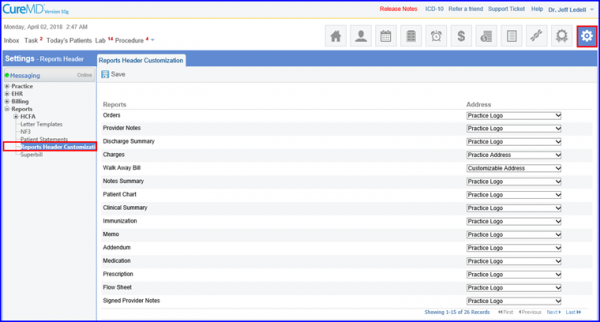
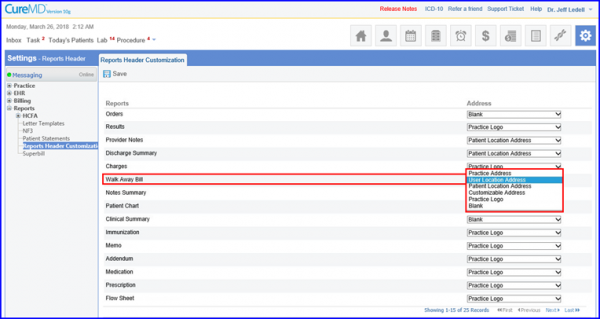
In the ‘Reports’ column, go to ‘Walk Away Bill’ and change the user’s location address from the ‘Address’ dropdown against the component.
When done click on Save .