Increased Character Limits for Letter Template Names
What’s New
-
Updated display handling for longer letter names across the following areas:
-
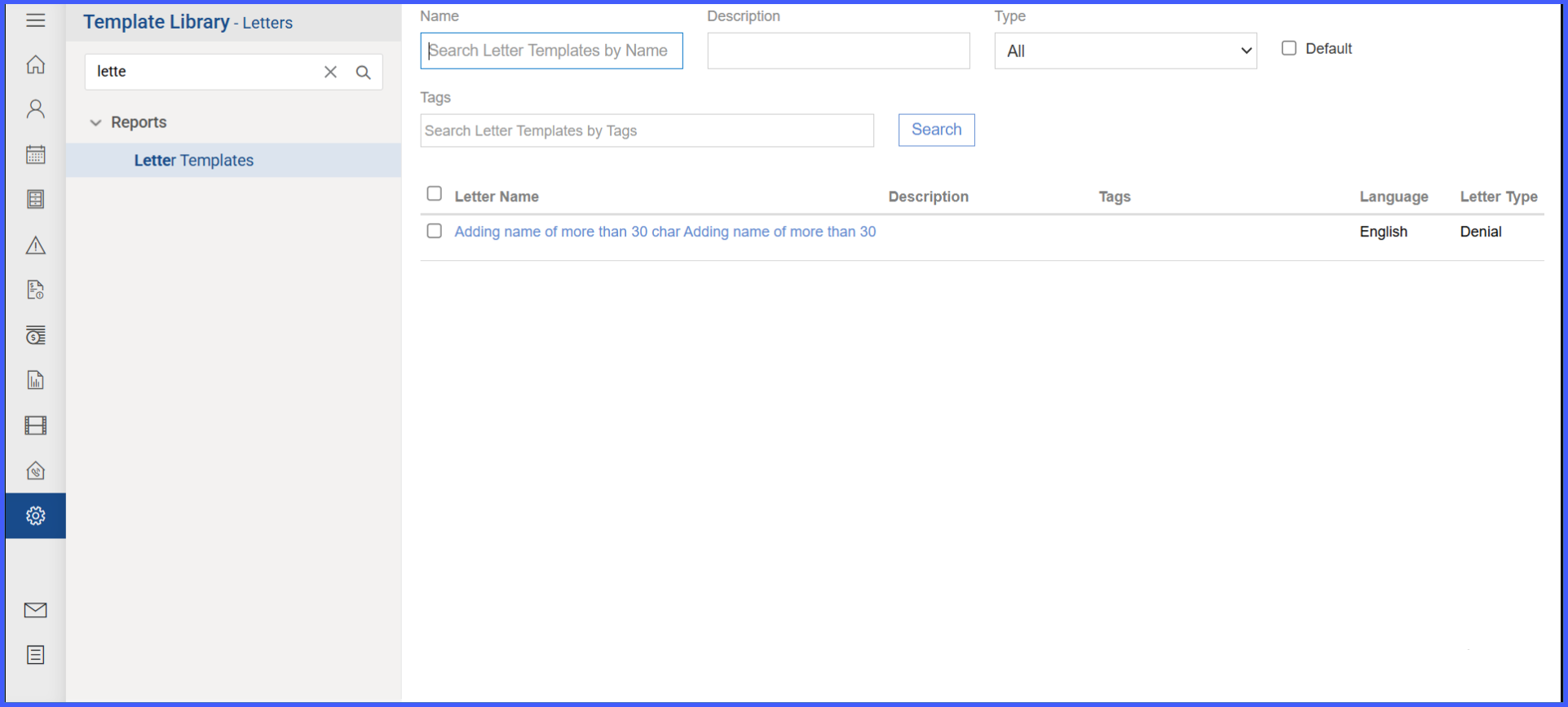
Personal > Administration > Letters
-
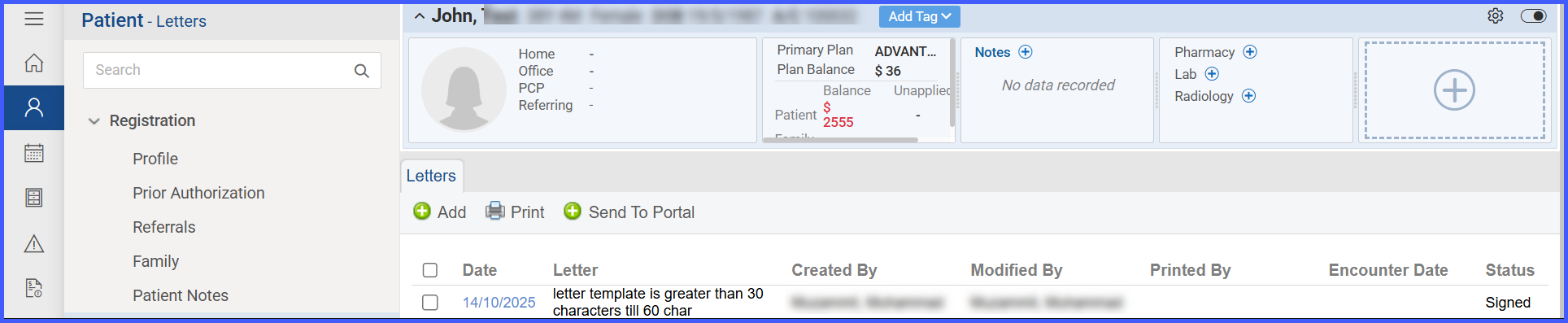
Patient > Registration > Letters
-
Patient > Provider Notes > Clinical Letters
-
Patient > Provider Notes > Provider Note > Send/View Letters
-
Patient > Consent > Letters
-
-
Letter/Letter Name columns retain their original width, and longer names will wrap within the cell instead of truncating or expanding the column.
-
No changes were made to other existing letter template functionality.
How It Works
-
Go to Settings > Reports > Letter Templates.
-
Select Add to create a new letter template.
-
In the Letter Name field, enter up to 60 characters.
-
Save the template as usual.
-
The extended names will display correctly in all related areas listed above, wrapping text when the name exceeds visible space.
Benefits
-
Allows more descriptive and specific naming for letter templates.
-
Maintains layout consistency without altering column widths.