Improved Appointment Ordering for Cancelled and No-Show Appointments
What’s New
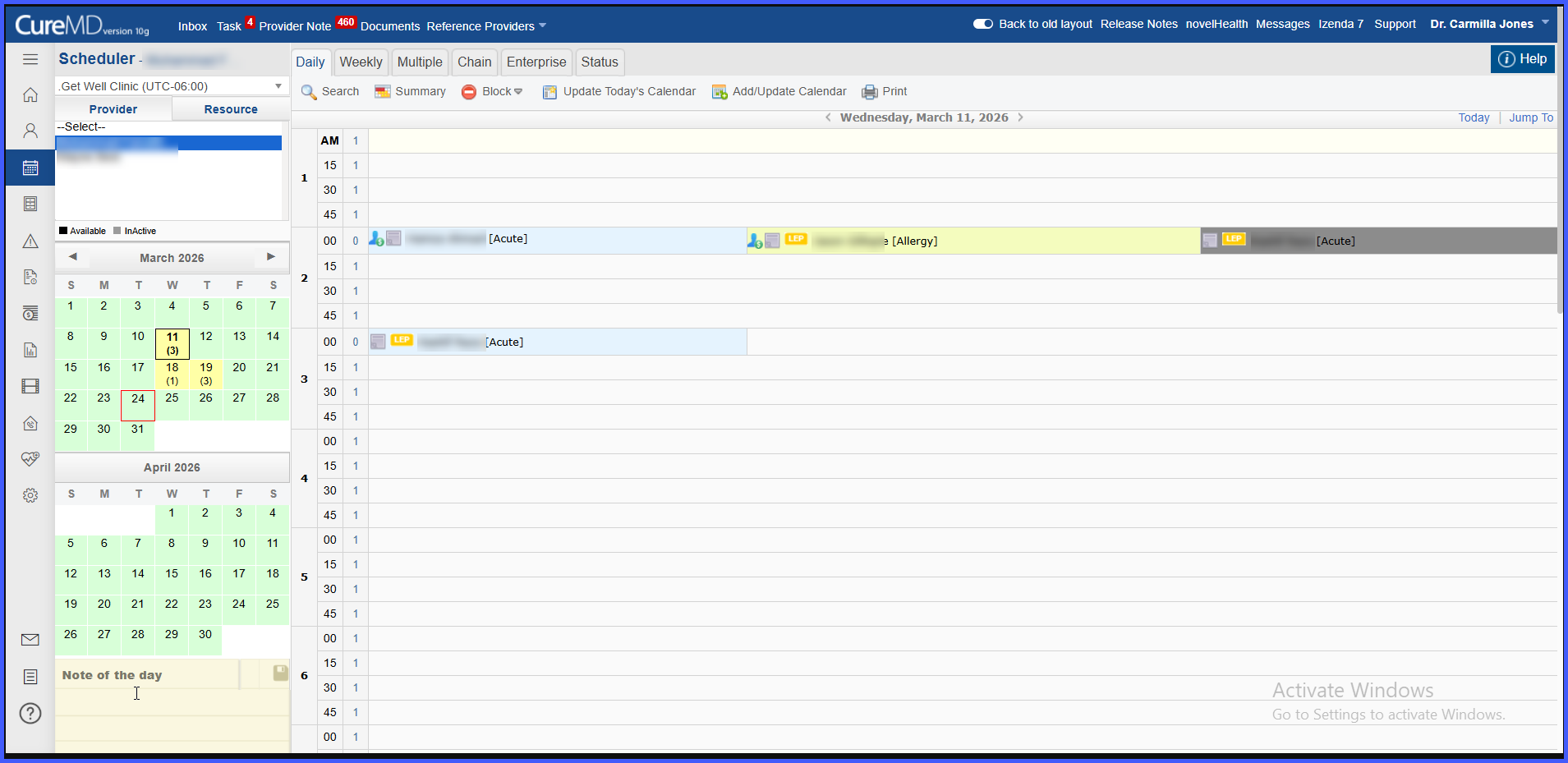
- Cancelled and No-Show appointments are repositioned within shared time slots
- Active appointments are always displayed first
- No-Show appointments appear after active appointments
- Cancelled appointments are consistently displayed last
- Enhanced multi-level sorting logic ensures stable and predictable ordering
- Sorting now considers time, reason group, status, and tie-breakers
How It Works
Appointment Positioning Within a Time Slot
Within the same time slot:
• Active appointments (Scheduled, Confirmed, Check-In, Check-Out, Waiting List) appear first
• No-Show appointments appear after active appointments
• Cancelled appointments are always shown last
This ensures that staff can quickly identify and act on relevant appointments.
Enhanced Appointment Sorting Logic
Appointments are displayed using the following priority order:
-
Start Time
• Appointments are sorted by earliest time first -
Reason Group (if applicable)
• Appointments with the same time are grouped by Reason Group
• System-defined priority determines the order -
Status Priority
• Active statuses appear first
• Followed by No-Show
• Followed by Cancelled -
Forced Booking
• Used as a tie-breaker when other attributes are identical -
System Tie-Breaker
• Internal identifiers ensure consistent and stable ordering
Benefits
- Improves visual clarity within the scheduler
- Helps staff quickly focus on actionable appointments
- Reduces the risk of overlooking active visits
- Provides consistent and predictable appointment ordering
- Enhances overall workflow efficiency
