How to Implement Smart Phrases across CureMD Application?
Practice Users can access and use smart phrases from every expandable text area in the CureMD application.
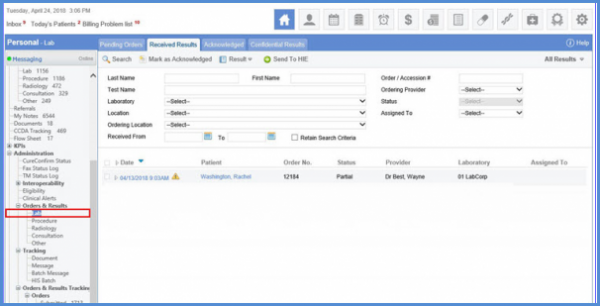
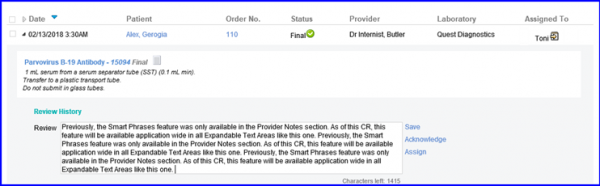
Consider the highlighted workflow as an example. Click on the date to locate an expandable text area on this screen, type-in .(your keyword) and press Ctrl + Space. This phrase turns into a pre-stored paragraph defined by the user.
Additionally, the usability of smart phrases is also enhanced in Provider Note. Type-in a smart key .A and press Ctrl + Space and the system displays a menu with top 5 results stored in alphabetical order.
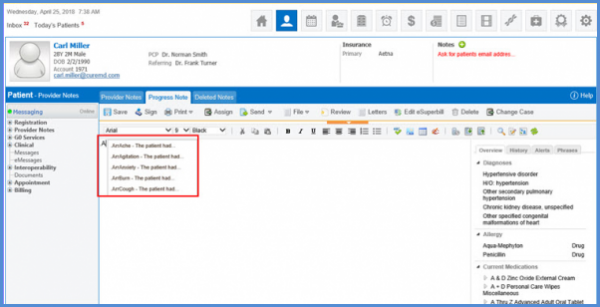
Make a selection by clicking on the desired smart phrase.
