How to Configure an ECG Device?
Device Configuration/Driver Installation
User can ensue the following steps to configure his / her device.
- Plug in the ECG device into the computer.
- Download the EKG.rar file from “cloud2.curemd.com/cs”
- After downloading the file, extract it and double click on “IQECG.msi”
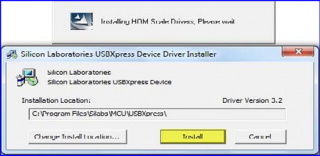
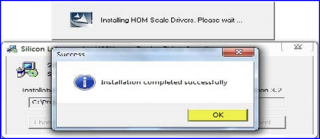
- The complete installation process is illustrated in the screenshots attached below:

- Click on “Install”
- Click on “OK”
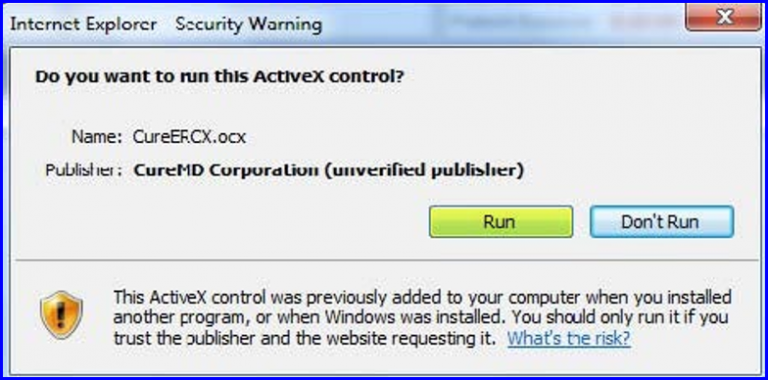
- Click on “Run”