How to Update Open Tickets?
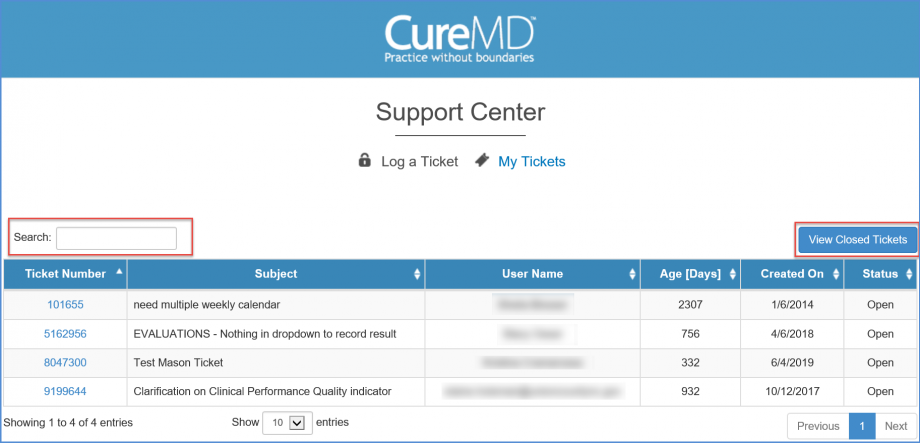
Log into the application and click the ‘Support’ hyperlink on the application header. This will display the ‘Support Menu’. Click the ‘My Tickets’ option.

‘My Tickets’ section of the ‘Support Center’ will be displayed in a new window. This will contain a list of the all the open tickets and their detailed status. Users can search for a ticket on the basis of its ‘Ticket Number’, ‘Subject’ or ‘Date’.
Once the results load, click on the required ticket number to open the ticket.
Scroll down to the Comments section on the ticket window.
Users can insert comments in the comments box, and can also attach files if required.
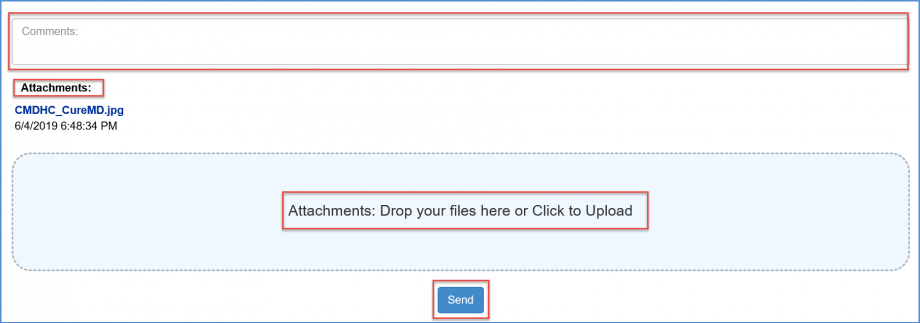
Once done, click ‘Send’.
