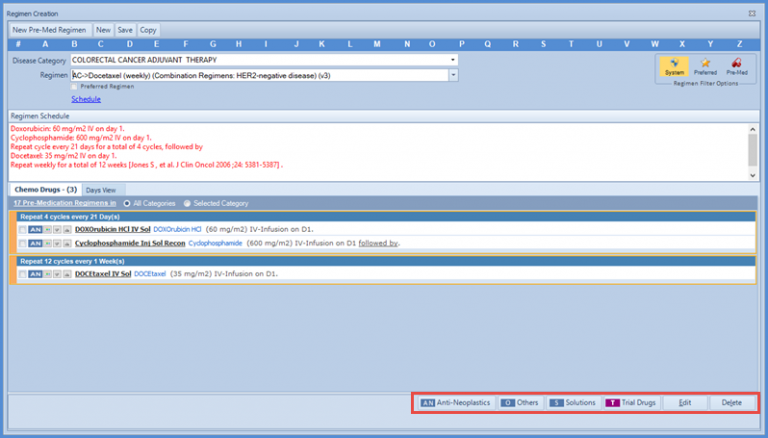
How to Customize System Regimen?
By default, the chemotherapy manager does not allow the users to modify System regimens. If the user wants to use a system regimen and modify it according to the requirements of the chemo treatment, they need to make its copy and save it with a new name.
Select the system regimen for a disease category and modify it. To search for a system regimen quickly, the System search filter can be turned on by clicking on the System button.
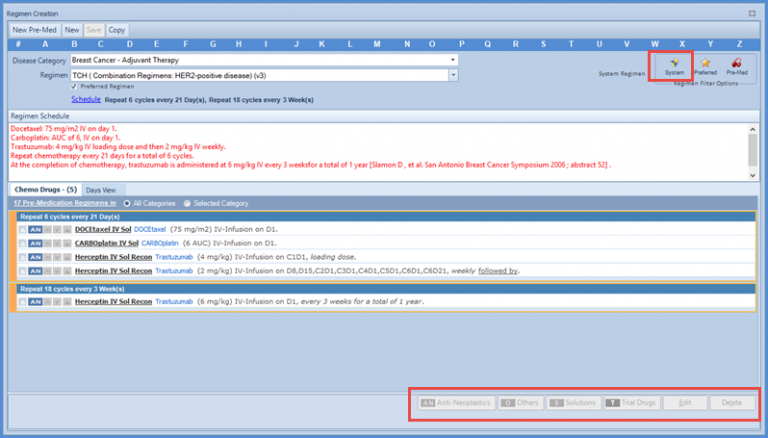 The drug index buttons at the bottom of the screen are disabled, which means the user cannot add/edit or delete the chemo drugs in this regimen. To make modifications to this particular regimen, the user needs to click “Copy” button atop the screen.
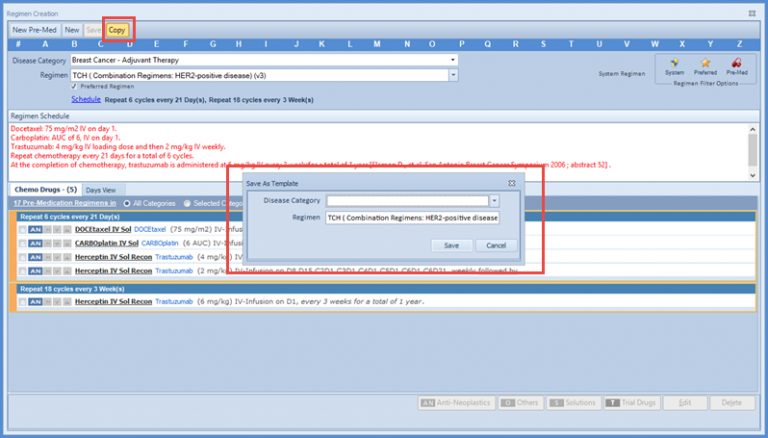 The system will prompt the user to save the regimen template with a new name. So, now the user can select an appropriate name for the regimen and click on ok button.
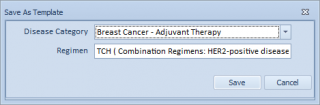 This new regimen opens in the New Regimen Creation window and the user can modify it easily via the drug index buttons.