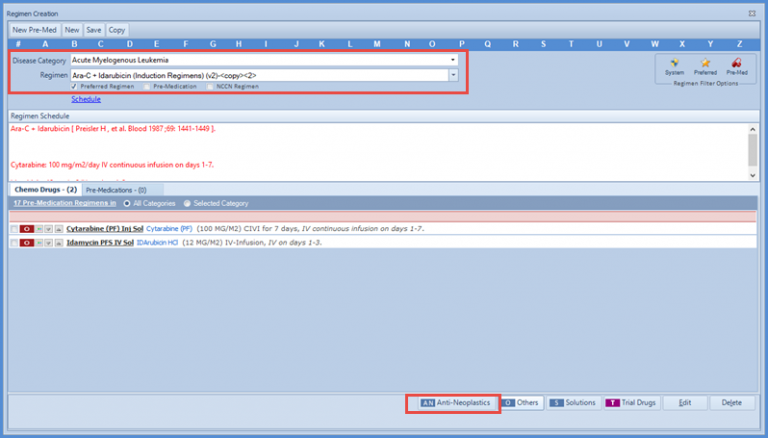
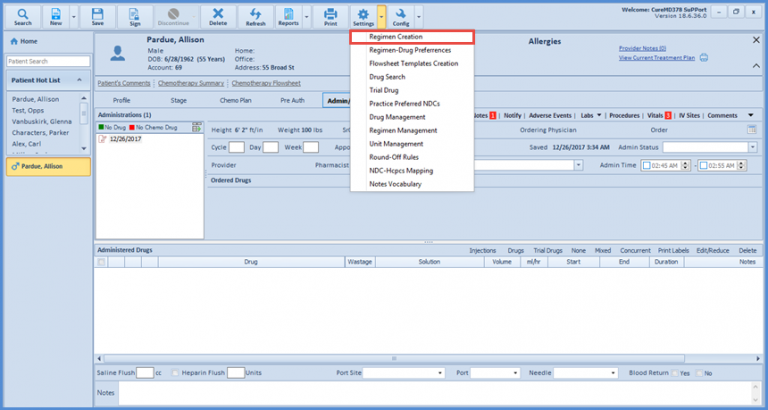
How to Add a Regimen in Chemotherapy Manager?
The menu bar on the top of the screen allows the user to perform the following actions.
- New Pre Med
- New Regimen
- Save Regimen
- Copy Regimen
- Alphabetic search for Regimen
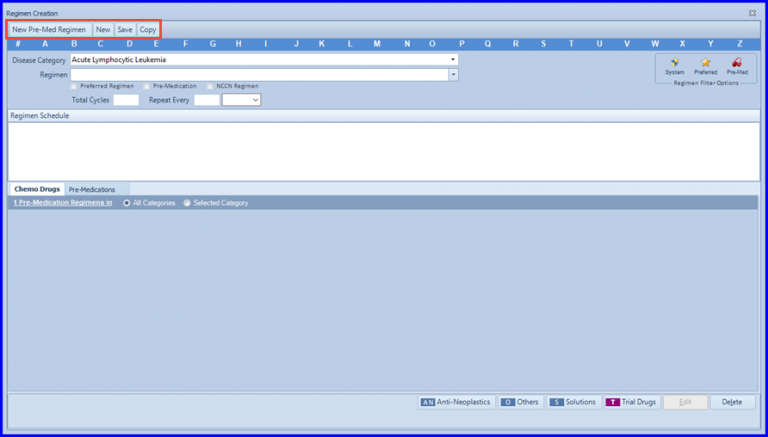
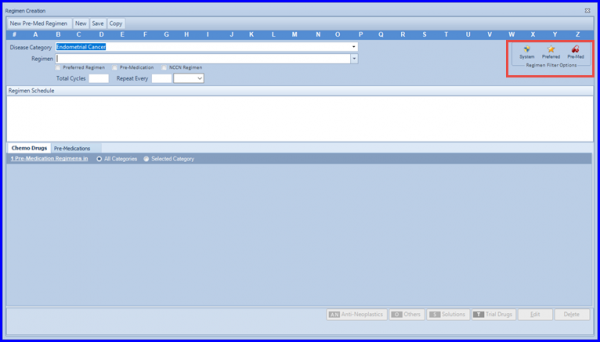
The application allows the user to sort the regimens according to different criteria. The user can choose from the system regimens, preferred regimens, or Pre-Med regimens as per the requirement.
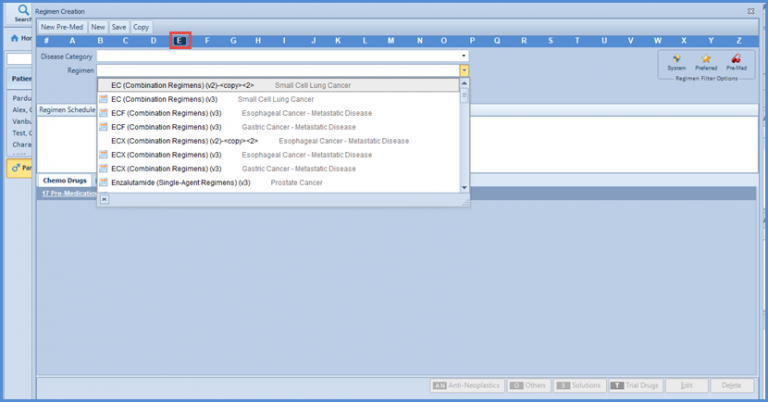
The application also enables the user to search the regimens according to the initial alphabet. The user just needs to select the alphabet from the list at the top and all the regimens beginiing from that specific alphabet will appear in Regimen tab.
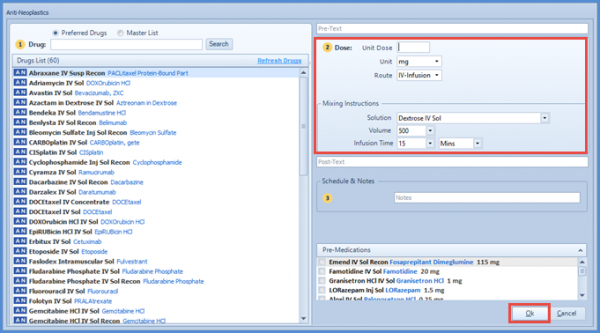
 In addition, the regimen can also be created by selecting the disease category from the drop-down menu. The user can select disease category, add regimen name, mark the checkbox for preferred regimen, create the desired schedule according to the dose and mixing instructions, and click ok.