How to Attach a Document with a Pre-Auth Request?
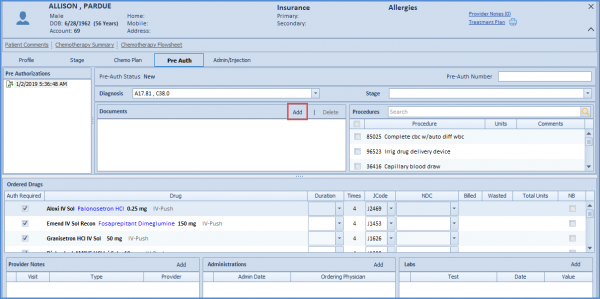
To associate a document with the pre-auth request,navigate to the “Documents” section and click on ‘Add’.
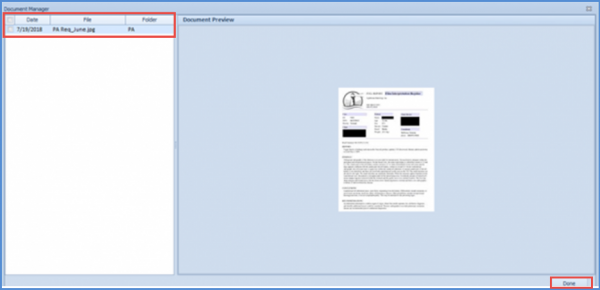
The new window displays the list of documents added in the Document Manager of that patient. Select the desired document(s) by check-marking them and click ‘Done’.