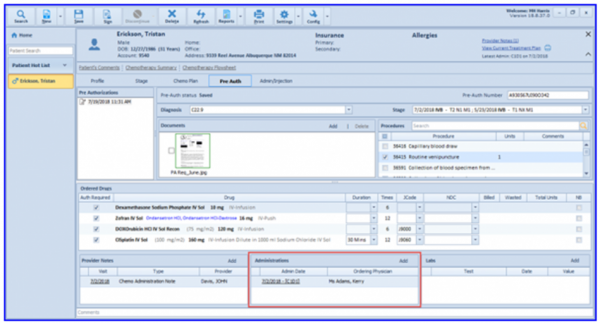
How to Associate Administrations with a Pre-Auth Request?
In order to associate administrations with the pre-auth request, follow the workflow above and click ‘Add’ from the Administrations section.
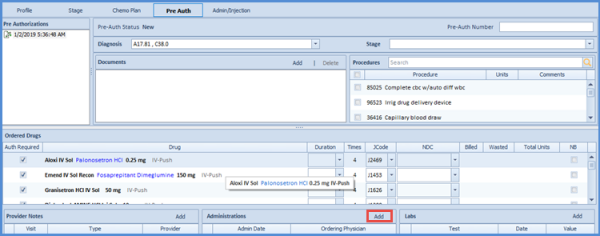
This displays the list of the signed administrations of that patient.
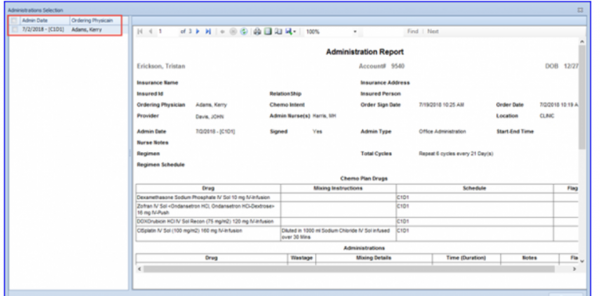
Select the desired administration(s) and click ‘Done’ to associate these administration(s) with the pre-auth request. The selected administrations are populated in the Administration tab on the Pre Auth window.