How to Use Drug Strip to Moderate Drugs in Chemo Manager?
Practice users can use the enhanced drug-strip to moderate drugs/regimens in Chemotherapy Manager. Apart from the enhanced performance, it also enables the users to copy, reorder, flag, delete and edit a drug.
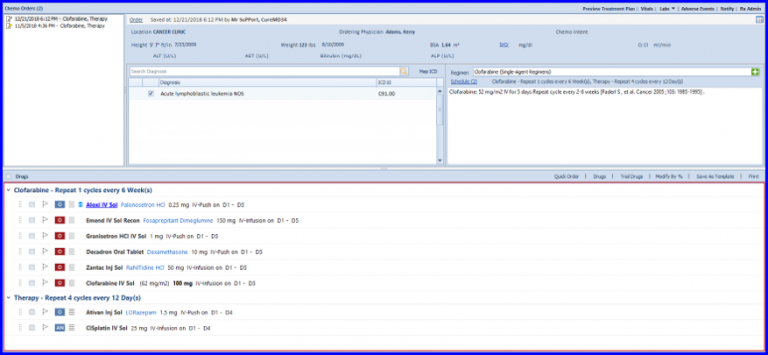
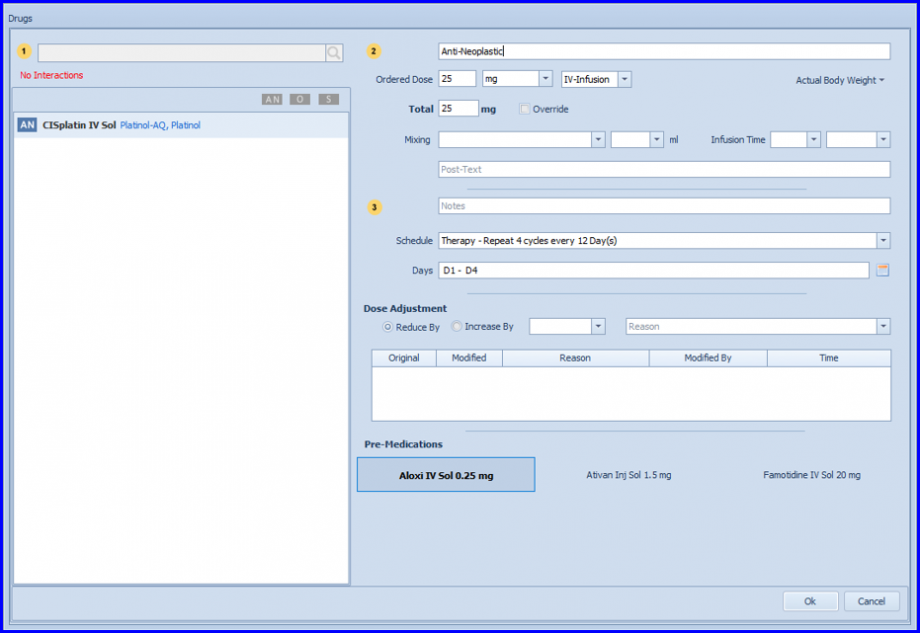
Simply click on a drug to edit its dosages, mixing instructions, schedule and pre-meds.

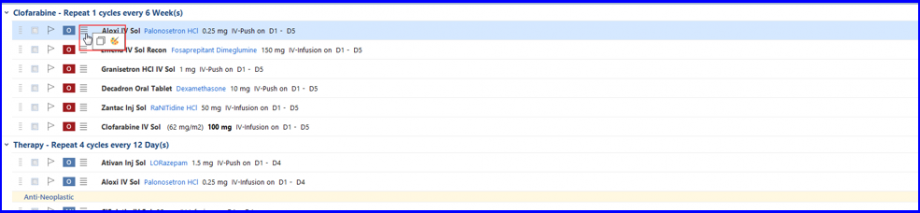
Similarly, making a copy of a drug or change the color of its pre-text can be done by selecting the relevant option from drug-strip menu  .
.
Users can also replace a drug in Regimen Creation workflow. To see how it is done, click here.
