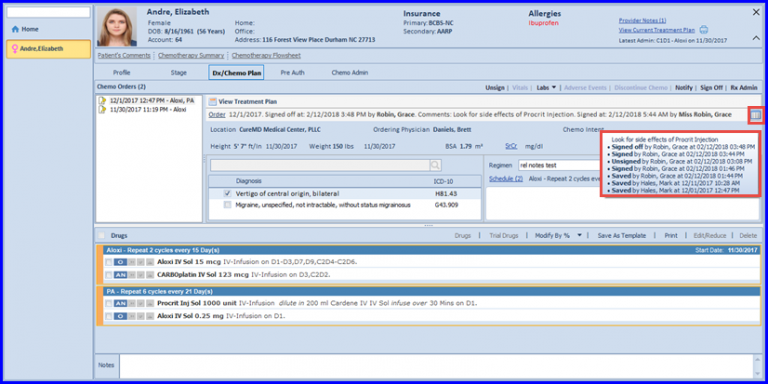
How to Sign off Chemo Order / Plan?
The user is able to add comments after the Plan is signed.
In order to do this, navigate to Chemo Plan and click on Sign Off tab.
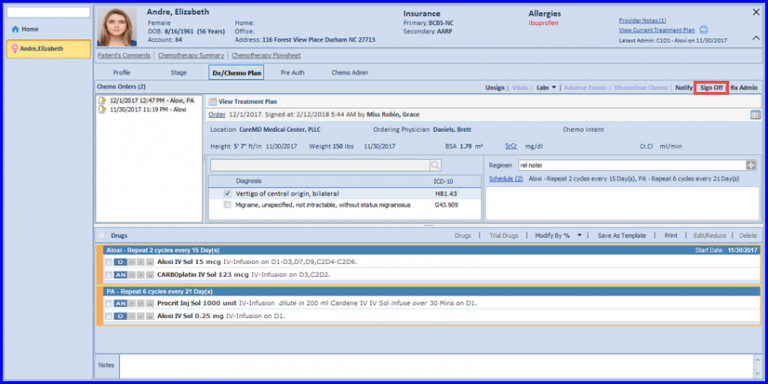
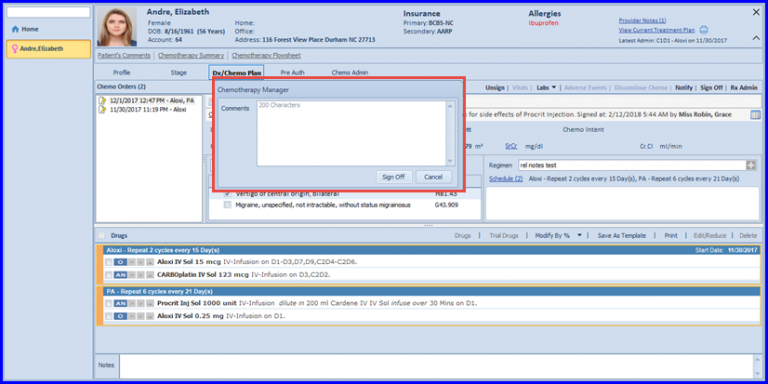
By clicking on this tab, the user is able to review the plan. Plus, the user can add any additional comments to the Plan if required and click on Sign Off.
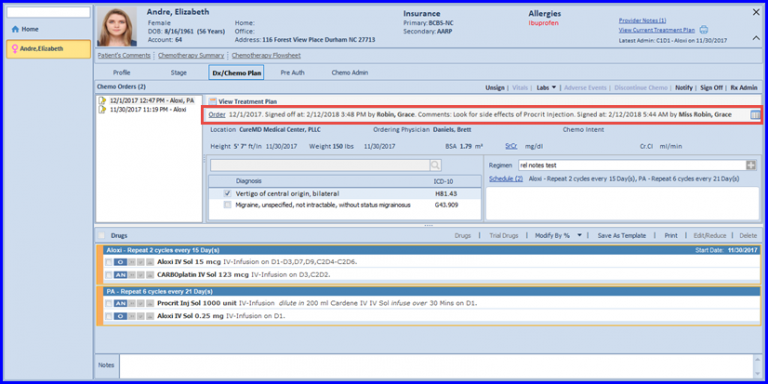
Once done, the comments are displayed on the Plan.
In order to view the Sign Off history, click on the Log icon as shown in the figure below.
A log of every Sign Off activity is displayed.