How to Add and View Labs in Chemo Order / Plan?
User can Add or View labs after the plan and chemo admin is signed.
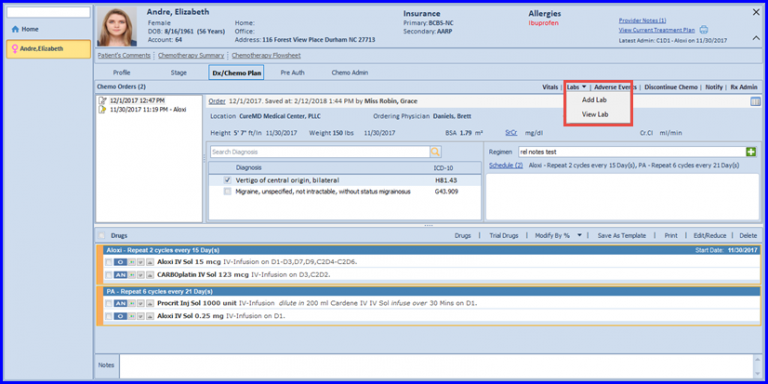
In order to view or a add a lab, click on the Lab link and a drop down will appear with two options:
- Add Lab
- View Lab
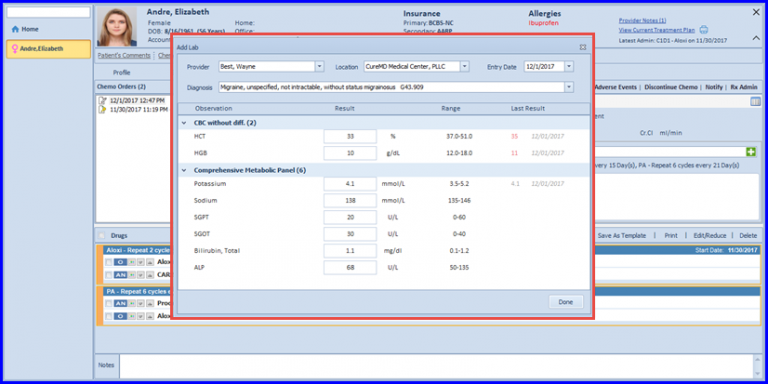
If the user clicks on Add button, an “Add Lab” screen shows up. User can specify the Provider’s name and click on ‘Save’ button after filling all the required Information.
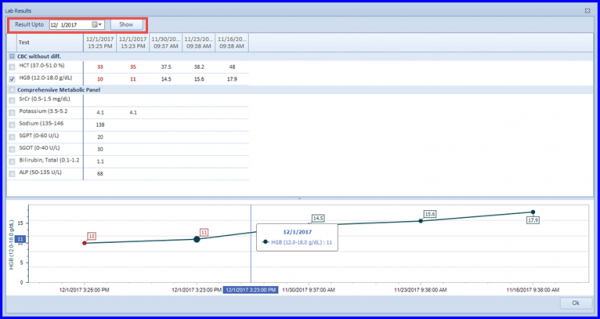
User can also view the lab by clicking on Add button. This helps the user to view the lab results for a particular date.
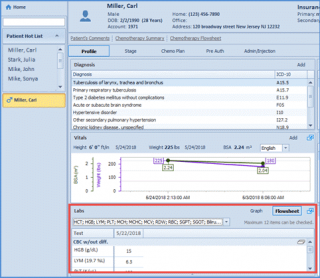
For convenience, users can access and acknowledge the lab results on the Patient Profile.