How to Monitor Patient’s Data in Admin Forms?
To learn about admin forms, click here.
Additionally, practice users can use CVAD section in Chemo Admin for CVAD (Central Venous Access Device) charting.
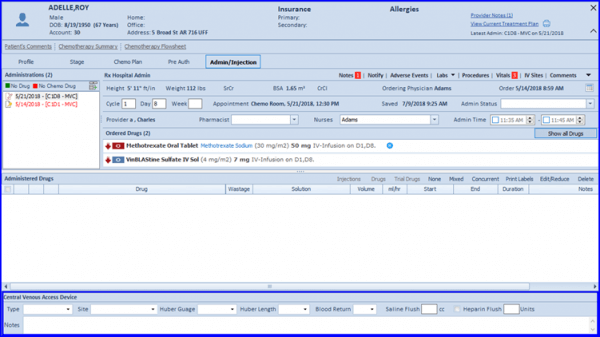
Once relevant data has been recorded in CVAD section, users can sign the Chemo Admin to reflect this charting in Provider Note.
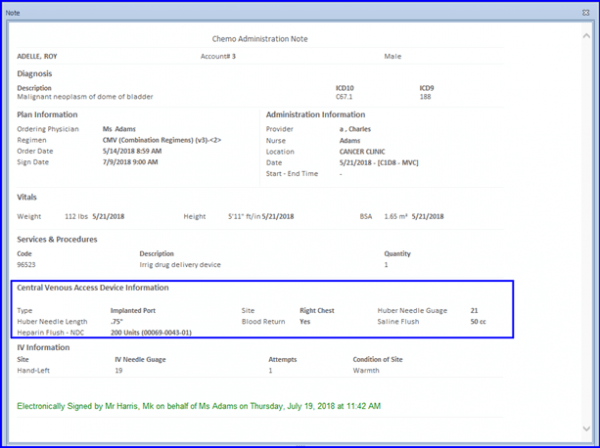
The CVAD charting section has also been made a part of Pre-Auth and Administration Report.
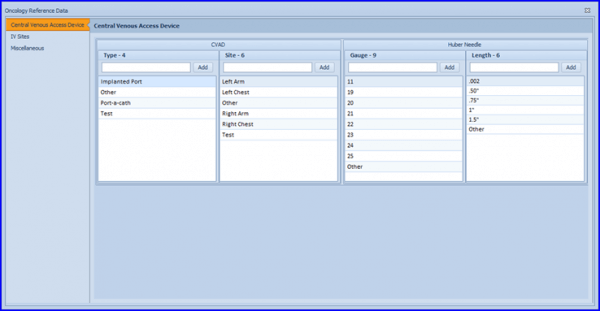
Lastly, the CVAD charting field(s) can be configured from Oncology Reference Data.