What are Custom Forms and its Types?
CureMD offers the only EMR/EHR with Custom Forms. User can adopt shared forms from our Custom Forms Library, or create a proprietary form for your own use. These customizable forms help the user to create customizable templates and questionnaire for patients.
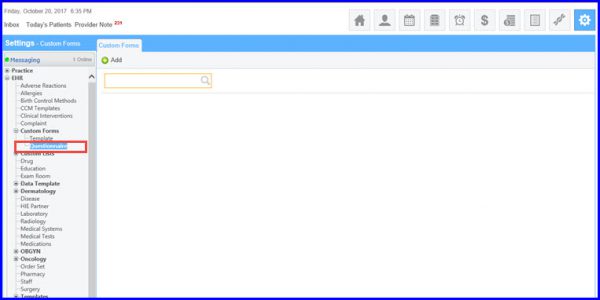
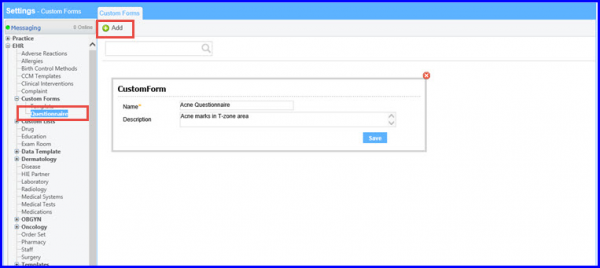
Users can either add question template or attach questionnaire to a custom form. In order to attach a questionnaire in custom form, user has to click on the Add button. Enter the name of questionnaire with description and save the information.
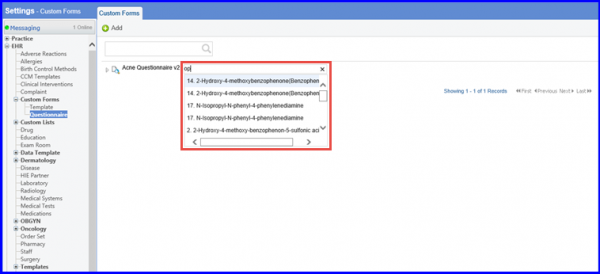
To add questions or options in the questionnaire, hover on the created questionnaire name to display a search bar. Enter the required options to be stated.