How to Delete a Surgical Detail?
Follow the workflow above to land on the ‘Surgery’ screen.
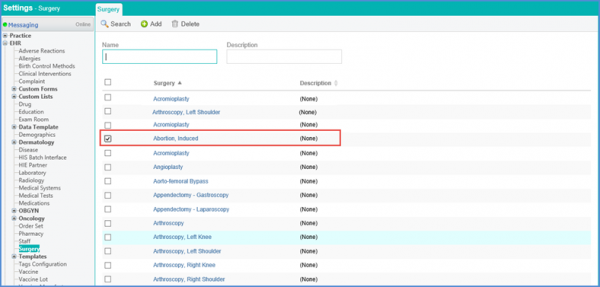
Enable the check box next to the record which needs to be deleted.
Click ‘Delete’ button.
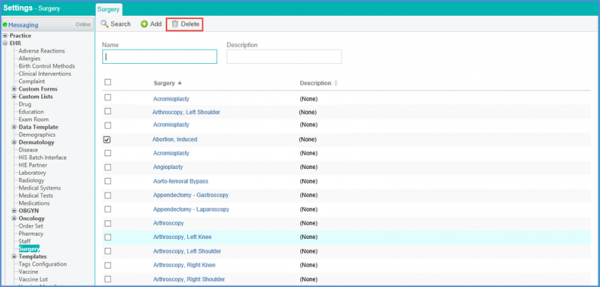
This will display the deletion confirmation pop-up.
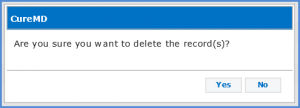
Click ‘Yes’ to confirm deletion of a ‘Disease Profile’ or ‘No’ to cancel.
If ‘Yes’ is clicked, ‘Disease Profile’ will be deleted.
