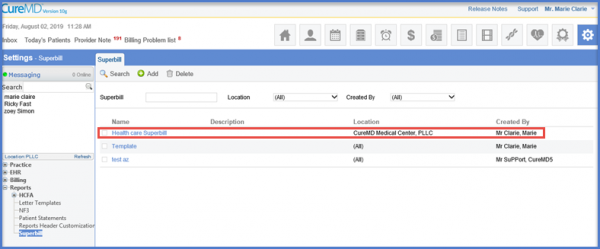
How to Delete a Superbill?
Follow the workflow above to land on the ‘Superbill’ screen.
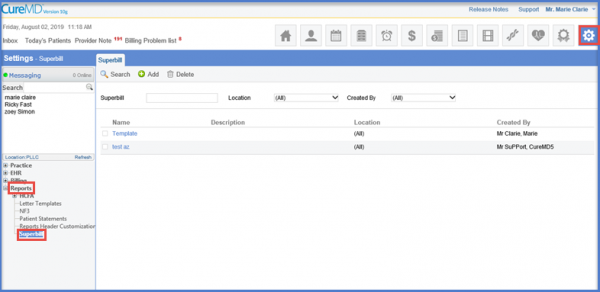
Enable the checkbox next to the ‘Superbill’ which needs to be deleted.
Click the ‘Delete’ button.”
The Deletion Confirmation pop-up will be displayed.
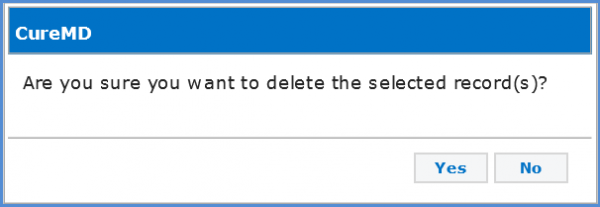
Click ‘Yes’ to confirm or ‘No’ to cancel.