How to Search a Staff Member?
Follow the workflow mentioned above to land on the Staff screen.
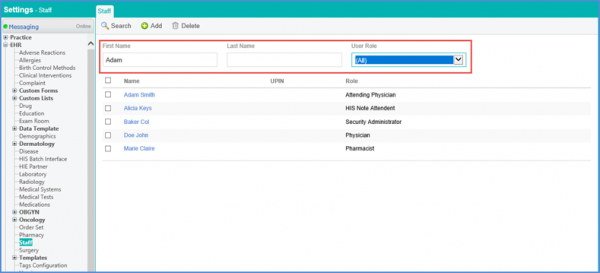
Enter the ‘First Name’ and ‘Last Name’ in the respective fields, and select the appropriate ‘Role’ from the dropdown menu.
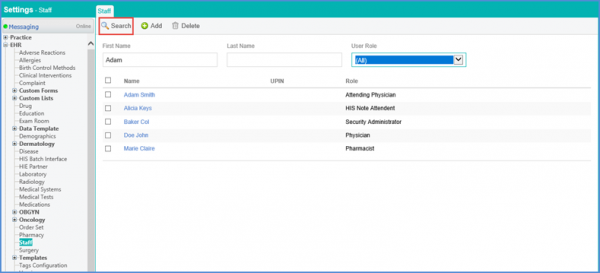
Click ‘Search’ to display the results.
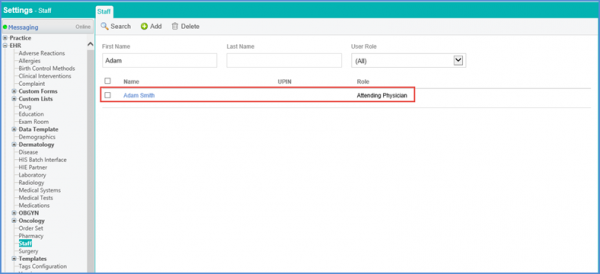
The required staff member is displayed.