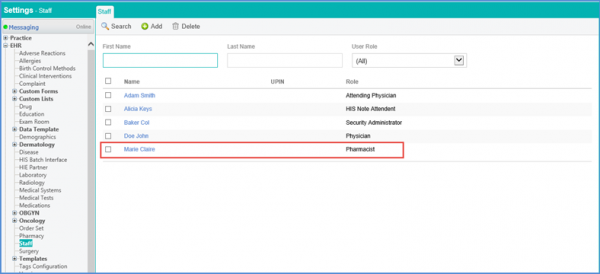
How to Add a Staff Member?
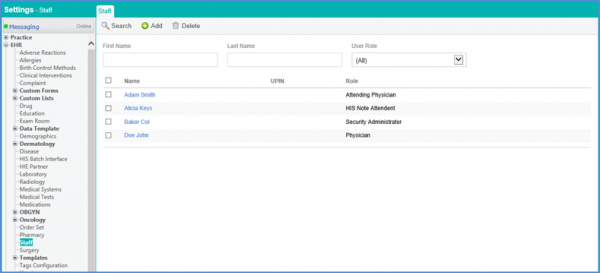
Follow the workflow mentioned above to land on the Staff page.
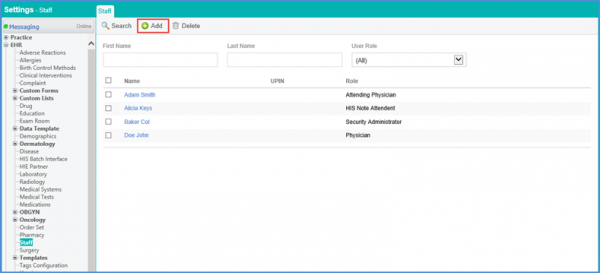
Click ‘+Add’ button to insert the record of a new staff member.
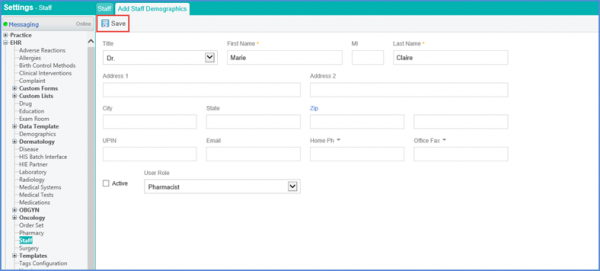
Enter the fields as is shown below. Click ‘Save’ once done.
The staff member is added and displayed.