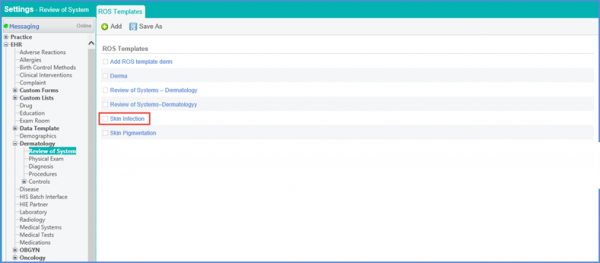
How to Add a Dermatology Review Of System Template?
Follow the workflow above to land on the ‘ROS Templates’ screen.
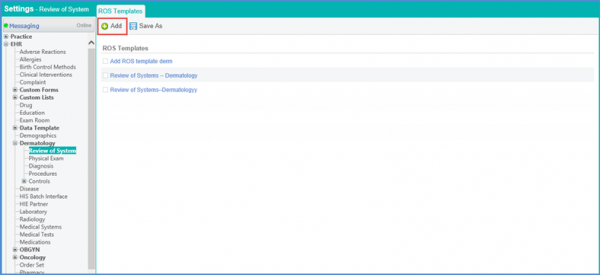
Click the ‘+Add’ button.
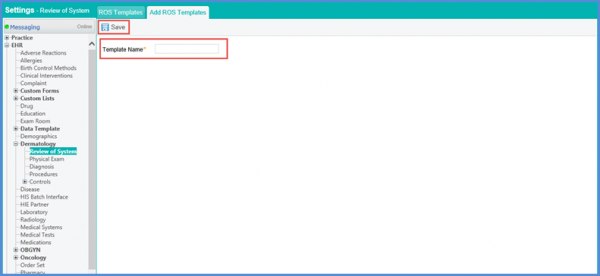
This will display the ‘Add ROS Templates’ screen.
Enter template name, click ‘Save’.
The new template is added and displayed.