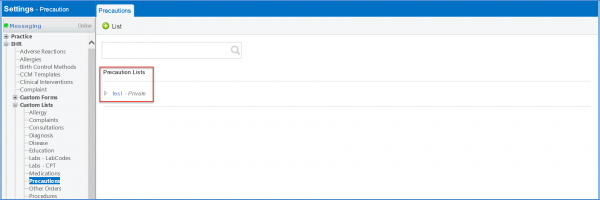
How to Create a Precaution Custom List to Populate in ACOG Infection History?
To create a precautions custom list, follow the workflow mentioned above to land on the ‘Precautions’ screen.
Click the ‘+List’ button.
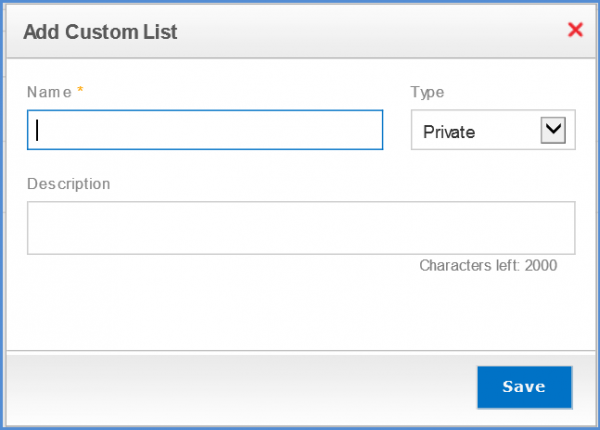
Enter the Name and Description. Select the Type from the dropdown menu. click ‘Save’ once done.
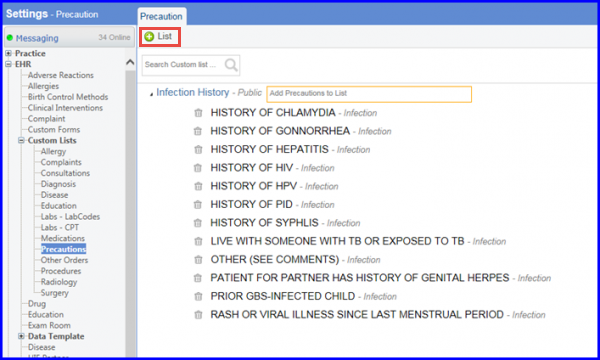
‘Precautions’ custom list is added and displayed.