How to Mark a User In-Active?
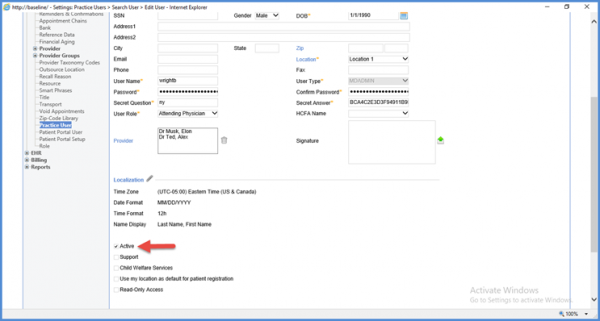
To mark a user in-active, the “Active” checkbox in the User Profile needs to be un-checked.
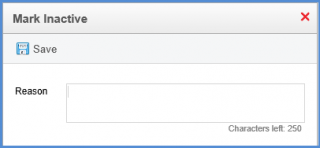
When un-checked, a light-box pops up where the user can enter the reason for marking in-active (within 250 characters).
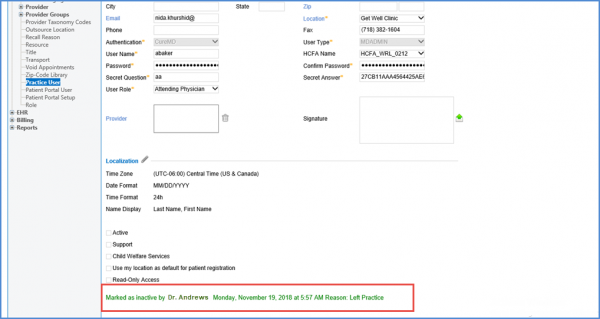
Upon saving the changes made, text is displayed at the bottom of the user profile screen; indicating the user as inactive and stating the reason for being marked inactive.
All the details of the change are stored in the Security Audit Trail.
