How to Adjust User Permission for Prior Authorization?
Follow the workflow above to land on the ‘Permissions’ screen.
Navigate to ‘Prior Authorization’ section, the system displays checkboxes for ‘View’ and ‘Delete’.
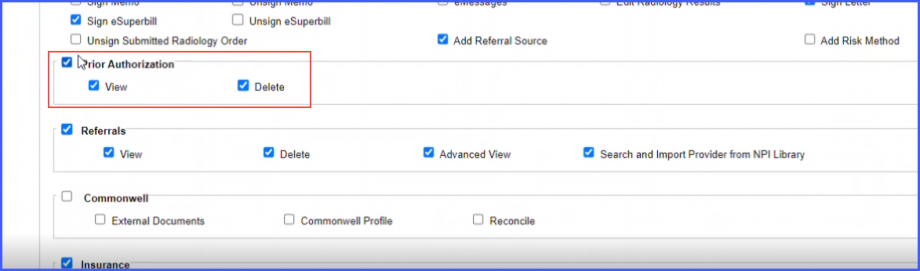
Enable or disable the checkboxes as per requirement and then click ‘Save’.
