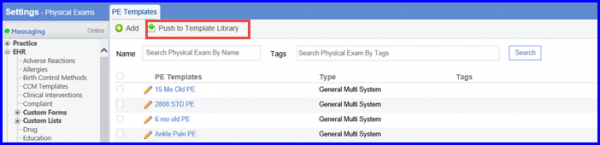
How to Add a Physical Exam Template to CureMD Template Library?
Follow the workflow above to land on the ‘PE Templates’ screen.
Users can import an ‘ACOG PE Template’ from the CureMD Template Library.
Click a PE Template to display the ‘Edit PE Template’ screen.
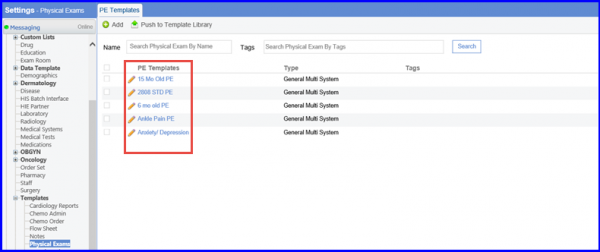
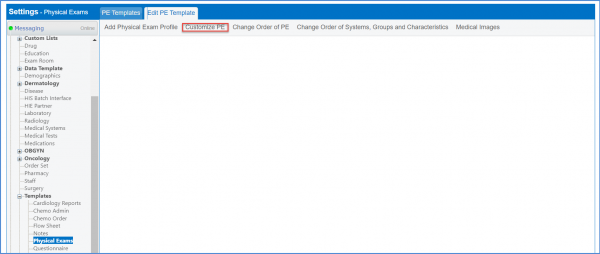
Click ‘Customize PE’ button to display the ‘Customize PE’ screen.
Select the ‘PE Name’ and click ‘Customize PE’ button.
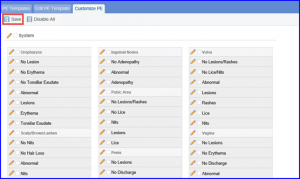
Doing so will display the PE Template components.

Users can select the systems to be included in the template by enabling checkboxes against the respective system and clicking ‘Save’.
Once this is done user can push the template to the CureMD template library by clicking on the ‘Push to Template Library’ option.