How to Delete a Payment Reason?
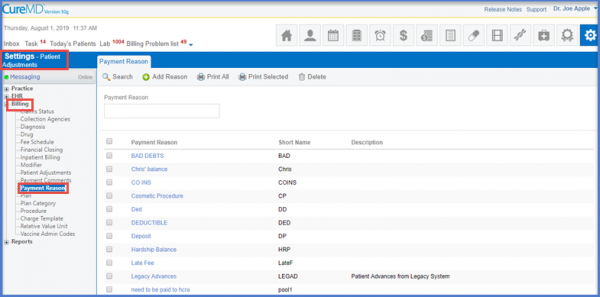
To delete a Payment Reason, use the workflow to land on the ‘Payment Reason’ page.
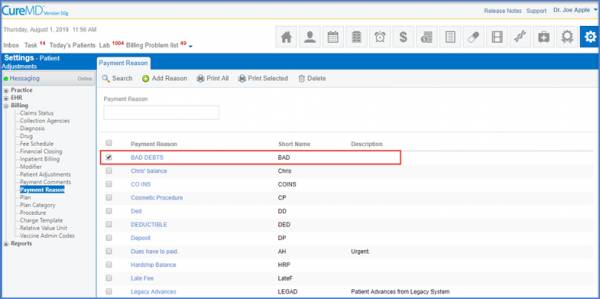
The user selects the check box of the record to be deleted.
Click the ‘Delete’ button and delete the record once the verification has been made.
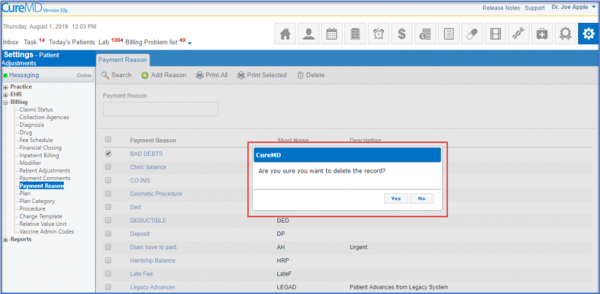
The record is deleted once the user clicks on the ‘Yes’ option.
