How to Search a Payment Comment?
To search for a Payment Comment, follow the workflow.
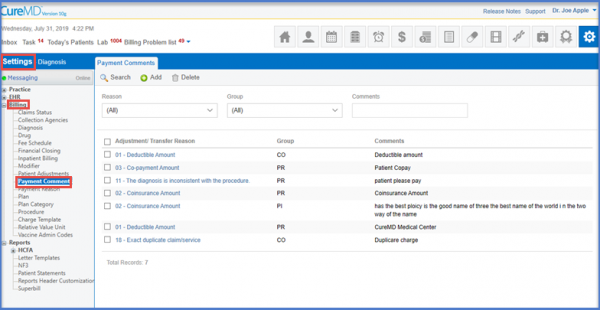
Here, the user selects the specific ‘Reason’ and ‘Group’ from the two respective drop down menus.
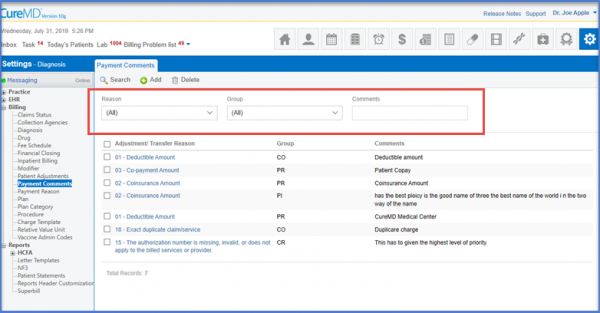
Once that is done, click the ‘Search’ button to look for the respective comment from the record history.
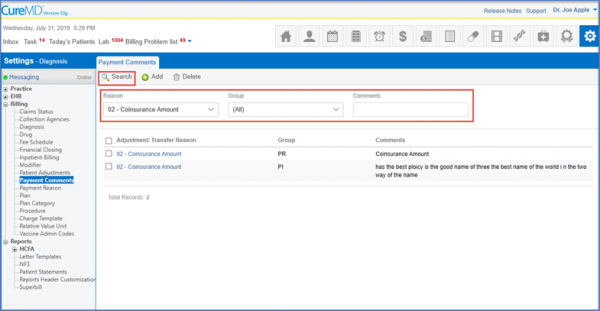
The subsequent Payment Comment records are displayed.
