How to Edit Email Alert Template?
Follow the workflow above to land on the Notifications screen.
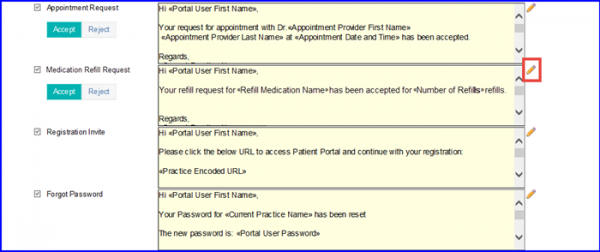
Go to the template which needs to be edited and click the ‘Edit’ next to it.
While editing the Medication Refill Request’s Notification template, select specific flag type, such as Medication and Refill Medication Name.
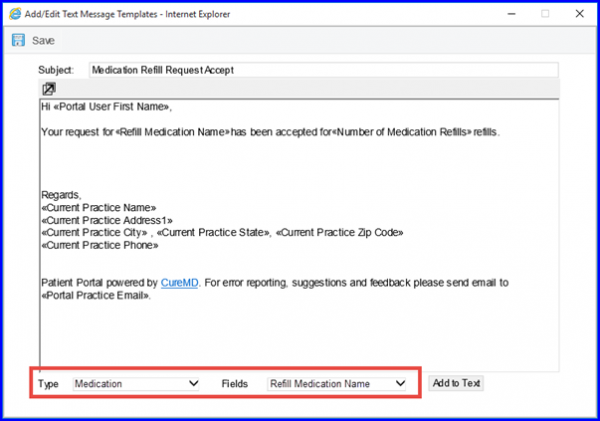
Save the changes to complete this editing process.
