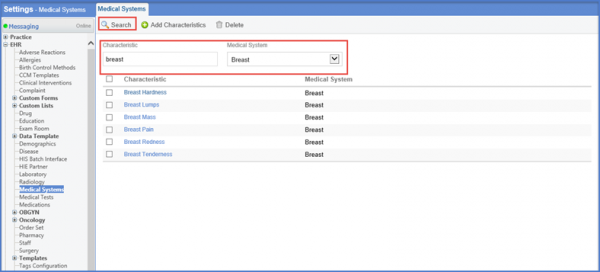
How to Search a Characteristic in the Medical System?
Follow the workflow mentioned above to land on the ‘Medical Systems’ screen.
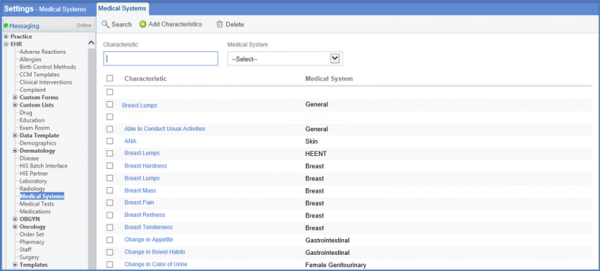
Enter the Characteristic and select the Medical System using the drop down menu.
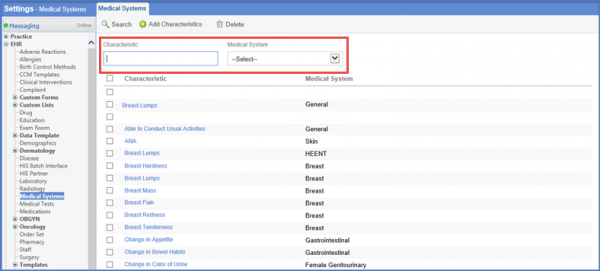
Click Search. Results will be displayed according to the search criteria.