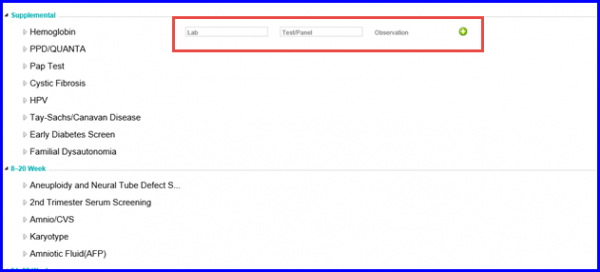
How to Associate Additional Lab Tests and Results with an ACOG Report?
Users can have additional lab tests and results associated with an ACOG report.
Follow the workflow above to land on the ‘Labs’ screen.
Click on the ‘+Add’ button.
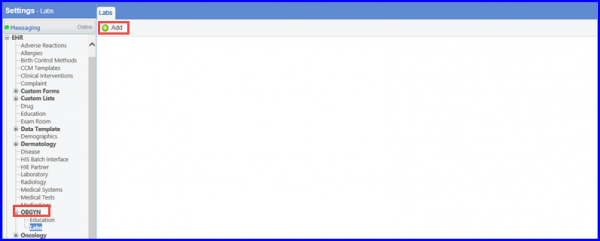
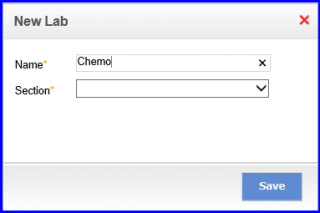
The ‘New Lab’ pop-up will be displayed.
Enter ‘Lab Name’ and select the section from the dropdown.
Click on ‘Save’ when done.
The user-defined tests would be included in the “Other” field in the report.