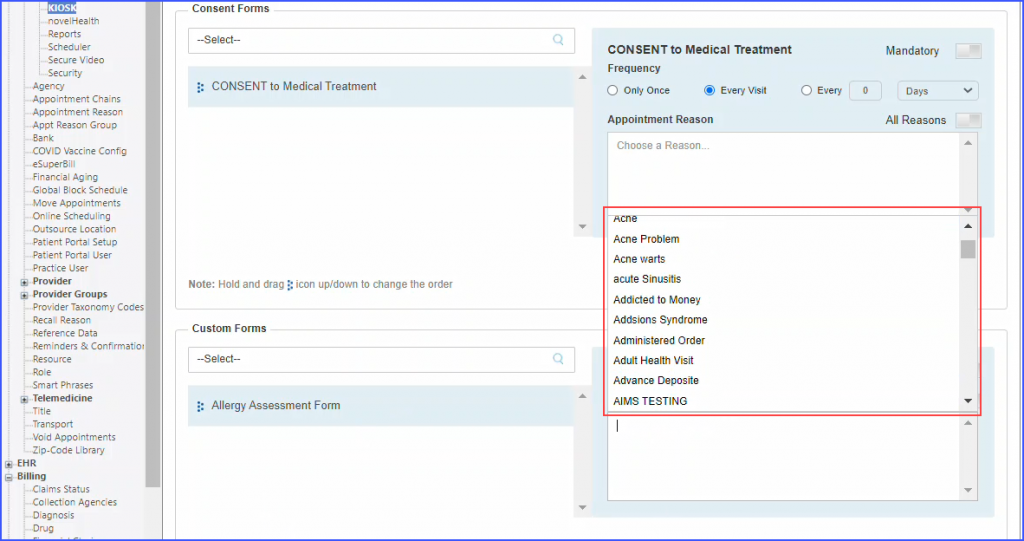
How to Attach Consent Forms to Appointment Reasons?

Users can attach consent and custom forms to appointment reasons. Patients can only view the forms applicable to their appointment reason.
Select a consent form from the search bar. For each consent form, the user can set the ‘Frequency’ and select an ‘Appointment Reason’.
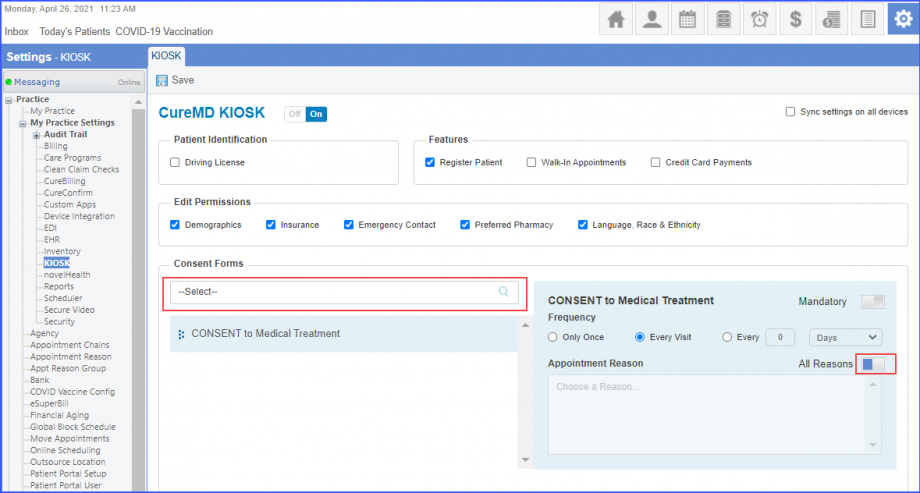
Click the ‘All Reasons’ toggle button to enable it and the consent form is displayed for all the appointment reasons on the KIOSK.
To specify an appointment reason for a consent form, disable the ‘All Reasons’ toggle button and click on ‘Choose a Reason’.
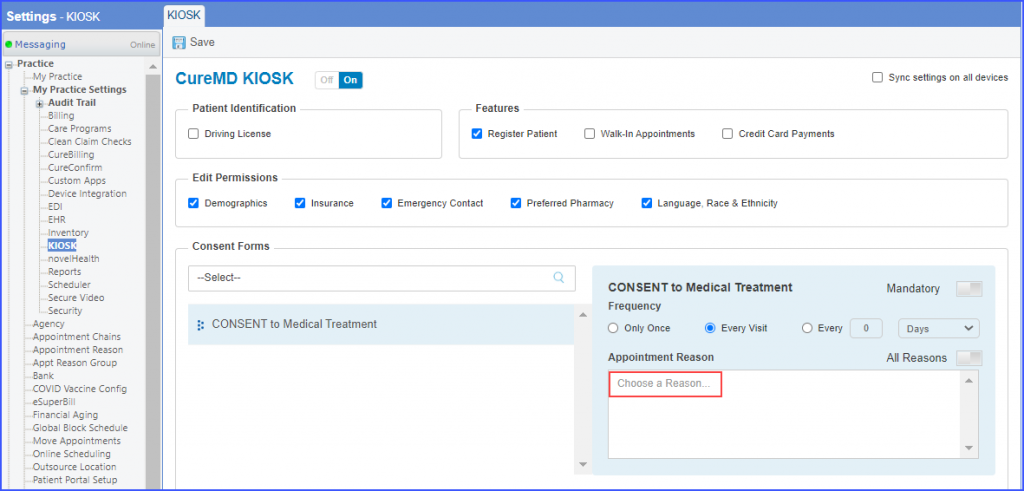
Select a reason from the list displayed. Then click ‘Save’.
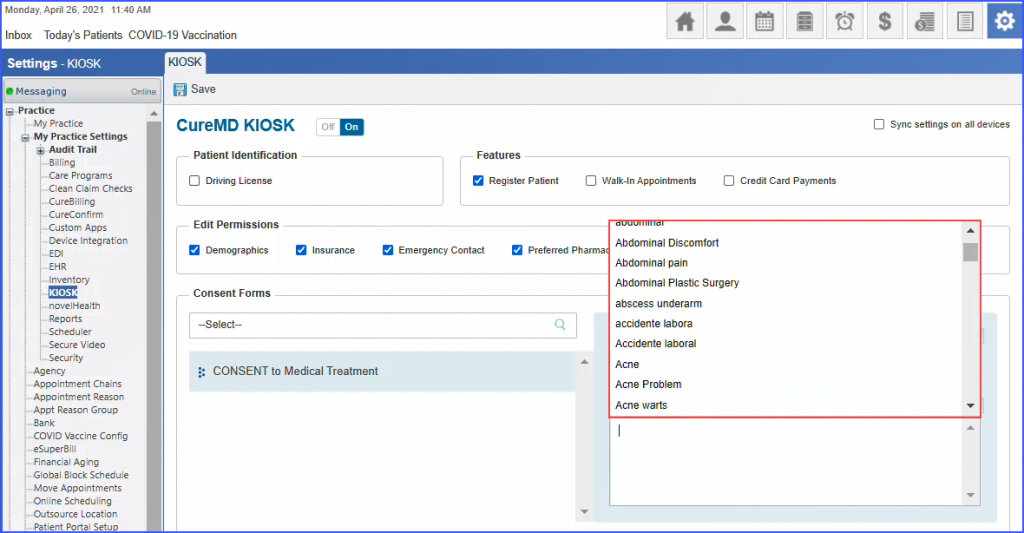
Similarly, users can attach custom forms to appointment reasons.
Select a custom form from the search bar and click the ‘All Reasons’ toggle button to associate the form with all the appointment reasons.
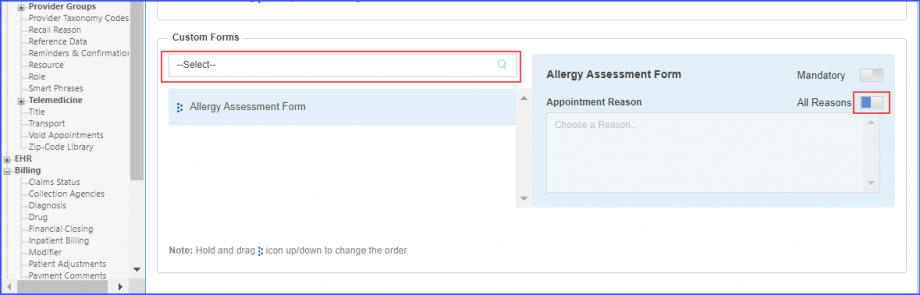
To choose an appointment reason, disable the ‘All Reasons’ button and click ‘Choose a Reason’.
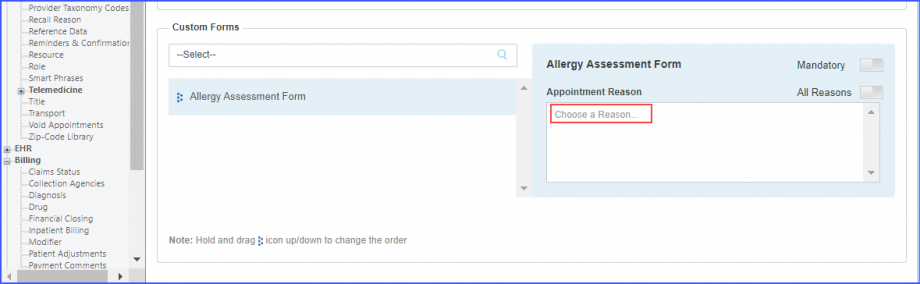
Select a reason from the list displayed. Then click ‘Save’.